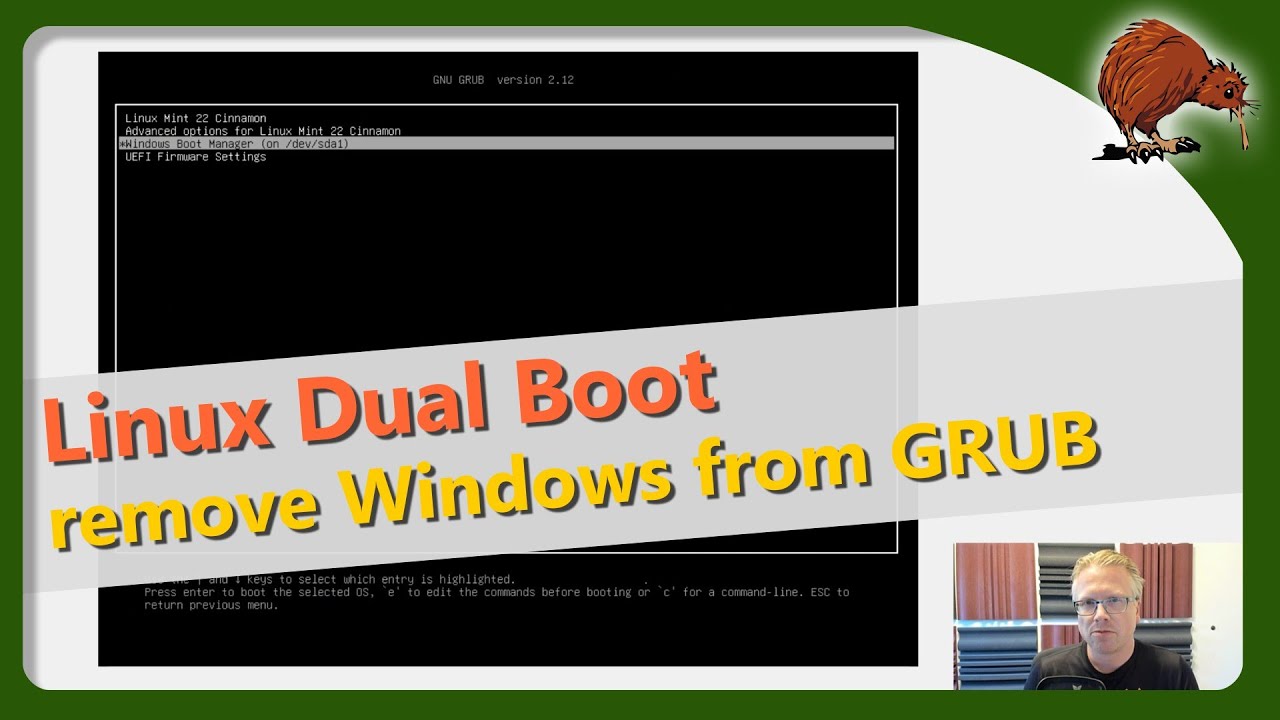
🧹 Remove Windows from Grub Boot Menu – Clean Up Your Dual Boot!
Автор: eKiwi-Blog Tutorials English
Загружено: 2025-07-08
Просмотров: 1426
📖 Blog post: https://ekiwi-blog.de/68678/windows-a...
Still seeing Windows in your GRUB menu even after you've wiped it from your system? 😤 Don’t worry – here’s how to permanently remove the leftover boot entry and enjoy a clean Linux-only startup! 🐧
In this video, I’ll show you:
✅ Why `sudo update-grub` alone won’t remove the Windows entry
✅ How to mount the EFI partition and locate the leftover bootloader
✅ The exact command to delete the Microsoft folder
✅ How to finally get rid of Windows in your GRUB menu
🔧 Commands used:
```bash
sudo mkdir /mnt/efi
sudo mount /dev/sda1 /mnt/efi
sudo ls /mnt/efi/EFI/
sudo rm -r /mnt/efi/EFI/Microsoft
sudo update-grub
```
💡 Works on most systems where Linux was installed alongside Windows.
👍 Don’t forget to like, subscribe, and leave a comment if it helped!
#Linux #GRUB #DualBoot #Ubuntu #LinuxTips #RemoveWindows #GrubFix
Доступные форматы для скачивания:
Скачать видео mp4
-
Информация по загрузке: