How to Use Fusion 360 to Post Process Cut Files for Your Plasma Table
Автор: Halo Innovations
Загружено: 2024-07-30
Просмотров: 799
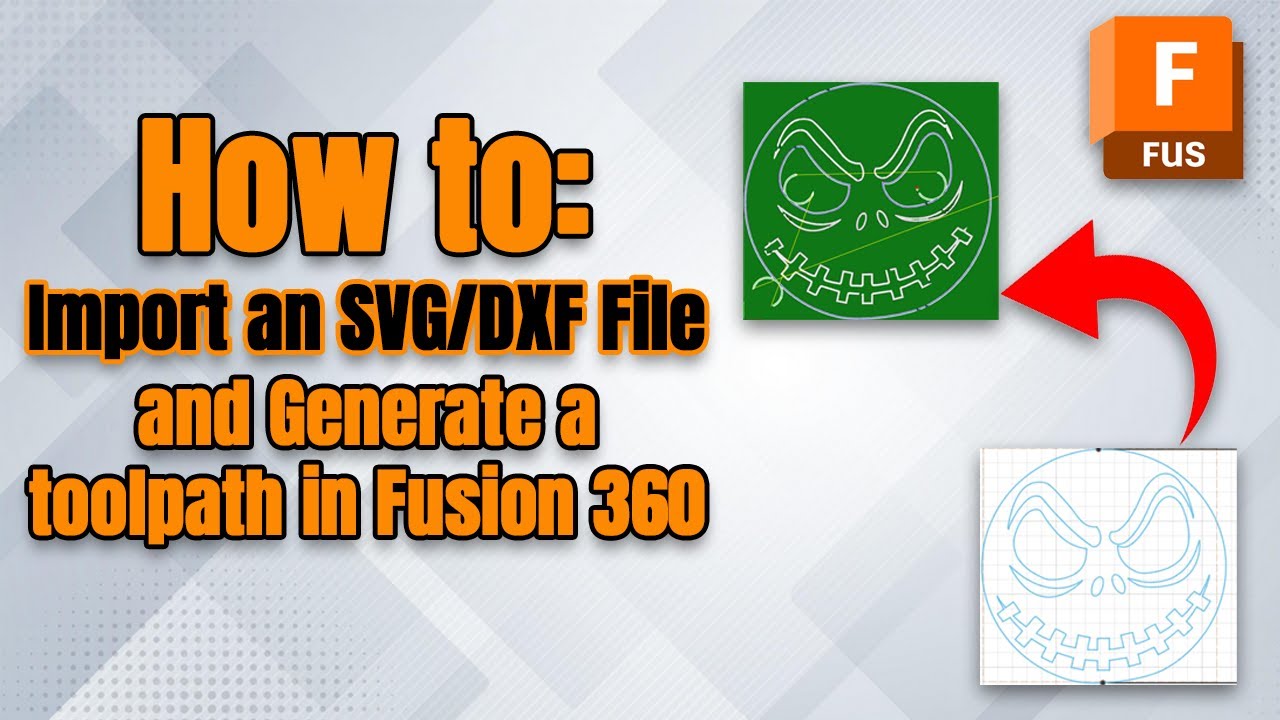
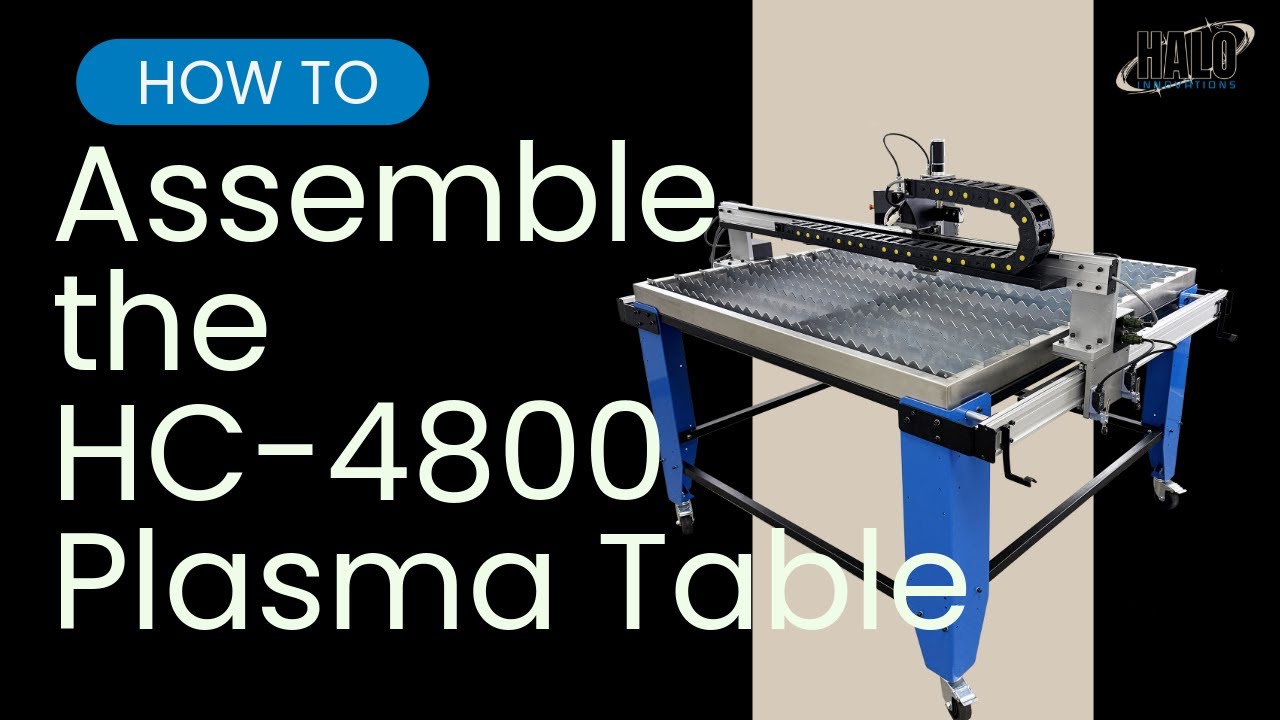
This video goes over how to download Fusion 360, how to import a tool library and a post processor, how to create simple parts, and how to generate a plasma tool path in Fusion 360, to use on your Halo Innovations Plasma Table.
Please note, the files you download from our website in order to follow along in this video are compressed in Zip Folders. If your computer isn't able to unzip a compressed folder, you will need to download a program that will be able to. Some options for this are; WinZip, WinRAR, and 7Zip.
Correction/Note for when creating the tool path for your parts. If you want to have the ability to change your Kerf on the table, or you are exporting a file with 0 Kerf, be sure to select the "In Control" compensation type in the "Passes" tab. If you select the "In Computer" compensation type, then the Kerf set in fusion will override any Kerf settings on the table. If using "In Control" compensation type, be sure to set the Lead-in Distance to the smallest non-zero value possible.
If you need to contact us directly, please visit the website linked here: https://halo-innovations.ca/ or email us at sales@halo-innovations.ca
Check out our social pages -
/ haloinnovations
https://www.facebook.com/profile.php?...
00:00 - Intro
00:10 - How to Download Fusion 360
02:17 - How to Import the Tool Library and Post Processor into Fusion
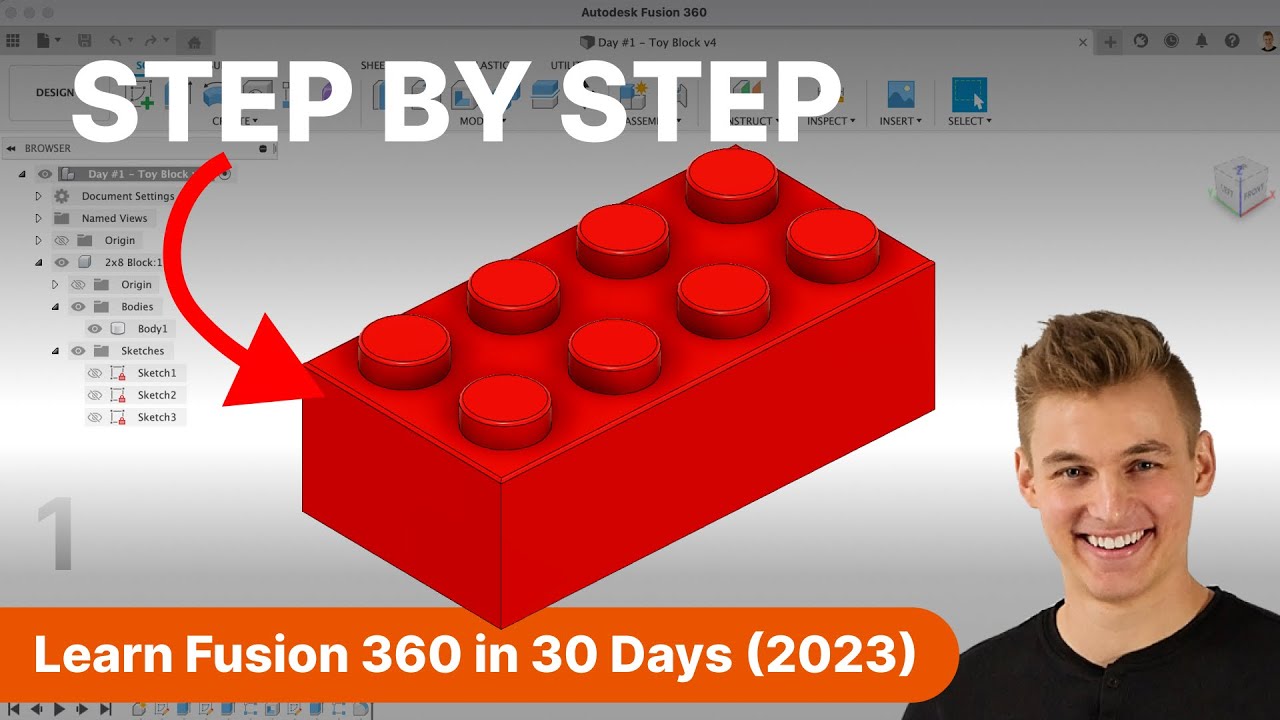
04:29 - How to create a Simple Part
11:30 - Generating the Tool Path and Posting the cut File
16:00 - Outro
Доступные форматы для скачивания:
Скачать видео mp4
-
Информация по загрузке: