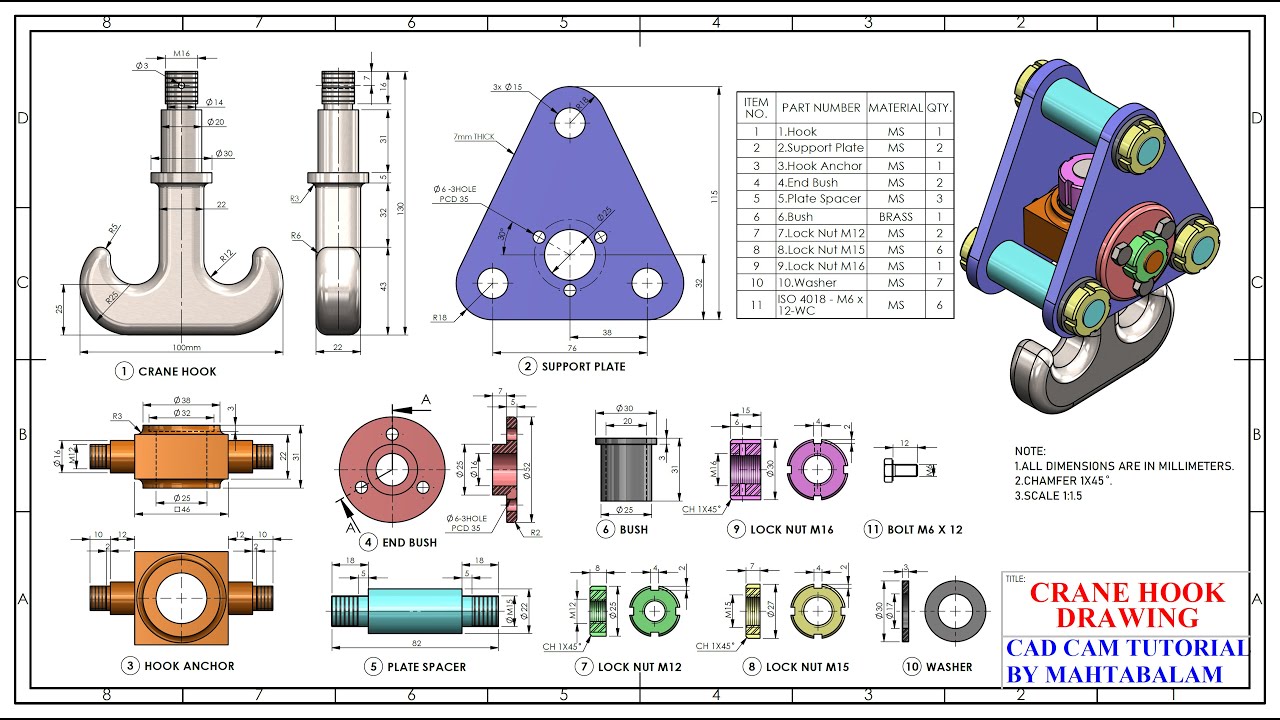
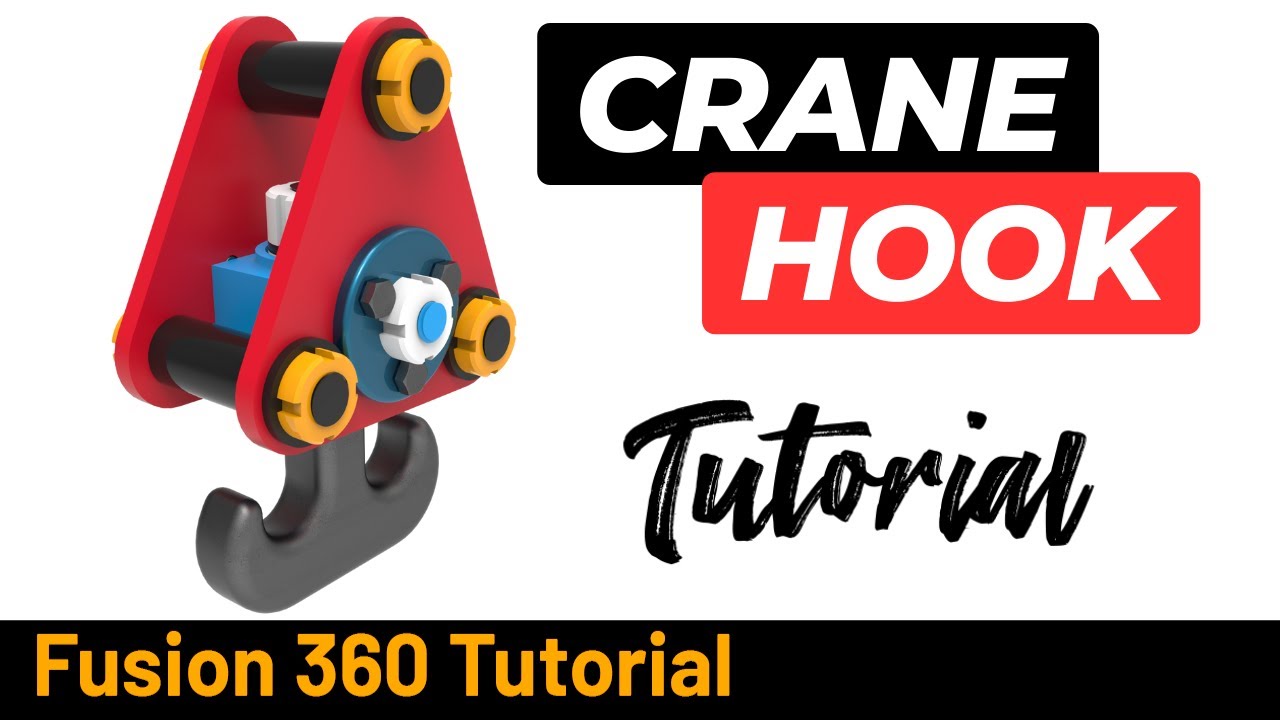
Crane Hook Parts and Assembley in Autodesk Fusion - Exercise 300
Автор: Fusion 360 Tutorial
Загружено: 2025-02-11
Просмотров: 1850
Support our free tutorials
Patreon - / fusion360tutorial
PayPal - https://www.paypal.com/donate/?hosted... #AutodeskPartner Thanks to @Autodesk for sponsoring this video! Learn how to make aCrane Hook in @adskFusion
Download 2d Sketch here : https://www.3dmechanism.com/post/3d-e...
STEP BY STEP
0:00 Intro
0:40 Support Plate
8:25 Plate Spacer
14:20 Washer
18:00 Lock Nut M15
24:35 End Bush
29:45 Hook Anchor
38:25 Bush
41:40 Bolt M6 x 12
43:16 Lock Nut M12
48:45 Last Washer
49:40 Lock Nut M16
55:45 Crane Hook
In this tutorial we'll use the features:
Sketch: Creates a 2D sketch for modeling.
Extrude: Extends a 2D sketch into a 3D shape by adding or removing material.
Mirror: Duplicates and reflects a feature or body across a plane.
Thread: Generates external or internal threads on cylinders.
Revolve: Rotates a 2D profile around an axis to create a 3D solid.
Insert Fastener: Adds standard hardware components (e.g., screws, bolts, nuts) from the Fusion 360 library into the assembly.
Fillet: Rounds off edges or corners of a model.
Chamfer: Creates a beveled edge between two faces or edges.
All dimensions are in mm/g/s/ISO
---------------------------------------------------------------------------------------------
Rating, commenting, subscribing and sharing are always appreciated!!
----------------------------------------------------------------------------------------------
▬▬▬▬▬▬▬▬▬▬▬▬▬▬▬▬▬▬▬▬▬▬▬▬▬▬▬▬▬▬
Follow Us On:
Instagram : / fusion360tutorial
YouTube: / @fusion360tutorial
#Education
#Fusion360
#Fusion360tutorial
#solidworks
#cad
#autodeskinventor
Доступные форматы для скачивания:
Скачать видео mp4
-
Информация по загрузке:

![How to design a Crane Hook? | Fusion 360 Tutorial [2021] | ItsmadeEZy](https://imager.clipsaver.ru/Ttuw8UYyB-w/max.jpg)