Get Better Audio in Your Videos | Sync Audio & Video
Автор: Kevin Ross
Загружено: 2021-01-31
Просмотров: 6607
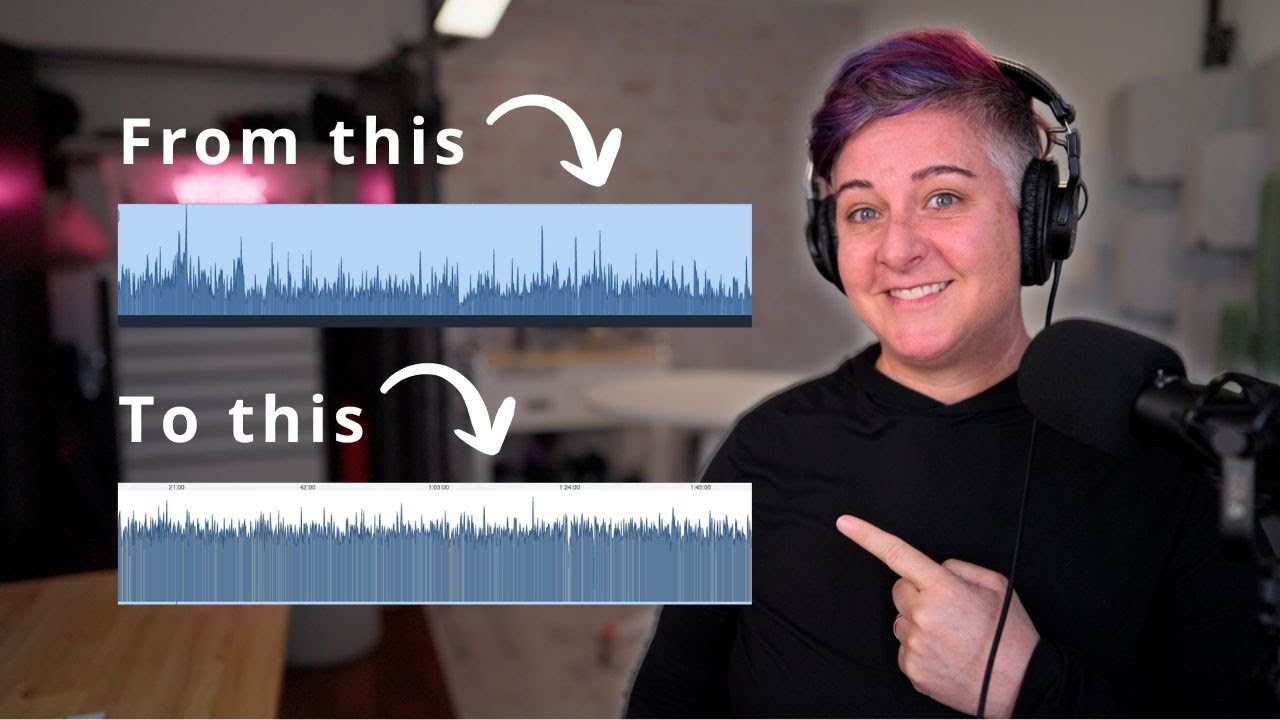
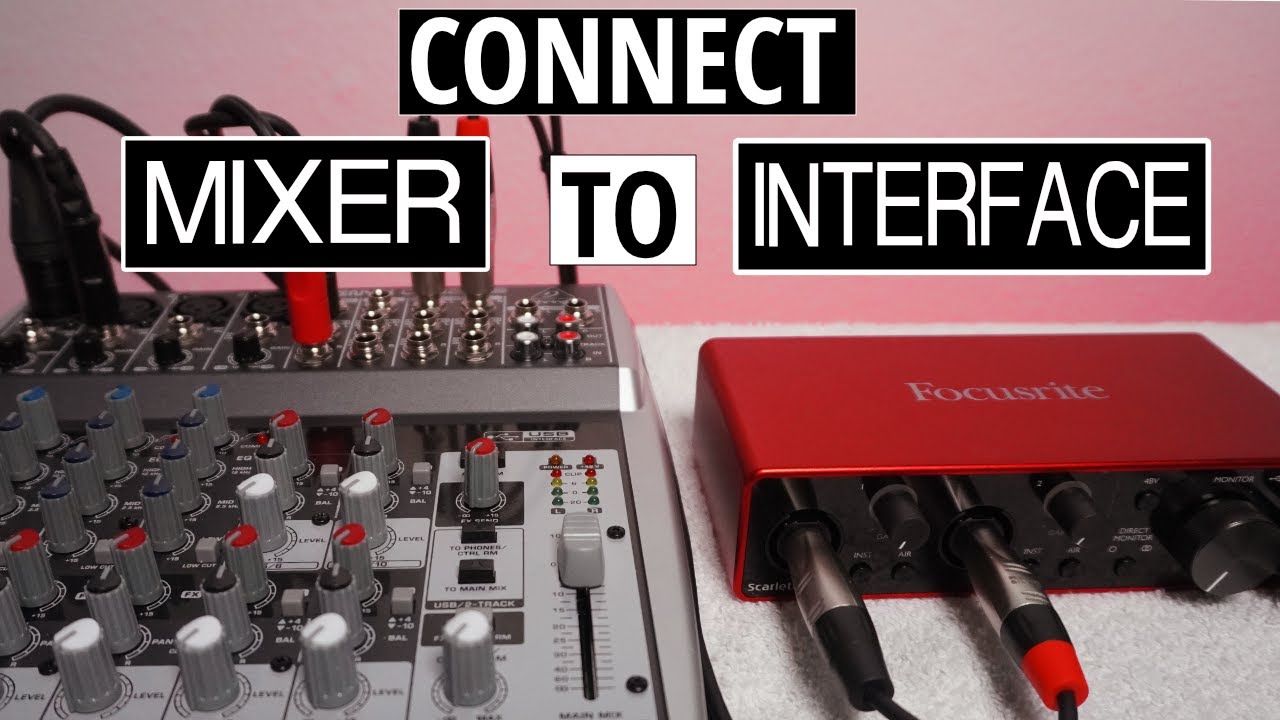
In this workflow I share with you how to get better audio in your YouTube videos on a mid-tier budget using the Deity S-Mic 2S and the MOTU M2, and then sync that audio with your video clips. If you are interested in improving the sound quality of your YouTube videos then I've got some answers. I’ve had several of you ask about my audio setup, which I’ve shared in previous videos, however after offering a lower budget option, I’m going to spend some time with what I consider the next steps in scaling your endeavor to a workflow that will be a worthwhile investment that will grow with you. The MOTU M2 is the audio interface I’m working with, which is compatible with the M1 Mac, however these tips also apply to Windows users as well.
Recording Software: https://www.avid.com/pro-tools (There's a free version)
Audacity: https://www.audacityteam.org/
Intro: 0:00
Prioritize Your Setup: 00:19
The Microphone Setup 01:05
The Audio Interface: 01:40
Pre-Production & Setting up the Interface: 04:12
Recording Software Workflow: 06:49
Exporting Your Audio File: 11:08
Auto Sync Audio w/Video: 13:10
Manually Sync Audio w/Video: 15:12
Brief Overview of my Settings: 16:51
Overhead Microphone: https://bit.ly/DeityS2SMic
Overhead Mic on Amazon: https://geni.us/HM2xXF (Amazon)
Another Boom Mic Option: https://geni.us/KtJco9X (Amazon)
Audio Interface in this video: https://geni.us/mkLpJe8 (Amazon)
Another Interface option: https://geni.us/3MY9ZY (Amazon)
Budget Audio Interface Option: https://geni.us/B12Nv (Amazon)
Studio Headphones I use: https://geni.us/GT3i0n (Amazon)
XLR Cable: https://geni.us/uAOWNI (Amazon)
Blankets: https://geni.us/lTjT (Amazon)
Microphone Boom Arm (XLR option): https://geni.us/Sar9g (Amazon)
Another Microphone Boom Arm (non-XLR option): https://geni.us/PItrHmw (Amazon)
A video I did that might help to mount the mic: • DIY YouTube Filming Setup
Build your own Setup:
WALI Monitor Mount: https://geni.us/wHhpNgB (Amazon)
WALI Gas Spring Arm: https://geni.us/FxLxM (Amazon)
Ballhead Clamp: https://geni.us/O8QjPd (Amazon)
Shock Mount: https://geni.us/D6md4EH (Amazon)
Adapters you may need (depending on your build): https://geni.us/Fzyxw (Amazon)
iPad Setup with Audio Interface:
iPad Air 4: https://geni.us/MGy7hX (Amazon)
USB-C Adapter: https://geni.us/bSn1cN (Amazon)
iPad with Lightning Adapter Accessories:
Lightning to USB Adapter (Official Apple Product): https://geni.us/sfUFZ (Amazon)
Lightning to USB Adapter (third party): https://geni.us/0a6bZB4 (Amazon)
For Podcasting:
Dynamic Microphone: https://geni.us/1iMWi (Amazon)
Another Dynamic Microphone Choice: https://geni.us/sZqd (Amazon)
Headphone Splitter (¼” to ⅛” female): https://geni.us/kPjzJ (Amazon)
Peripherals I use to edit (optional):
MX Master 3: https://geni.us/U2YYqcV (Amazon)
MX Keys: https://geni.us/qUcm (Amazon)
Bluetooth Keyboard (Budget): https://geni.us/DAbj (Amazon)
Bluetooth Mouse (Budget): https://geni.us/gAR9cQ (Amazon)
Another Bluetooth Mouse: https://geni.us/unec8i (Amazon)
If you’re interested in this workflow with an iPhone, I have linked the gear needed right here:
iPhone SE 2: https://geni.us/ubb62 (Amazon)
Audio Interface in this video: https://geni.us/mkLpJe8 (Amazon)
Another Interface option: https://geni.us/3MY9ZY (Amazon)
Lightning to USB Adapter (Official Apple Product): https://geni.us/sfUFZ (Amazon)
Lightning to USB Adapter (third party): https://geni.us/0a6bZB4 (Amazon)
Editing on an iPhone can be a challenge, so this can help you connect it to a monitor:
Optional Lightning to HDMI Adapter (Official Apple Product) https://geni.us/X6ZNZH5 (Amazon)
What I use to film:
My Primary Camera - https://geni.us/oXC0F (Amazon)
Prime Lens 16mm - https://geni.us/Xbpn (Amazon)
Overhead Microphone: https://bit.ly/DeityS2SMic
Overhead Mic on Amazon: https://geni.us/HM2xXF (Amazon)
Handheld Recorder: https://geni.us/Q80Hn (Amazon)
Sony 18-105: https://geni.us/OeCA (Amazon)
SanDisk Extreme: https://geni.us/3fAwVGF (Amazon)
Manfrotto Tripod: https://geni.us/BedEO (Amazon)
Are you subscribed yet? http://bit.ly/kevinsubscribe
The Music I use in my videos: http://bit.ly/EpidemicSoundKR
This is how I find relevant keywords for my videos: https://www.tubebuddy.com/kevinross
Stay in touch:
/ kevinrossrn
/ kevinrossrn
Send Mail & Packages to:
Kevin Ross
4845 Pearl E. Cir. STE 101
Boulder, CO 80301
I'm a participant in the Amazon Services LLC Associates Program, an affiliate advertising program designed to provide a means for sites to earn advertising fees by advertising and linking to Amazon.com.

Доступные форматы для скачивания:
Скачать видео mp4
-
Информация по загрузке: