Популярное

Музыка Кино и Анимация Автомобили Животные Спорт Путешествия Игры Юмор

Интересные видео

2025 Сериалы Трейлеры Новости Как сделать Видеоуроки Diy своими руками

Топ запросов

смотреть а4 schoolboy runaway турецкий сериал смотреть мультфильмы эдисон
dTub
Скачать

Excel Chart with Rolling 6 Months, 12 Months, or User-Defined End Date using Dynamic Named Ranges

Автор: Practical Spreadsheet Solutions

Загружено: 2022-09-11

Просмотров: 20335

Описание:

This video has been updated with newer functions for Microsoft 365. You can find the newer video here:
   • How to use GROUPBY to chart rolling 6 mont...  

In this video you will see, how to make a chart in Microsoft Excel with dynamic rolling periods that are updated, as soon as new months are added to the table. Alternatively, this solution can be extended to show the consecutive months, the number of which and end date can be flexibly chosen by the user from a drop-down list to zoom in and out of one single chart. The solution does not need additional tables or Visual Basic for Applications and is instead based on using dynamic named ranges and formulas returning arrays. Two options will be shown for the formulas-one using the OFFSET function and the other using the INDEX function. The OFFSET function will recalculate every time that a change is made on the sheet, even in cells not related to it, so if calculation time is an issue for you because of a very large file, then please use the formulas with INDEX function instead.

Chapters
00:00 Introduction
01:04 Preparing the table and line chart
01:41 The concept for charting the rolling months
03:11 Formula for rolling 6 months with OFFSET function
04:48 Creating dynamic named ranges with the formula
06:13 Using dynamic named ranges in the chart
07:27 Adapting the named ranges for rolling 12 months
07:56 INDEX function as alternative to OFFSET for rolling months
11:24 User-defined end date and number of months
11:59 Creating a drop-down list of months using data validation
13:09 Formula with OFFSET and MATCH functions
15:43 Updating the named ranges with the new formula
17:20 Using INDEX and MATCH functions for a similar effect
19:13 Updating the named ranges

If you need an alternative to using dynamic named ranges for making the dynamic chart in Microsoft 365 and Excel for the web, then take a look at this video    • A feature that you absolutely need to know...  

For more contents like this, please subscribe to my channel.
#MsExcel #ExcelTips
Screenshots used with permission from Microsoft.
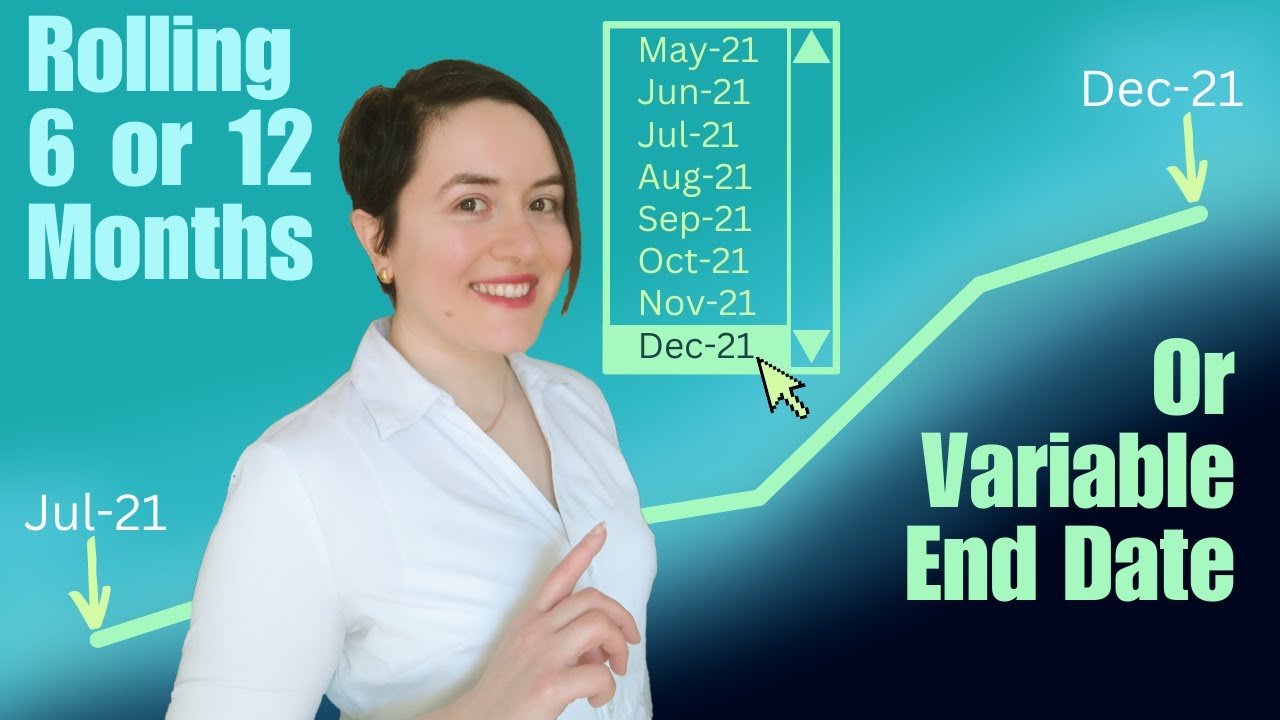
Excel Chart with Rolling 6 Months, 12 Months, or User-Defined End Date using Dynamic Named Ranges

Поделиться в:

Доступные форматы для скачивания:

Скачать видео mp4

  • Информация по загрузке:

Скачать аудио mp3

Похожие видео

Charting a Dynamic Year-to-Date Period Using the OFFSET Function in Microsoft Excel (Part 1 of 2)

Charting a Dynamic Year-to-Date Period Using the OFFSET Function in Microsoft Excel (Part 1 of 2)

Перестаньте использовать длинные формулы: попробуйте вместо них «*» и «?»

Перестаньте использовать длинные формулы: попробуйте вместо них «*» и «?»

I don't use OFFSET Anymore! I Use Another Function Instead.

I don't use OFFSET Anymore! I Use Another Function Instead.

How to use GROUPBY to chart rolling 6 months or months between variable dates in Microsoft 365

How to use GROUPBY to chart rolling 6 months or months between variable dates in Microsoft 365

Bar chart with differences in Excel

Bar chart with differences in Excel

Эта ФУНКЦИЯ спасла мой вечер от СКУЧНОЙ РАБОТЫ в Excel! ОНА нужна всем!

Эта ФУНКЦИЯ спасла мой вечер от СКУЧНОЙ РАБОТЫ в Excel! ОНА нужна всем!

Excel OFFSET Function for Dynamic Calculations - Explained in Simple Steps

Excel OFFSET Function for Dynamic Calculations - Explained in Simple Steps

Make Beautiful Excel Charts Like The Economist (file included)

Make Beautiful Excel Charts Like The Economist (file included)

Фишки Excel, которые я использую КАЖДЫЙ ДЕНЬ! ЭТО нужно каждому

Фишки Excel, которые я использую КАЖДЫЙ ДЕНЬ! ЭТО нужно каждому

Create a Dynamic Chart with Named Ranges, INDEX and MATCH

Create a Dynamic Chart with Named Ranges, INDEX and MATCH

Новые флажки в Excel невероятно круты! Вот почему

Новые флажки в Excel невероятно круты! Вот почему

Представляем функции REGEX в Excel — легко извлекайте, очищайте и форматируйте данные! (НОВИНКА!)

Представляем функции REGEX в Excel — легко извлекайте, очищайте и форматируйте данные! (НОВИНКА!)

Make Impressive McKinsey Visuals in Excel!

Make Impressive McKinsey Visuals in Excel!

How to Create a Dynamic Chart Range in Excel using Dropdown

How to Create a Dynamic Chart Range in Excel using Dropdown

The Windows 11 Disaster That's Killing Microsoft

The Windows 11 Disaster That's Killing Microsoft

Функция SCAN в Excel: динамические массивы стали проще

Функция SCAN в Excel: динамические массивы стали проще

Excel Speedometer Charts - How to build them and why YOU SHOULDN'T!

Excel Speedometer Charts - How to build them and why YOU SHOULDN'T!

Создавайте сводные таблицы, которых вы НИКОГДА не видели! (включая изображения и типы данных)

Создавайте сводные таблицы, которых вы НИКОГДА не видели! (включая изображения и типы данных)

5 секретов Excel, о которых вы можете стыдиться, если не знали

5 секретов Excel, о которых вы можете стыдиться, если не знали

Top Excel Functions for Data Analysts & What NOT to Waste Time Learning

Top Excel Functions for Data Analysts & What NOT to Waste Time Learning

© 2025 dtub. Все права защищены.


  • Контакты
  • О нас
  • Политика конфиденциальности


Контакты для правообладателей: infodtube@gmail.com