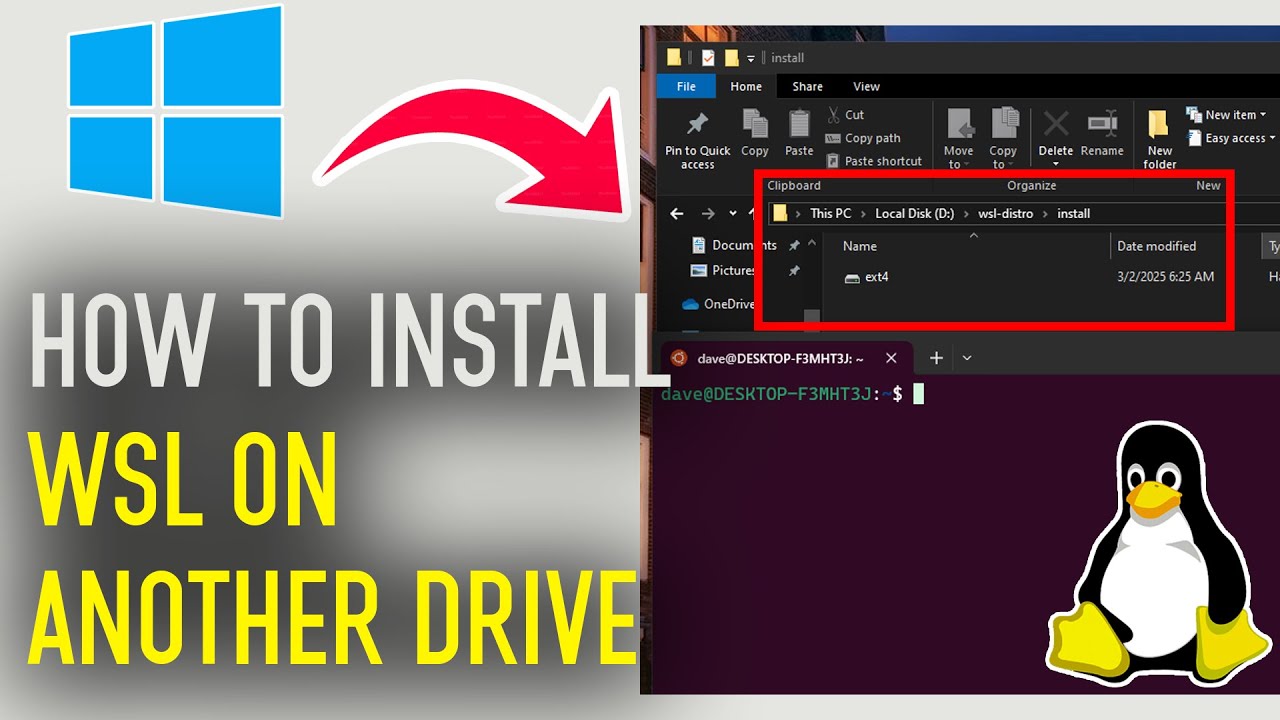
How to Install WSL on Another Drive – Move Linux to a Different Disk!
Автор: TechInfoBase
Загружено: 2025-03-03
Просмотров: 967
Want to install WSL (Windows Subsystem for Linux) on a different drive instead of the default C: drive? 🚀 In this step-by-step guide, I’ll show you how to install or move WSL to another drive for better storage management and performance.
What You’ll Learn:
✔ How to install WSL on a different drive (D:, E:, etc.)
✔ Move an existing WSL installation to another disk
✔ Optimize storage & manage WSL distributions
Commands :
wsl.exe --export [DistroName] [Tar-FileName]
Ex: wsl.exe --export Ubuntu-22.04 D:\WSL\Ubuntu-22.04\Ubuntu-22.04.tar
wsl.exe --import [DistroName] [Folder-To-Install] [Tar-FileName]
Ex : wsl.exe --import Ubuntu-22.04 D:\WSL\Ubuntu2204\ D:\WSL\Ubuntu22.04\Ubuntu22.04.tar
wsl.exe --unregister [OldDistroName]
Ex : wsl.exe --unregister Ubuntu-22.04
wsl.exe -d [NewDistributionName]
Ex: wsl.exe -d Ubuntu-22.04
⚡ LIKE 👍, SUBSCRIBE 🔔 & COMMENT 💬 if this helped you!
Доступные форматы для скачивания:
Скачать видео mp4
-
Информация по загрузке: