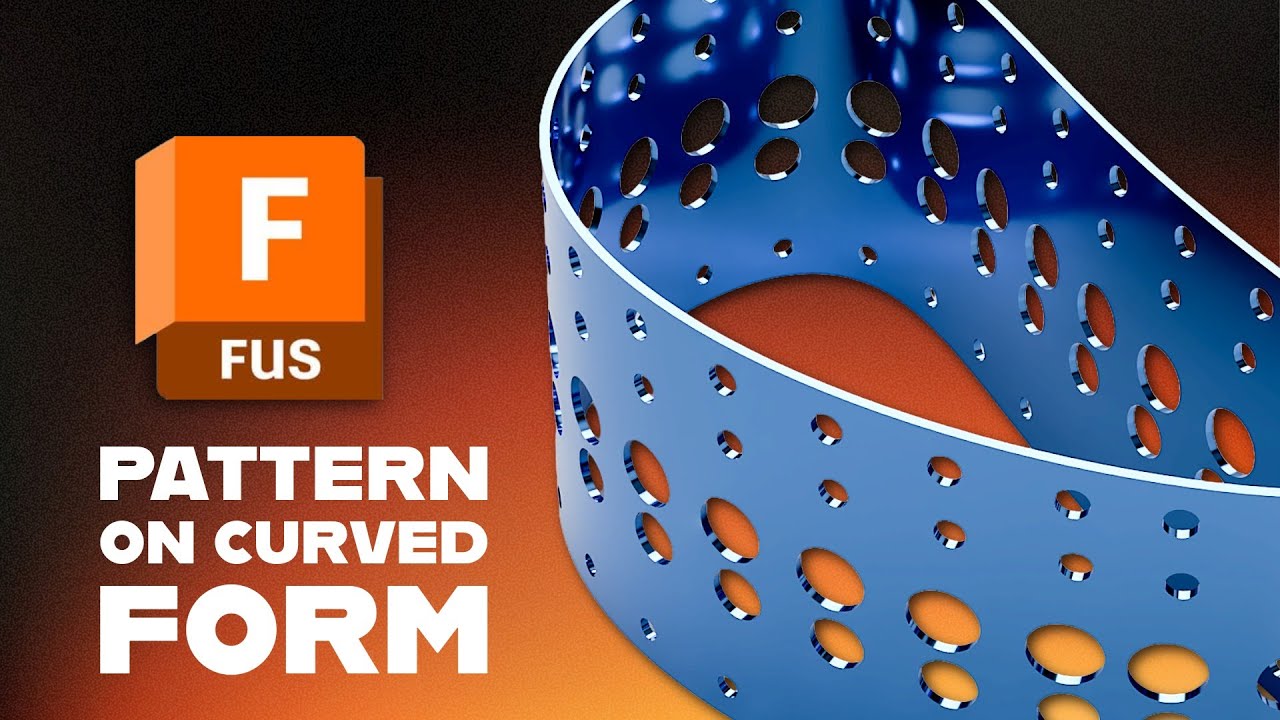
Fusion 360 Tutorial: Create Perforated Patterns on Curved Surfaces (Parametric)
Автор: What Make Art
Загружено: 2026-01-19
Просмотров: 828
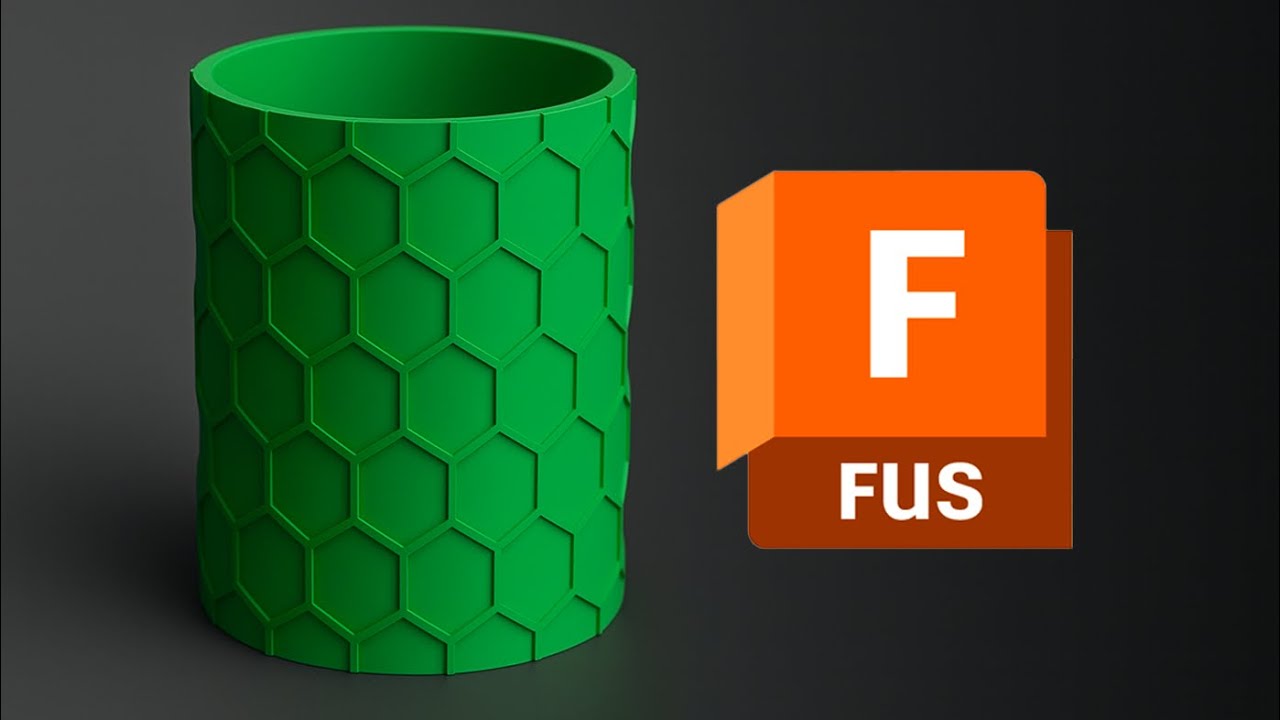
Learn how to create clean, repeatable cutout patterns on complex cylindrical and curvilinear shapes in Autodesk Fusion (Fusion 360). In this tutorial, you’ll model a curvy, thin-walled form, cut a set of circular holes through it, then use Pattern on Path to wrap those cut features around the surface. You’ll also see how changing the pattern orientation to Path Direction makes the features follow the curve correctly, and how to quickly tweak the result using Fusion’s parametric timeline.
What you’ll learn
Create a curvilinear profile and make a thin wall extrude
Build an angled construction plane for sketching through a 3D form
Cut multiple holes with a symmetric extrude cut
Use Pattern on Path with features for reliable, editable results
Fix orientation issues by switching to Path Direction
Edit the pattern afterward for precise spacing and coverage
Chapters
00:00 Intro: cutout patterns on complex curved forms
00:12 Sketch the curvilinear profile on the ground plane
00:27 Thin wall extrude to create the shell thickness
00:41 Add an angled construction plane and start a new sketch
01:01 Sketch multiple circles for the cut pattern
01:13 Extrude cut the circles (symmetric, through the body)
01:37 Pattern the cut feature using Pattern on Path
01:56 Set orientation to Path Direction to make the cuts follow the curve
02:21 Result: repeated cutouts wrapped around the form
02:39 Edit the parametric pattern to pull it back and refine coverage
02:54 Wrap-up: using this workflow for 3D prints and cutout forms
#AutodeskFusion
#Fusion360
#3DPrinting
Доступные форматы для скачивания:
Скачать видео mp4
-
Информация по загрузке: