iScaf® 10 - Full Scaffold Plan design tutorial Part 1 (January 2022)
Автор: Scaffolding Software
Загружено: 2022-01-24
Просмотров: 4407
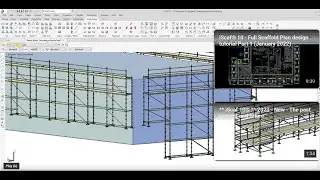
iScaf® 10 Generated Scaffold Plan design and editing tutorial (January 2022)
We recommend subtitles ON for this since there are some good subtle differences.
This tutorial is for after you have a scaled background image ready to get you going with you scaffold plan design and edit.
After this video you need to make sure you have saved your plan design and you can view the Build 3D tutorial to continue with your drawing.
Chapters:
0:00 How do I check that the iScaf default settings are correct?
2:08 How do I draw a Perimeter and build plan in iScaf?
3:16 How do I edit the plan in iScaf?
4:44 How do I set up planking and handrails on an iScaf scaffold drawing?
6:17 how do I save my new iScaf plan drawing?
6:36 How do I build a new scaffold wall?
6:54 How do I add/delete a bay in iScaf?
7:34 How do I move a wall in iScaf?
7:54 How do I add a ladder tower in iScaf?
8:12 How do I add an aluminium stair?
8:32 How do I delete bracing in iScaf?
8:49 How do I add section markers in iScaf?
© 2022 Scaffolding Software. All Rights Reserved.

Доступные форматы для скачивания:
Скачать видео mp4
-
Информация по загрузке: