Популярное

Музыка Кино и Анимация Автомобили Животные Спорт Путешествия Игры Юмор

Интересные видео

2025 Сериалы Трейлеры Новости Как сделать Видеоуроки Diy своими руками

Топ запросов

смотреть а4 schoolboy runaway турецкий сериал смотреть мультфильмы эдисон
dTub
Скачать

Photo Mechanic Tutorial: Ingest, Variables and Code Replacement

Автор: Dan Carr

Загружено: 2011-11-01

Просмотров: 35224

Описание:

Photo Mechanic is a program designed to speed up the process of ingesting photos from memory cards, captioning them with IPTC data then rating and sorting them. A longtime Lightroom user myself, I was curious why so many sports photographer swear by this software and why some wire services insist on it's use. After using it on my first sporting event I've been impressed with a number of features and the best way to describe them is with this tutorial video that walks through a sample card ingest and shows you some of the tricks that PMhas up it's sleeve.

Photo Mechanic Tutorial: Ingest, Variables and Code Replacement

Поделиться в:

Доступные форматы для скачивания:

Скачать видео mp4

  • Информация по загрузке:

Скачать аудио mp3

Похожие видео

How to do Code Replacements with Photo Mechanic 2021

How to do Code Replacements with Photo Mechanic 2021

Keywording in Photo Mechanic Part 1

Keywording in Photo Mechanic Part 1

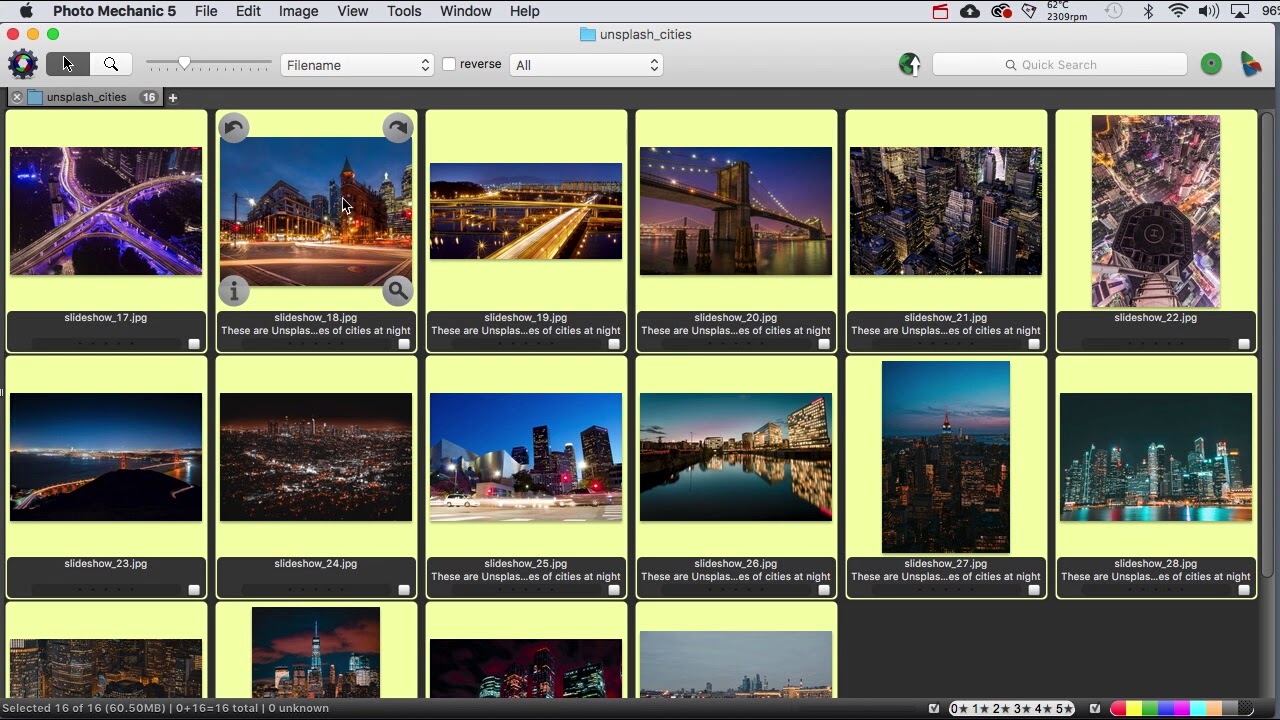
Photo Mechanic Tutorial: Streamline Your Workflow and Save Time

Photo Mechanic Tutorial: Streamline Your Workflow and Save Time

Photo Mechanic 6-The Complete Guide

Photo Mechanic 6-The Complete Guide

Using Photo Mechanic to work with metatdata

Using Photo Mechanic to work with metatdata

Culling Through Images with Photo Mechanic | Ask David Bergman

Culling Through Images with Photo Mechanic | Ask David Bergman

PHOTO: Setting up Photomechanic

PHOTO: Setting up Photomechanic

Using Photo Mechanic 5 as a Sports Photojournalist - Part 2 - Variables & CodeReplacements

Using Photo Mechanic 5 as a Sports Photojournalist - Part 2 - Variables & CodeReplacements

Photo Mechanic 101: A Quick Overview

Photo Mechanic 101: A Quick Overview

Two IPTC Metadata Editors in Photo Mechanic - When to use each one

Two IPTC Metadata Editors in Photo Mechanic - When to use each one

Photography Browsers

Photography Browsers

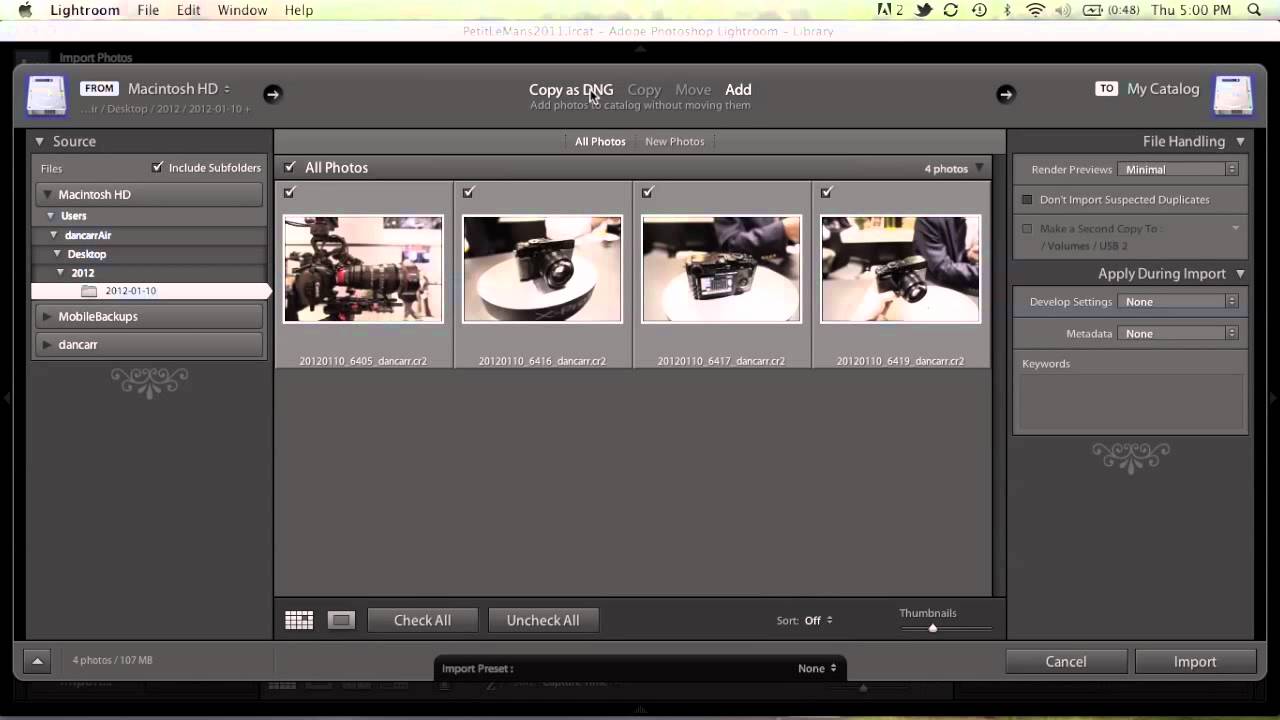
Photo Mechanic & Lightroom Workflow Combined

Photo Mechanic & Lightroom Workflow Combined

PHOTO MECHANIC - How to create CODE REPLACEMENTS and CAPTION images in Photo Mechanic 5

PHOTO MECHANIC - How to create CODE REPLACEMENTS and CAPTION images in Photo Mechanic 5

Manage Filenames in Photo Mechanic with Rename and Variables

Manage Filenames in Photo Mechanic with Rename and Variables

Workflow Photo Mechanic 6 and Lightroom for sporting events   Part 1

Workflow Photo Mechanic 6 and Lightroom for sporting events Part 1

Photo Mechanic Quick Tutorial - Selective Ingest

Photo Mechanic Quick Tutorial - Selective Ingest

Перетест Ai MAX+ 395 в жирном мини-ПК и тест AMD 8060s vs Intel B390

Перетест Ai MAX+ 395 в жирном мини-ПК и тест AMD 8060s vs Intel B390

Getting Started with Photo Mechanic - Speeding Up Your Workflow

Getting Started with Photo Mechanic - Speeding Up Your Workflow

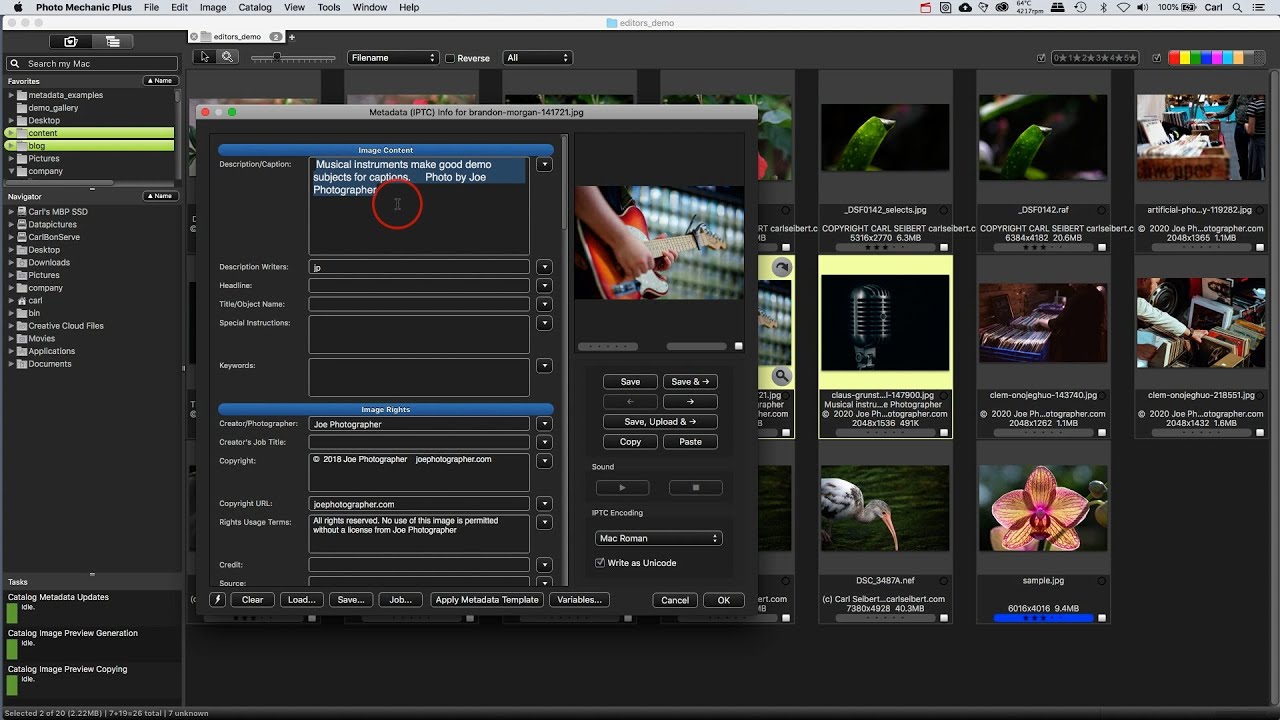
Photo Mechanic Plus Demo

Photo Mechanic Plus Demo

How to use PHOTO MECHANIC to speed up your PHOTOGRAPHY WORKFLOW

How to use PHOTO MECHANIC to speed up your PHOTOGRAPHY WORKFLOW

© 2025 dtub. Все права защищены.


  • Контакты
  • О нас
  • Политика конфиденциальности


Контакты для правообладателей: infodtube@gmail.com