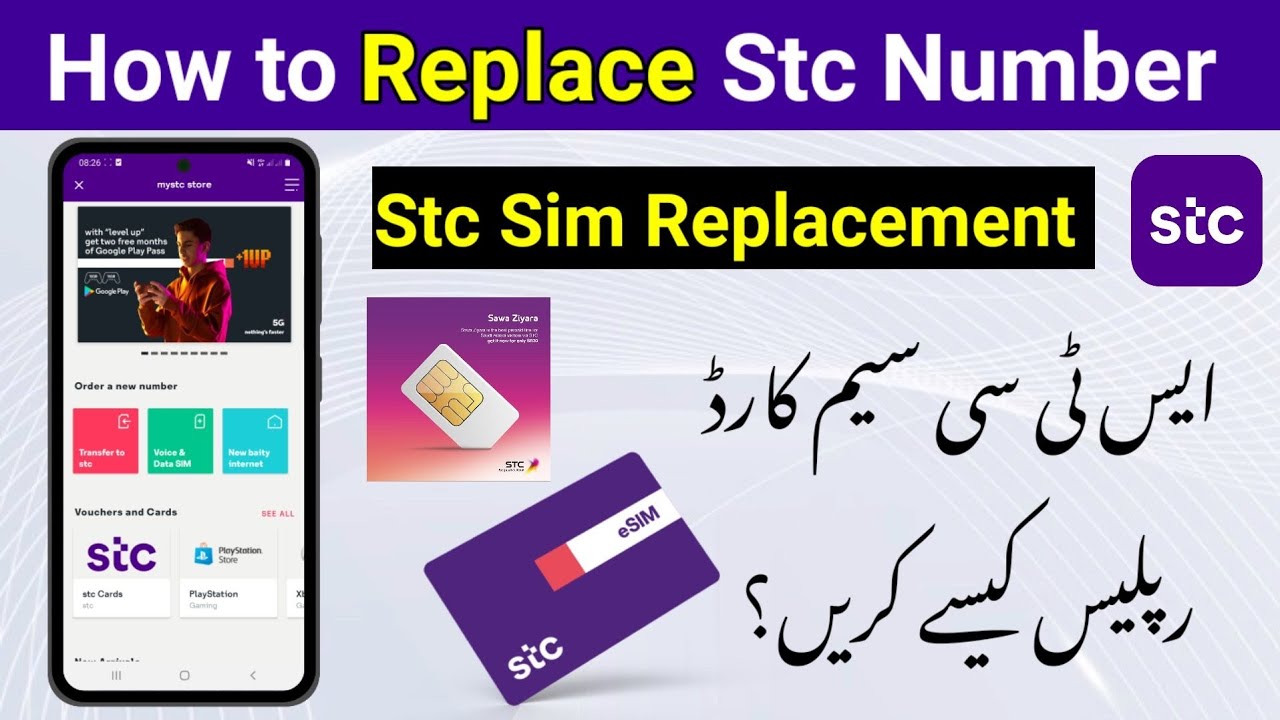
Stc Sim Replacement Online | How to Replace Sawa Sim Online| Order STC Lost Sim Card |
Автор: Wali YT
Загружено: 2024-10-21
Просмотров: 7188
How to Replace Stc Sim Stc Sim Replacement
Sawa Sim Replacement Complete Procedure
How To Order STC Lost Sim Card Online | Order
STC Lost Sim Online I STC Sim Replacement
Here are the steps to order a new STC SIM card online:
Download the My STC app on your mobile device.
Open the app and click on "My STC Store".
Click on the three lines on the side to open the sidebar.
Click on "Manage SIM".
Click on "Replace SIM".
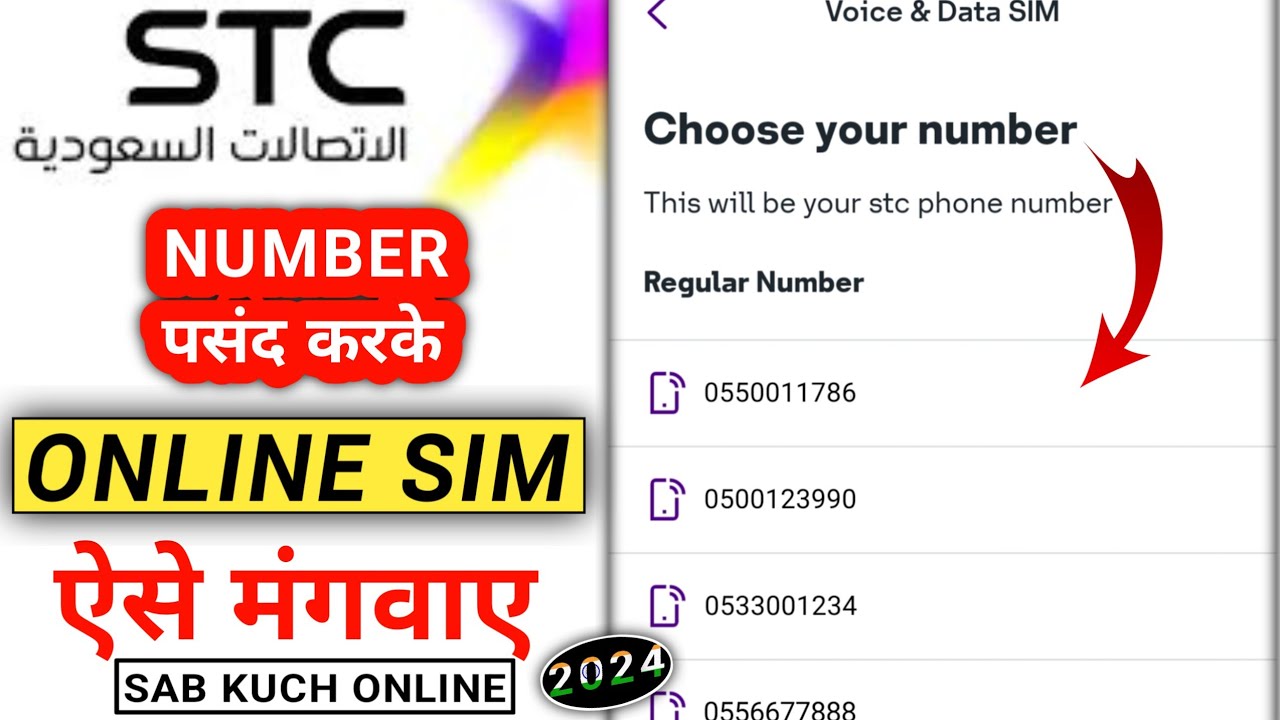
Select the type of SIM card you need (data SIM or regular SIM).
Enter your mobile number.
Enter the last four digits of your iqama number.
Enter your first name, middle name, and last name as they appear on your iqama.
Enter a contact number that is active and belongs to someone you know.
Click on "Continue".
You will receive a verification code on your contact number. Enter the code in the app.
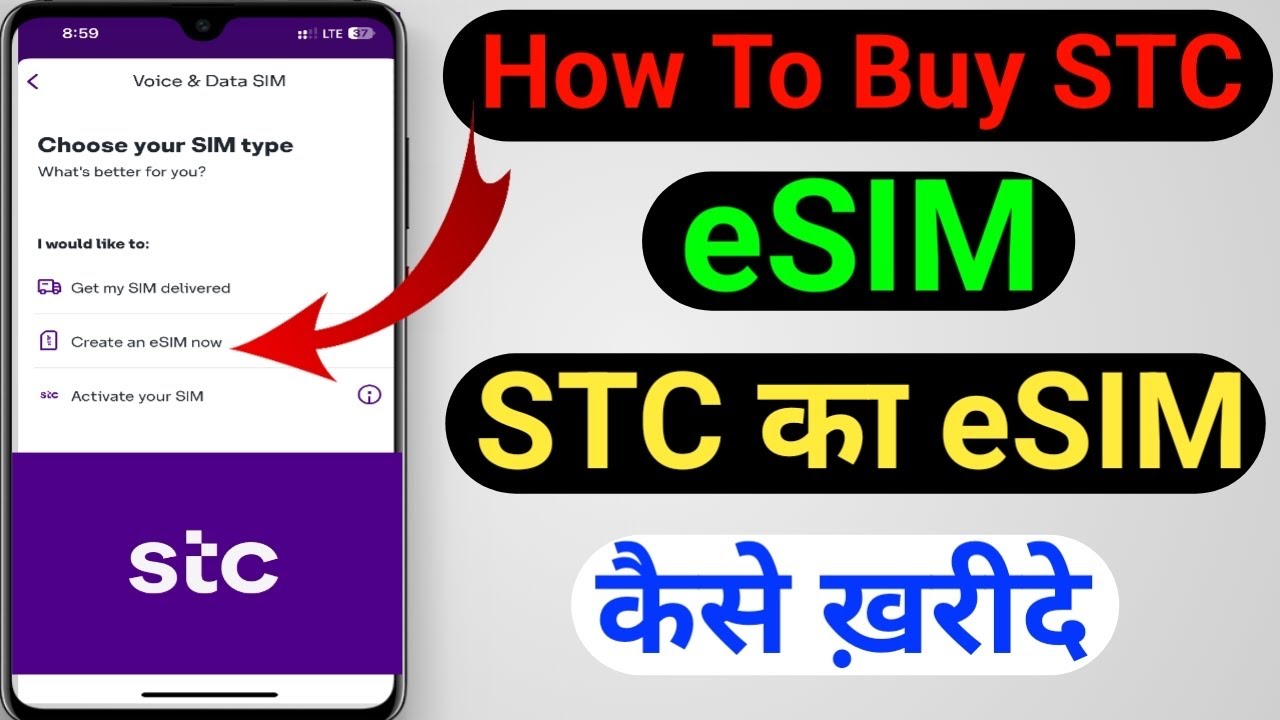
Select the type of SIM card you want (physical SIM or eSIM).
If you want a physical SIM, select "SIM Delivery" and enter your delivery address.
Click on "Continue".
Enter your email address.
Click on "Continue".
Review your order summary and click on "View Order Price".
Pay for your order using your credit card or cash.
Click on "I Accept Terms and Conditions".
Click on "Flash Your Order".
Your order will be processed and you will receive a notification when your SIM card is ready for delivery.
STC lost SIM replacement online
How to replace STC SIM online
STC SIM replacement procedure online
STC SIM card replacement
STC lost SIM card recovery
STC SIM card replacement process
stc sim replacement online
STC gumshuda Sim online order
stc Purana sim online order
Stc sim purana kaise nikale
sim kaise check kare
open stc bolck sim online
open STC block sim online order

Доступные форматы для скачивания:
Скачать видео mp4
-
Информация по загрузке: