19.1.9Lab: User Policy Management
Автор: notDennix
Загружено: 2025-12-29
Просмотров: 80
📌 Lab 19.1.9 – User Policy Management | Default Domain Policy (Group Policy)
In this lab, I demonstrate how to configure domain-wide password and account lockout policies using Group Policy Management on a Windows Server domain controller. Acting as the IT administrator for a small corporate network, the task is performed on the CorpDC virtual server accessed through Hyper-V.
You’ll see how to edit the Default Domain Policy to enforce stronger security standards that apply to all domain users in CorpNet.local.
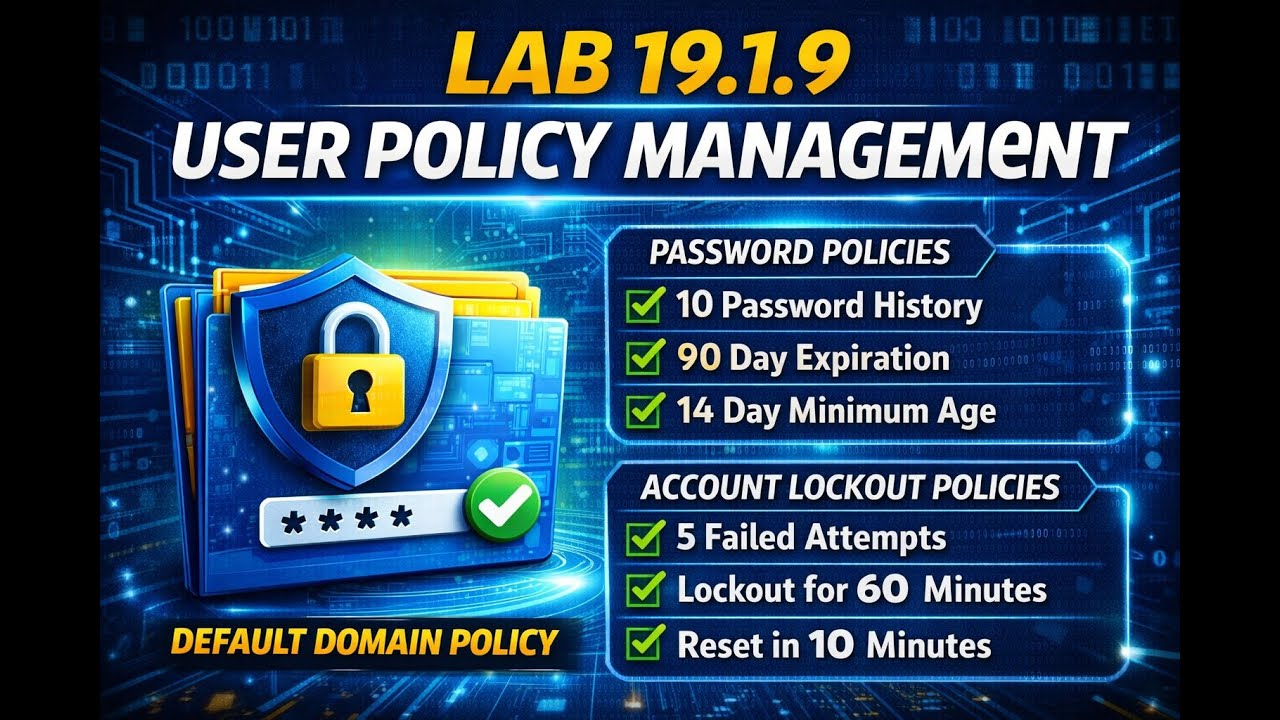
🔐 Password Policies Configured:
Prevent reuse of the previous 10 passwords
Require users to change passwords every 90 days
Prevent password changes for at least 14 days
Enforce a minimum password length of 10 characters
Require uppercase, lowercase, numbers, and symbols
🔒 Account Lockout Policies Configured:
Lock the account after 5 invalid logon attempts
Lock the account for 60 minutes
Reset the lockout counter after 10 minutes
🛠️ Tools Used:
Server Manager
Group Policy Management
Default Domain Policy
Windows Server (CorpDC)
This lab is ideal for students and IT professionals learning Active Directory, Group Policy, and enterprise security best practices.
Доступные форматы для скачивания:
Скачать видео mp4
-
Информация по загрузке:








