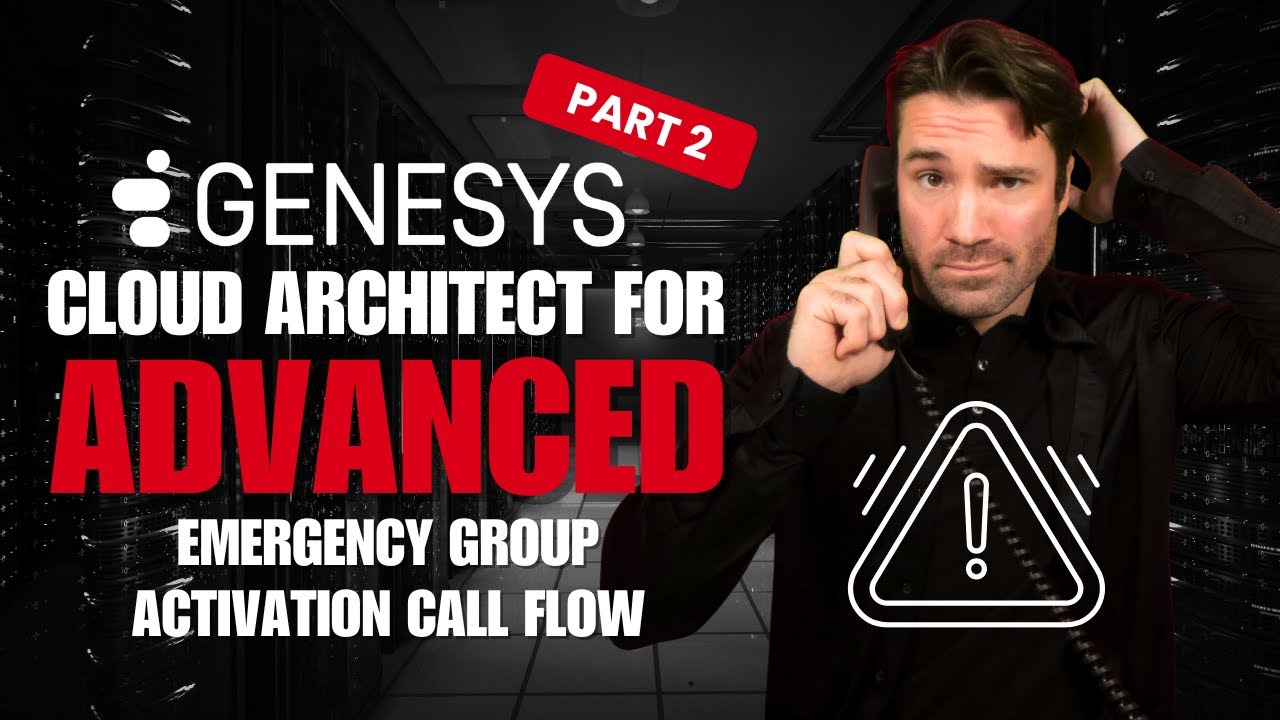
Genesys Cloud Architect Build: Emergency Group Activation Call Flow
Автор: Seth On Call
Загружено: 2026-01-10
Просмотров: 40
In this video, I take a deep dive into Emergency Groups in Genesys Cloud and walk through an advanced, real-world solution for activating and deactivating them via an IVR, instead of relying on the admin UI.
00:00:00 - Introduction
00:03:35 - Emergency Groups administration
00:12:06 - IVR desgin for Activation Call Flow
00:23:48 - GET and PUT API commands for Emergency Groups
00:35:05 - Data Actions builds for enablement
00:40:43 - Activation Call Flow Architect build
01:20:33 - Real-time testing
01:21:43 - Other Suggestions
01:27:19 - Closing
This is especially useful for scenarios like fire alarms, building evacuations, or any situation where managers need to immediately stop calls from routing to agents without logging into Genesys Cloud.
We cover:
• What Emergency Groups actually do (and what they don’t)
• How Emergency Groups interact with routing, schedules, and call flows
• How to build an Emergency Activation IVR using:
• Architect
• Menus & Collect Input
• Data Tables (for departments & passwords)
• Data Actions
• Genesys Cloud APIs
• Why a GET + PUT API sequence is required (and what breaks if you don’t)
• How to preserve divisions and routing references when toggling Emergency Groups
• Design considerations for multi-department call centers
• Tips for making this solution portable across dev / staging / prod orgs
By the end of this video, you’ll have a fully functional IVR-based emergency switch that managers can call into, authenticate, and instantly enable or disable Emergency Groups, no laptop required.
If you’re working with Genesys Cloud Architect, Data Actions, or call center resiliency designs, this one’s for you.
👍 If this helped you, please like, subscribe, and drop a comment if you’ve solved Emergency Group activation differently, or if you’ve seen this land on the roadmap 👀
Доступные форматы для скачивания:
Скачать видео mp4
-
Информация по загрузке: