FreeCAD Tutorial Part 1: The Part Workbench
Автор: Rick Hoefer
Загружено: 2017-01-04
Просмотров: 216731
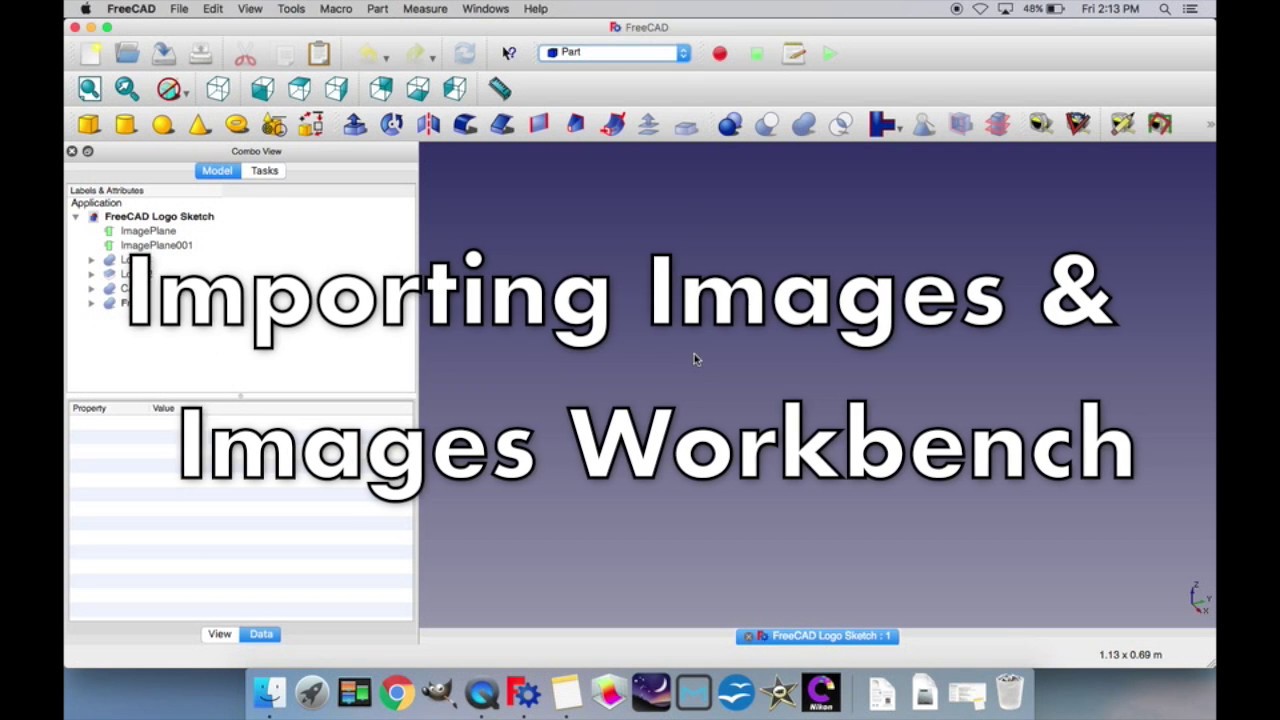
Learn the basics of FreeCAD and the utilities of the Part Workbench including creating basic shapes and moving objects. Apologies in advance if I have not mentioned any prevalent information in the video; the tutorial is based on my own use of the program.
Feedback and comments are welcome, thanks for watching!
Part 2: Part Design Workbench: • FreeCAD Tutorial Part 2: The Part Design W...
Part 3: Creating/Editing/ Importing Images: • FreeCAD Tutorial Part 3: Images: Creating/...
Tutorial Part 1: The Part Workbench
Intro: 0:00
Creating Primitive Objects: 1:01
Standard Views/Navigation: 2:04
Editing Primitive Objects & Appearance: 4:32
Editing Object Placement/Rotation: 6:32
Toggling Object Visibility/Renaming Objects: 7:20
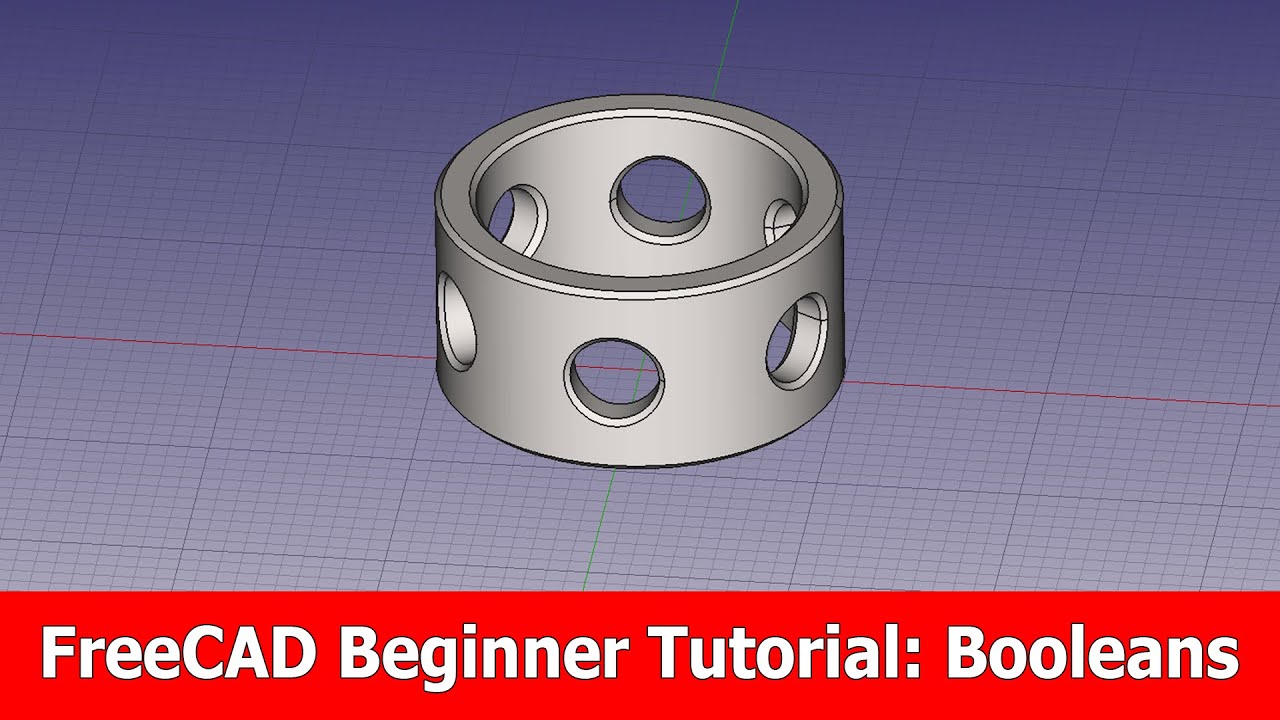
Boolean Operations: 7:43
Copying/Pasting & Scaling Objects: 11:41
Creating Group Folders: 13:29
Edging Operations: Fillet & Chamfer: 14:07
Time Saving Tip for Multi-Object Rotation: 17:14
Доступные форматы для скачивания:
Скачать видео mp4
-
Информация по загрузке: