Create Text Wrap Effect Around Shapes in Cavalry
Автор: K Motion Tutorials
Загружено: 2026-01-17
Просмотров: 27
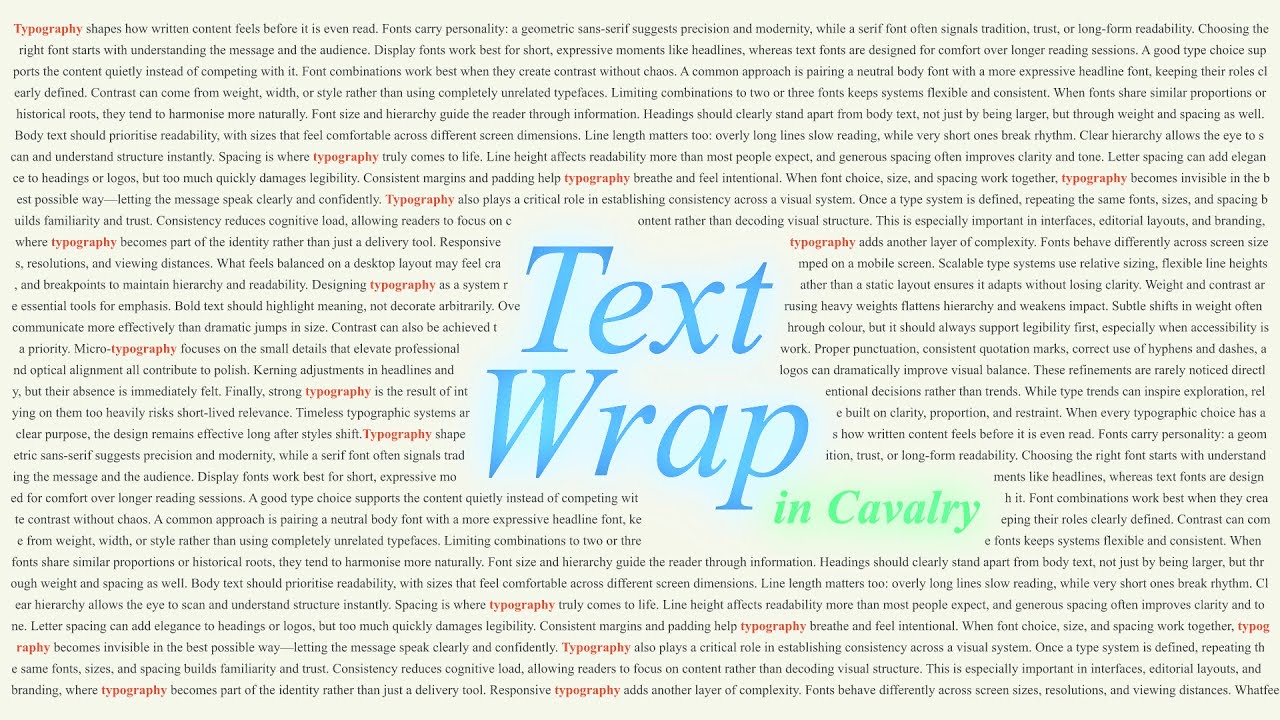
In this tutorial, I show how to create text wrap–style effects in Cavalry, similar to what you might be used to from tools like InDesign or Illustrator — but adapted for motion graphics and animation.
I walk through how to use Ray and collision shapes to detect objects and dynamically push text around them. Starting from a simple single-column setup, I gradually build more advanced examples, including wrapping text around objects from both sides, adding proper margins ,so text never overlaps shapes, and troubleshooting common issues when Rays start colliding with each other.
This isn’t a traditional print-style text wrap tool — it’s a procedural motion design technique — but once you understand the logic, you can adapt it for animated layouts, kinetic typography, and responsive design systems.
Project files for this tutorial are available on my Gumroad:
https://kmotiontutorials.gumroad.com/...
More detailed explanations and breakdowns can be found on my blog:
https://www.kamilk.co.uk/2026/01/text...
Chapters:
00:00 Examples
00:36 Ray tool explanation
01:25 Simple Text Wrap
04:11 Fixing text overlap with extra Path Offset
06:36 Text Wrap effect notes
06:55 Wrapping object from both sides
09:52 Text Wrap inside an object
Tags
cavalry app, text wrap, procedural typography, motion design, kinetic typography, collision detection, ray tool, generative design, text layout animation, typography animation, cavalry tutorial, motion graphics
Доступные форматы для скачивания:
Скачать видео mp4
-
Информация по загрузке: