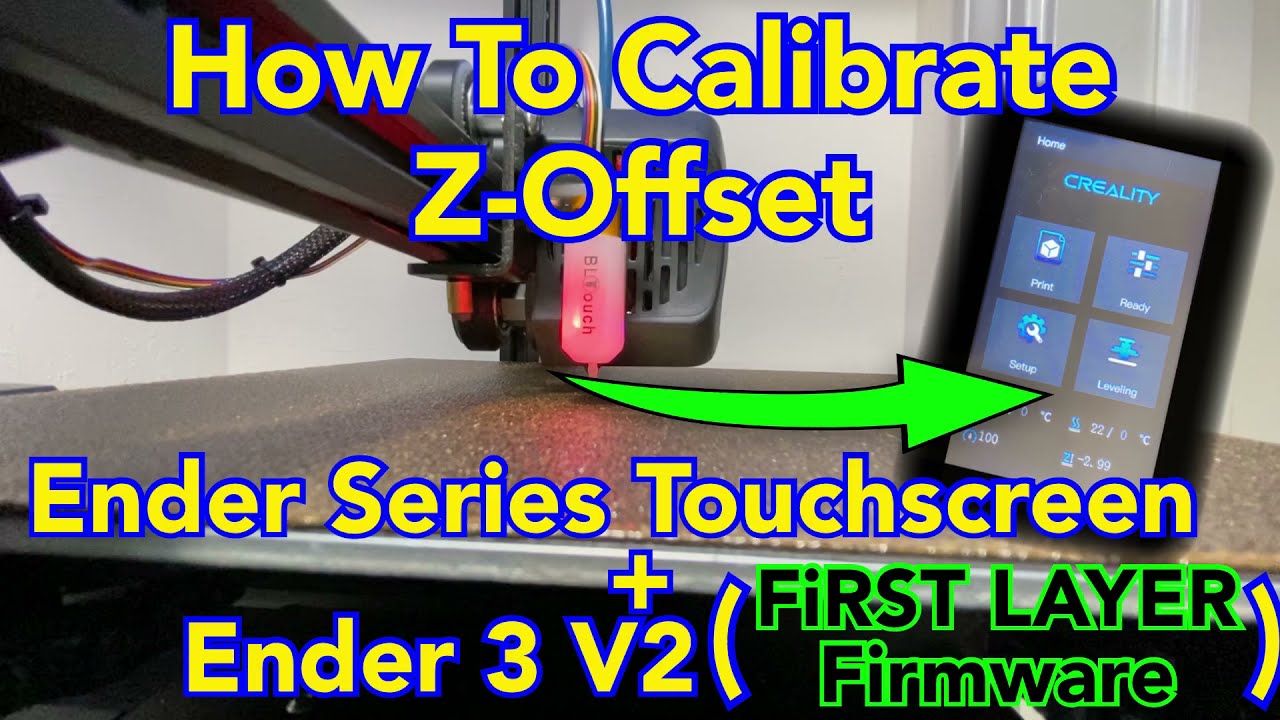
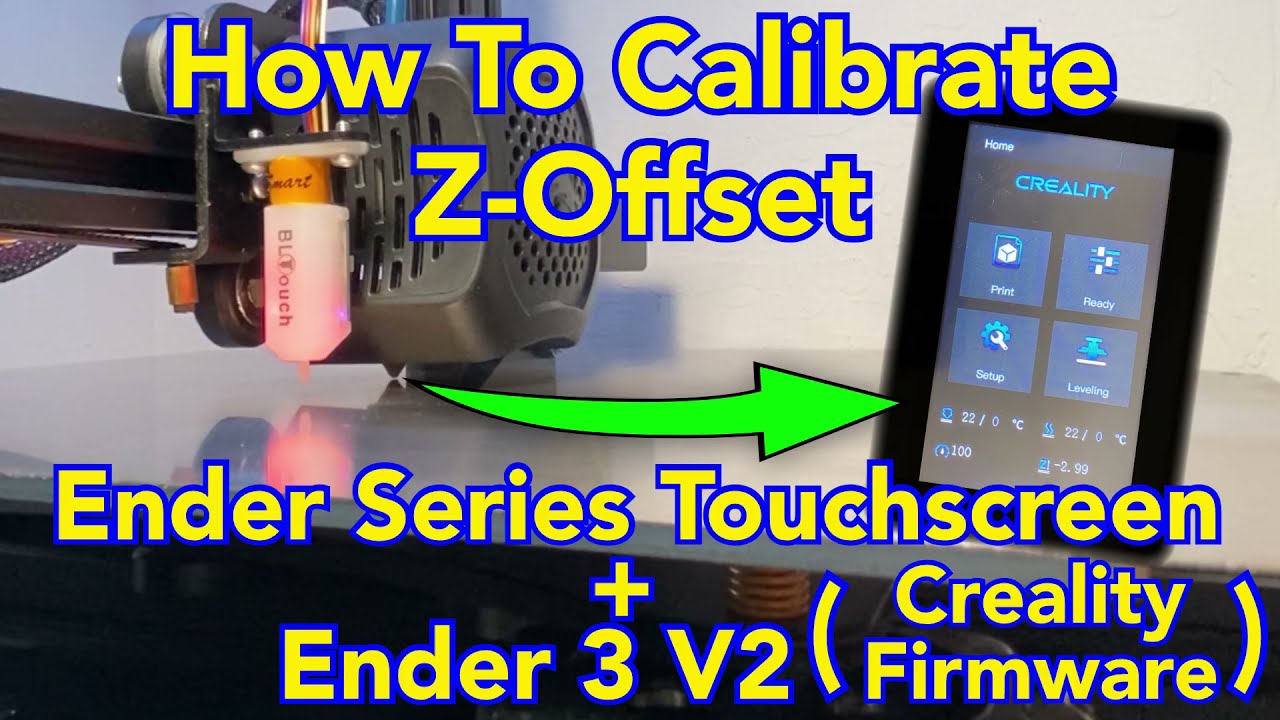
Ender Series Touchscreen, How To Calibrate Z-Offset On Your Ender 3 V2 (With Creality Firmware)
Автор: 3D Print Utopia
Загружено: 2021-10-08
Просмотров: 10451
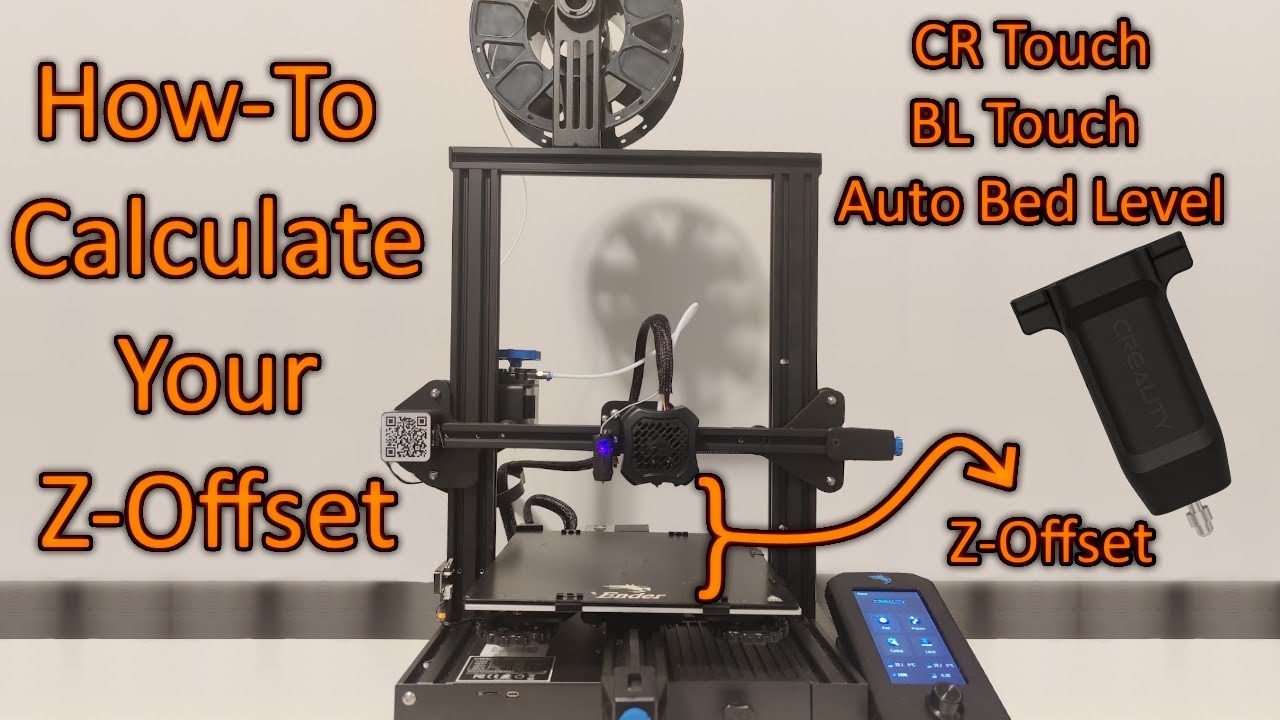
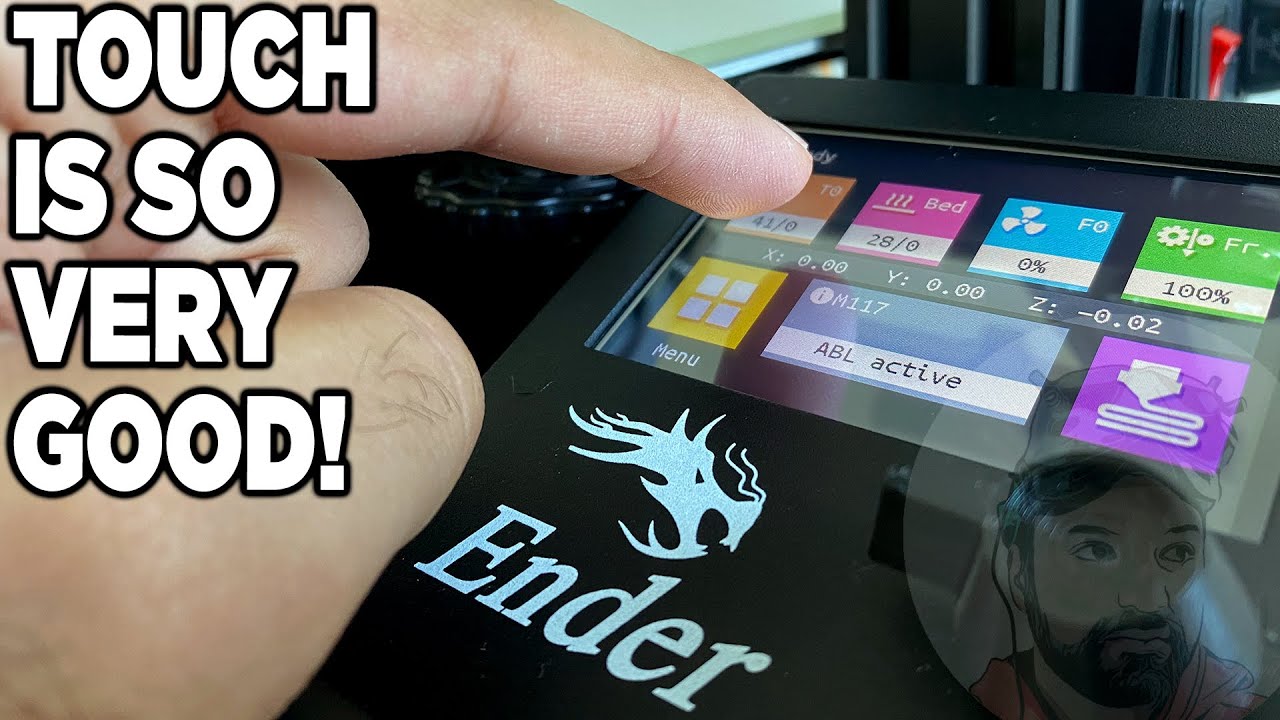
A short video showing how to calibrate the Z-Offset on your Ender 3 V2 with the new Ender Series Touchscreen with the Creality Touchscreen Firmware.
The BLTouch kit I used in this video and am still using today (2/22/22) is the following one
https://amzn.to/3sXQMbc
The touchscreen I recommend is this one
https://amzn.to/3H8LoH1
However, I highly recommend installing fresh Creality Firmware, or if you feel like testing out another firmware, check out the F1rst Layer firmware (https://drive.google.com/drive/folder.... I love it and will likely not go back to Creality. F1rst Layer is a firmware close to Jyers, except it works with the ender series touchscreen.
Firmware Instructions
1) Creality Firmware is available at Creality.com/download
2) Click your printer type (Ender Series for me)
3) Select your printer (Ender 3 V2 for me)
4) Click/Download the one that includes “touchscreen” in the title
5) Take the .bin file that is inside the .zip file and put it on a newly formatted (FAT32) Micro SD card.
6) Insert into printer, then power on your printer and it will automatically upload to your printer.
7) Firmware is then installed and you can remove the Micro SD.
If you liked this video and would like to support my Amazon Affiliate adventure where a small commission is kept when the link is used (no increase in price or anything like that for you), then use the link above.
Доступные форматы для скачивания:
Скачать видео mp4
-
Информация по загрузке: