Power Apps Basics: Creating Solutions & Publishers – Ep. 2
Автор: akshansh sharma
Загружено: 2025-09-16
Просмотров: 142
Power Apps Basics – Episode 2: Learn how to create solutions and publishers step-by-step so you build your app on a strong foundation. In this video, we cover everything you need to know to name your solutions properly, set up unique publishers (prefixes), understand how solutions and publisher settings affect tables, flows & components, and why doing this first matters for long-term maintainability.
🔍 What You’ll Learn
What a Solution is and why it’s your first step in Power Apps
What Publishers are, how to set unique prefixes, and why choosing wisely matters
How to create a new solution in make.powerapps.com
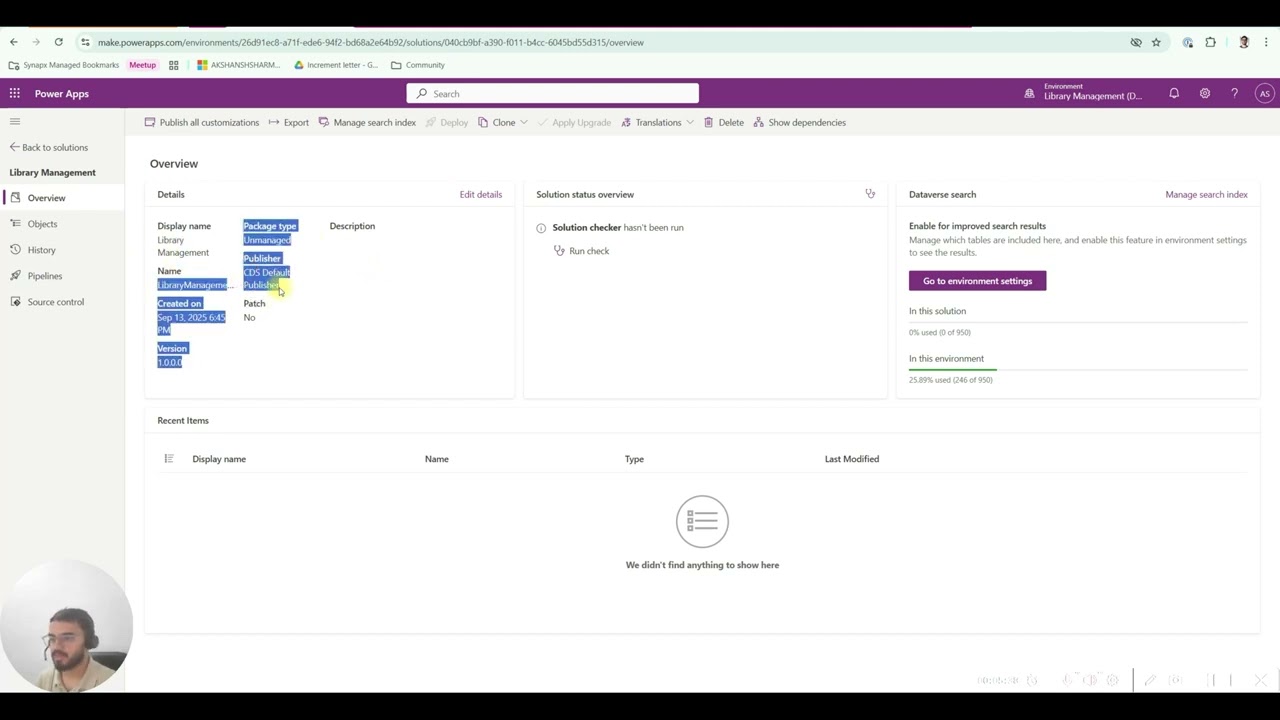
Exploring the solutions UI: objects, source control, overview, etc.
How to add new canvas apps (inside solutions) and avoid building outside solution scope
⏱️ Timestamps
00:00 – Intro & Episode Overview
00:28 – What is a Solution & Why It Matters
01:15 – Creating Your First Solution (Library Management)
02:30 – Publisher Prefix: What It Is & Best Practices
04:00 – Overview of Solutions UI (Objects, Version, Source Control)
06:00 – Adding Canvas Apps Inside a Solution
08:00 – Wrap-up & What’s Next
✅ Resources & Next Steps
💾 Get the project template / solution starter → https://github.com/akshansh-pp/AS-Pow...
📺 Missed Episode 1? Watch here → • Power Apps Environment Setup: Beginners Gu...
🔔 If this helped you, please Like, Subscribe, and hit the Bell Icon so you don’t miss future videos in this series
📌 Keywords & Tags
Power Apps, PowerApps Basics, Solution Publisher, Power Apps Solutions, Low Code, Canvas App Tutorial, Power Automate, Best Practices
#PowerPlatform #PowerApps #LowCode #PowerAppsSolutions #AppDevelopment
Доступные форматы для скачивания:
Скачать видео mp4
-
Информация по загрузке: