How To Declutter Your Phone & Computer: Digital Minimalism | Lucie Fink
Автор: Lucie Fink
Загружено: 2020-09-04
Просмотров: 17081
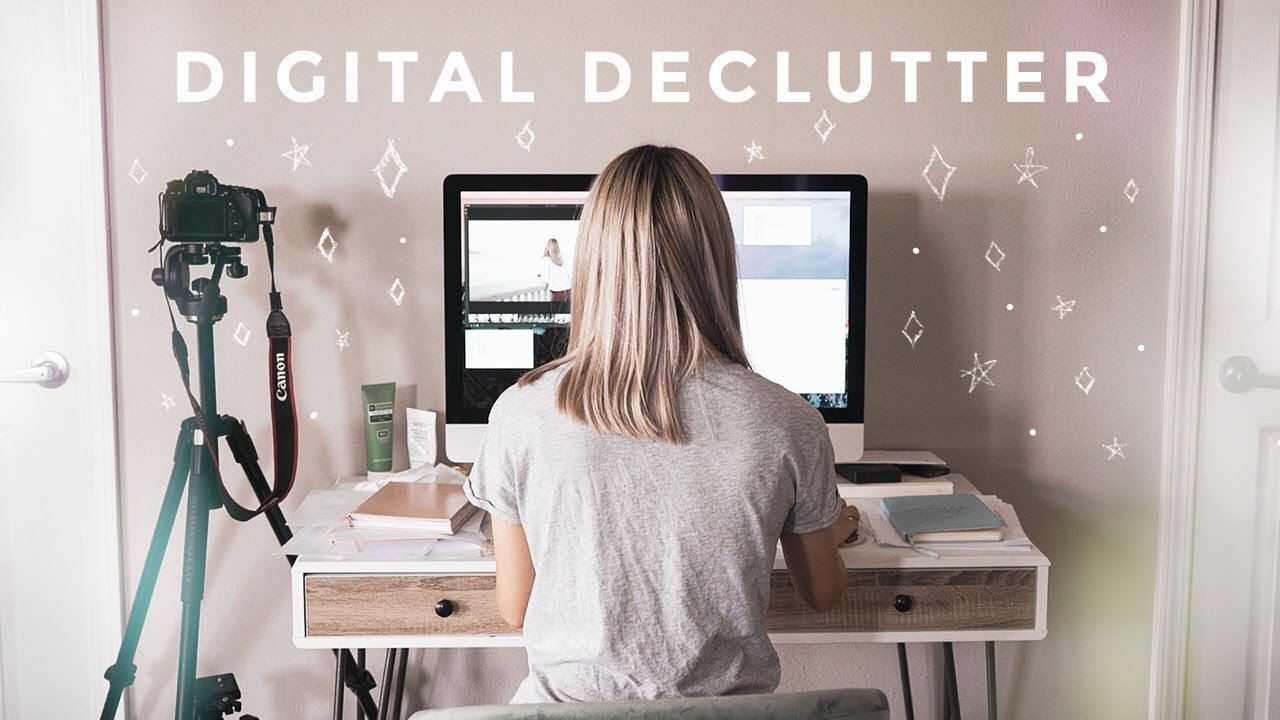
It's time for some DIGITAL DECLUTTER! I’ve always been incredibly fascinated with watching "declutter with me" and "clean with me" videos on YouTube. The freeing feeling of an organized and a completely decluttered space is everything I need and more to be productive and clear-headed on a daily basis. When most of us think of cleaning our spaces, we solely think about the physical spaces we live in (our closets, kitchens and bookshelves)…but in reality, we spend as much time (IF NOT MORE) in our digital spaces. So cleaning out and organizing your computer, cell phone, and other technological spaces is critical to our productivity.
While it's so nice to do a kitchen re-organization session (check out my kitchen re-organization video if you're interested in this topic) or a closet clean-out, digital clean-outs are just as necessary and joyous. In today's video, I’m going to give you all the tips, tricks and hacks for decluttering your digital spaces and living a more minimal digital life!
What's in this video?
2:20 - declutter your cell phone
3:11 - delete unnecessary apps
4:24 - turn off all notifications
6:02 - organize your camera roll
7:58 - declutter your laptop computer or tablet
8:07 - choose a clean background image
8:31 - remove folders from your desktop
11:03 - organizing your files neatly
14:17 - clear your photos
The first digital space I’m going to focus on is my phone. Having a phone with a bunch of different apps (and all of the folders in random spaces) is the digital equivalent of having clothing spread out all over your bedroom floor or having papers and documents cluttered all of your workspace.
So, what is the best way to organize apps on an iPhone? And what is the best way to free up space on an iPhone?
Hack to clean your iPhone number 1: choose a calming and clean background image for your phone. You have to look at this background image daily, and you don't want it to look cluttered when your apps are on top of it.
Step 2 for cleaning your iPhone: app organization! I have a ton of apps that I am constantly using every day… but some apps, like the free ones, are downloaded and then immediately forgotten about. So a great way to achieve a more minimal cell phone is to go through ALL OF YOUR APPS and delete what you don’t need FIRST…. don't organize and THEN delete. DELETE first!
Once you have ONLY the apps you want to keep, it’s time to create folders on your screen to organize them accordingly. If you want some more inspiration on how to do this, check out Pinterest, but my apps are sorted by "travel," "content," "health," 'finance," etc.
Another great iPhone clean-up and organization tip is to turn off notifications on your phone. When it comes to notifications there are lock screen notifications, notification center alerts, and banner notifications – you can also turn off sounds and badges which are those notifications that appear on the corner of your app with a red number. The easiest way to make sure you're completely undisturbed is to just turn "ALLOW NOTIFICATIONS" off for all apps - I show you how to do this in today's video!
A critical step to having a minimalistic digital space is to clean out your camera roll! In this video, I share some organization and bulk delete apps that I use regularly to re-work my camera roll space and make sure it doesn't get cluttered up with thousands of screenshots and memes.
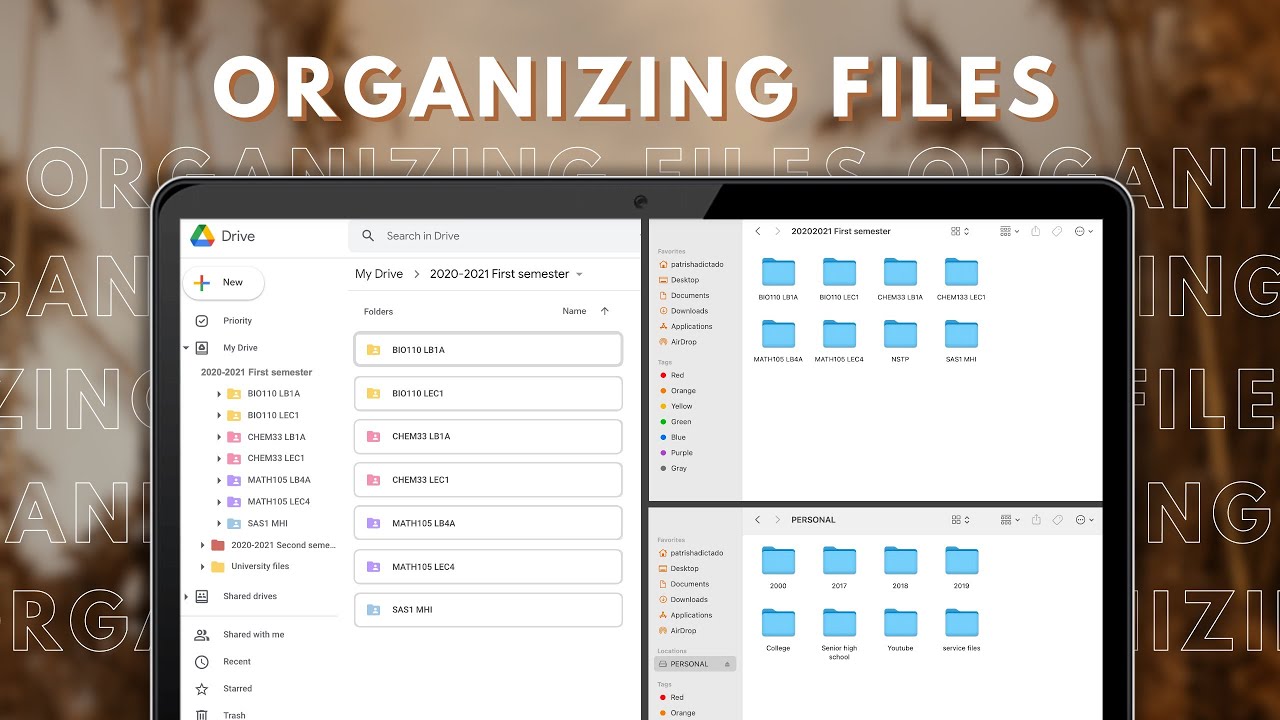
After a digital cleanse of my iPhone, I move onto a clean-out of my computer space. This part of the video is useful for laptop computers, desktop computers, iPads or tablets. In this video, I teach you things like how to make a desktop folder into an icon so that it looks aesthetically pleasing on your desktop background, and I help you to put organization systems into place to enhance your workflow. I share the best ways to store your documents and avoid losing all your important digital assets! I even walk you through how all of my files are organized neatly into folders.
Subscribe to my channel: / luciebfink
INSTAGRAM: / luciebfink
TWITTER: / luciebfink
FACEBOOK: / luciebfink
SNAPCHAT: LucieFink
TikTok: @luciebfink_official
Want to see YOUR NAME listed in my YouTube description boxes? SIGN UP FOR MY TWIN SIS & BFF TIER TO JOIN THE PARTY 🎉 -- / luciebfink 👇
SHOUT OUT TO MY TWIN SIS / BFF PATRONS!
Grace
Staci
Jaime
Harit
Deeee
Blair
Elizabeth
Kate
Haley
Wejo
Claudia
Jessica
Nada
Emily
Hani
Shelby
Kaitlyn
Bella
Jackie
Brienne
Lacey
Natalia
Alyssa
Amy
Alanna
Christina
Maria
Holly
Elaine
Camilla
Abigail
Linda
Rachel
Dianna
Lily Beth
Study Gallery
Bridget Karp
Ruby
Annie
Marianne
Casey
Caylee
Natalie
Kasey
Jocey
Serene
Candace
Raquel
Rakhee
Becca
Sadia
JOIN MY TWIN SIS & BFF TIER TO HAVE YOUR NAME ADDED: / luciebfink
Thank you so much for watching! I hope you subscribe to my channel for more videos.

Доступные форматы для скачивания:
Скачать видео mp4
-
Информация по загрузке: