Create a Default Worksheet Template in Excel (Sheet.xltx – New Sheet Template Explained)
Автор: BrainBell
Загружено: 2024-07-14
Просмотров: 636
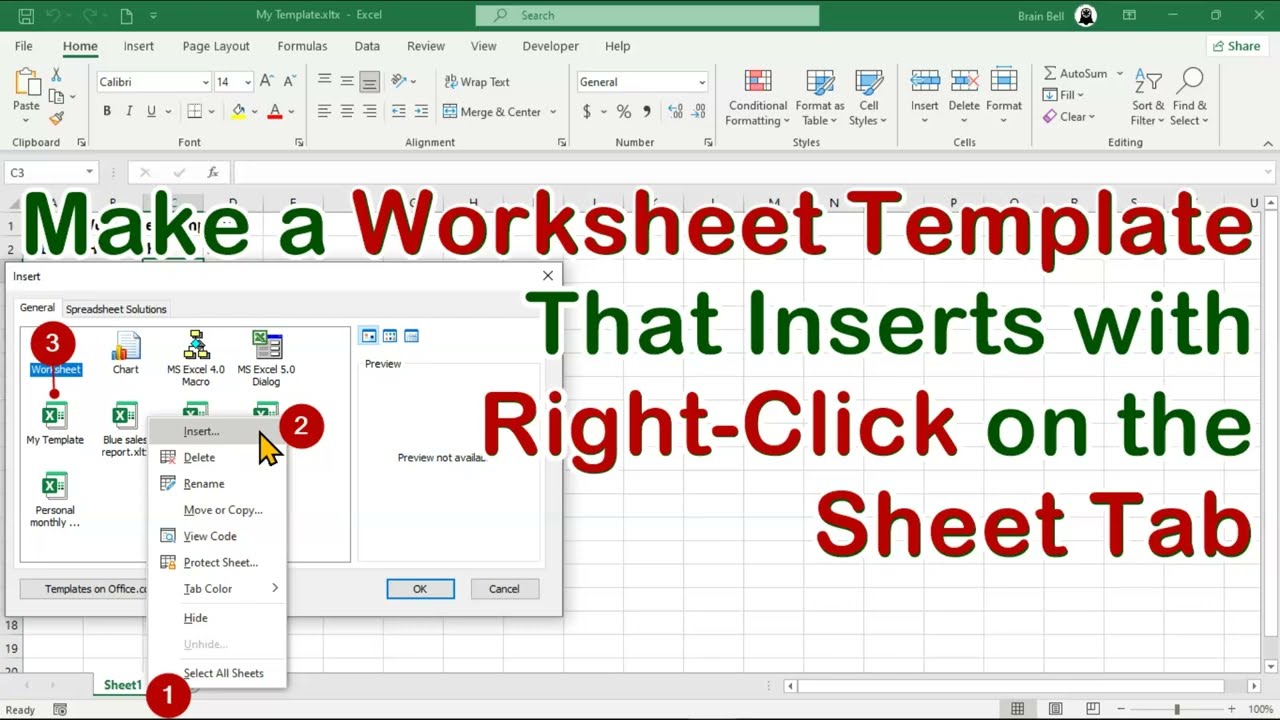
In this tutorial, you'll learn how to create the default worksheet template in Excel by saving a Sheet.xltx file in the correct location. Once this template is created, Excel automatically applies it every time you insert a new worksheet into any workbook.
This is the companion video to my previous tutorial on Book.xltx ( • Change Excel's Default Workbook using Book... ), where we customized the default workbook that Excel opens at startup. Here, we take it further by customizing the look and formatting of every new sheet you add — including default fonts, column widths, headers, shapes, logos, and any preset formatting you want to reuse.
After setting up your custom worksheet layout, I'll show you the correct location (XLSTART folder) where Sheet.xltx must be saved so Excel uses it automatically whenever you insert a new sheet.
#excel #exceltemplates #ExcelWithBrainBell

Доступные форматы для скачивания:
Скачать видео mp4
-
Информация по загрузке: