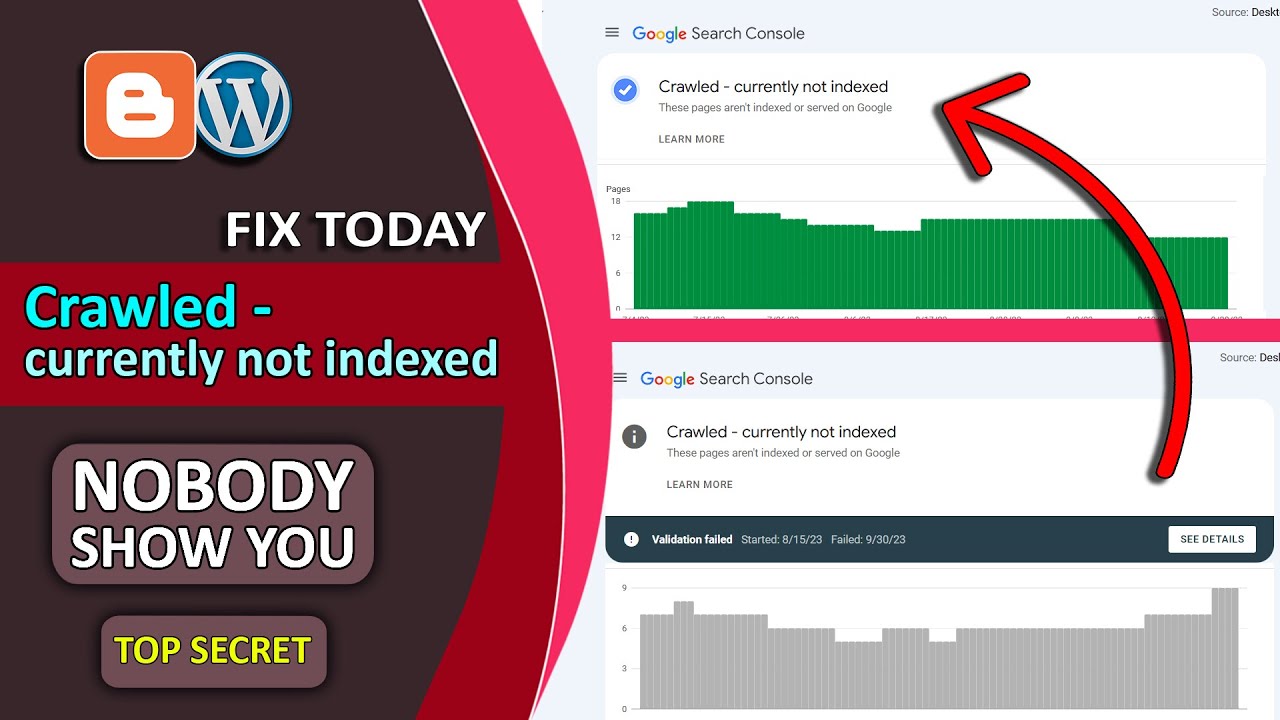
Crawled - Currently Not Indexed | Fix in Blogger | Instant Solution | blogger search console 2023-24
Автор: PC Grabber
Загружено: 2023-10-02
Просмотров: 21748
Crawled - Currently Not Indexed Fix in Blogger: A Comprehensive Guide to Enhance Your Blog's Visibility
In the digital realm, having a blog is a powerful way to express yourself, share knowledge, and even earn a living. However, a common issue faced by bloggers is their content being crawled but not indexed by search engines like Google. If your Blogger blog is facing this dilemma, fret not! This article is your comprehensive guide to fixing the 'Crawled - Currently Not Indexed' issue and enhancing your blog's visibility.
1. Understanding the Problem: Crawled vs. Indexed
Before delving into the solution, it's essential to grasp the difference between 'crawling' and 'indexing.' Search engines crawl your website to understand its content. After crawling, the search engine indexes the pages, making them searchable to users. When your content is crawled but not indexed, it's like having a library with books piled up but not cataloged.
2. Reasons Behind the Issue
There are several reasons why your blog might not be indexed despite being crawled:
2.1. Robots.txt File Restrictions
Sometimes, the robots.txt file on your website might be preventing search engines from indexing specific pages. Check and modify this file if necessary.
2.2. Meta Tag Issues
Incorrect meta tags, especially the 'noindex' tag, can instruct search engines not to index your content. Ensure your meta tags are appropriately set in the HTML of your blog pages.
2.3. Poor Quality Content
Low-quality or duplicate content can deter search engines from indexing your blog. Revise and enhance your content to make it more valuable and unique.
2.4. XML Sitemap Errors
Errors in your blog's XML sitemap can hinder proper indexing. Validate your sitemap and fix any errors using Google Search Console.
3. Fixing the 'Crawled - Currently Not Indexed' Issue
Now that you understand the potential reasons, let's explore the solutions:
3.1. Review and Modify Robots.txt File
Access your Blogger dashboard, navigate to 'Settings,' and then 'Search Preferences.' Ensure that the 'Custom robots.txt' is appropriately set to allow search engine crawlers.
3.2. Check Meta Tags
Inspect the HTML of your blog posts and pages. Ensure the meta tags, especially 'robots' and 'canonical,' are correctly configured. Remove any 'noindex' tags.
3.3. Enhance Content Quality
Revise your content, focusing on relevancy, uniqueness, and value. Remove duplicate content, cite sources, and add multimedia elements to make your posts engaging.
3.4. Validate XML Sitemap
Using Google Search Console, validate your blog's XML sitemap. Address any errors reported, ensuring all your blog posts are included in the sitemap.
Conclusion
By understanding the intricacies of search engine crawling and indexing and addressing the root causes of the 'Crawled - Currently Not Indexed' issue, you can significantly enhance your Blogger blog's visibility. Implement the solutions provided in this guide, and watch your blog soar in search engine rankings, reaching a broader audience and maximizing your impact.
Frequently Asked Questions
1. How long does it take for search engines to index my blog after making changes?
Search engine indexing timelines vary, but your blog should be re-crawled and indexed within a few days to a few weeks after implementing fixes.
2. Can poor website design affect indexing?
Yes, an unresponsive or poorly designed website can hinder indexing. Ensure your blog's design is mobile-friendly and user-friendly.
3. Is it necessary to submit my blog's sitemap to search engines?
While search engines can find your blog without a sitemap, submitting one via Google Search Console can expedite the indexing process and provide valuable insights.
4. Should I use paid SEO services to fix indexing issues?
Not necessarily. Many indexing issues can be resolved with proper content optimization and adherence to search engine guidelines. Paid services are an option but ensure they are reputable and trustworthy.
5. What role do backlinks play in search engine indexing?
Quality backlinks from authoritative websites can enhance your blog's credibility and indexing speed. Focus on creating valuable content to naturally attract backlinks.
Доступные форматы для скачивания:
Скачать видео mp4
-
Информация по загрузке:



![Crawled currently Not Indexed Error [ Fix All Search Console Errors ]](https://image.4k-video.ru/id-video/zB0umU8Z1uQ)