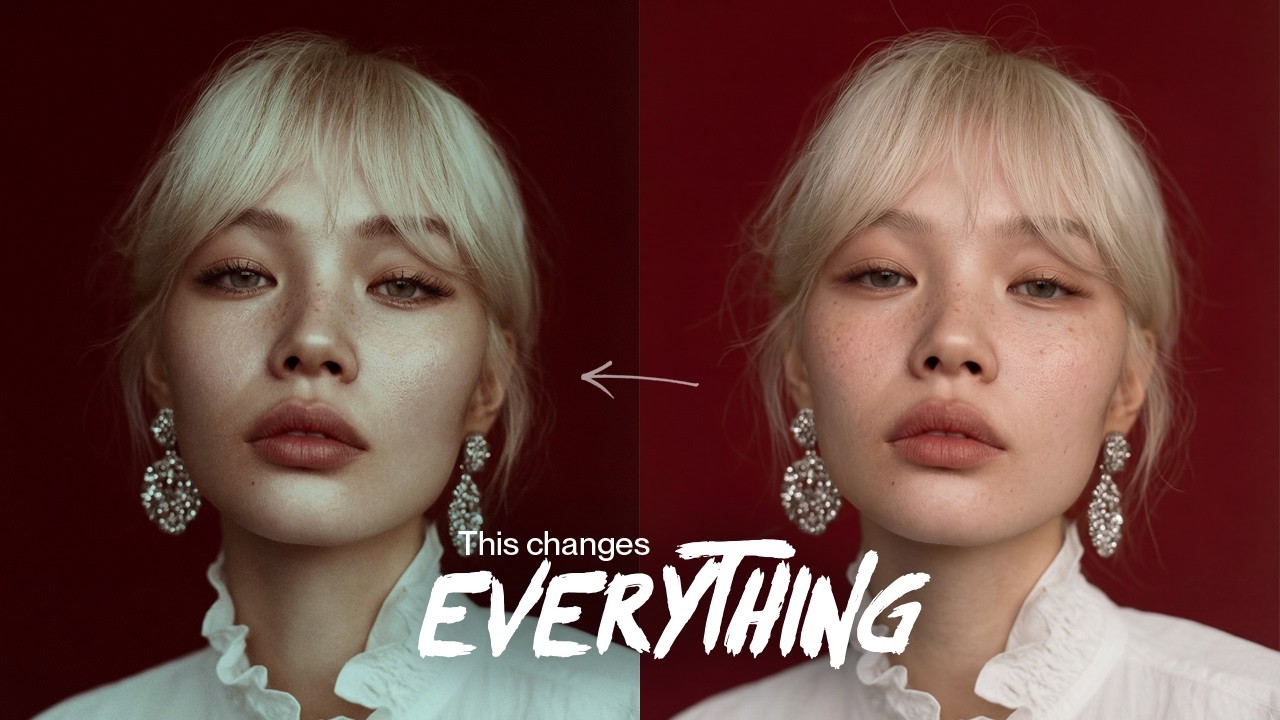
How I Do Cinematic Portrait Color Grading in Photoshop (Full Retouch Workflow)
Автор: Kateryna Lebedynska
Загружено: 2026-01-20
Просмотров: 18
Hey guys! It’s Kat here ✨
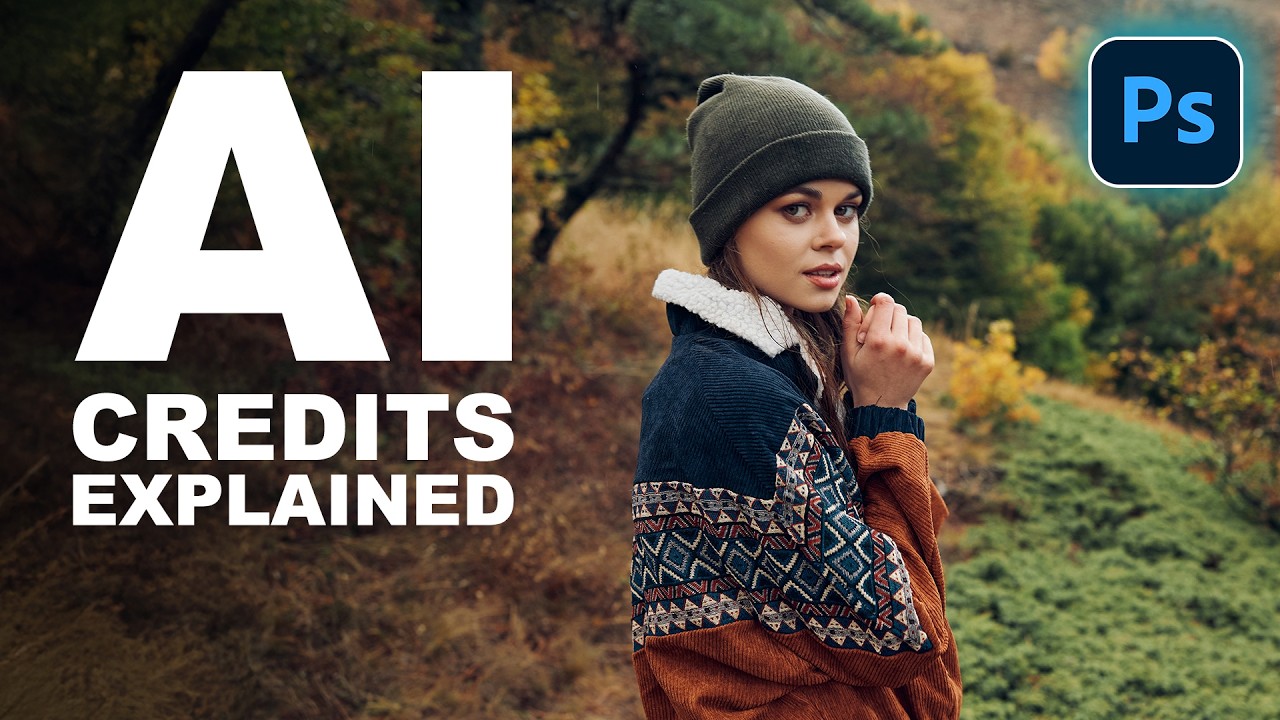
In today’s video, I’m retouching this portrait from start to finish and showing my full Photoshop workflow — exactly how I think about skin, volume, and color!
This edit is all about cinematic color grading using a complementary color scheme: cold highlights and warm shadows. I’ll walk you through skin cleanup, Dodge & Burn, creating soft skin texture, global shaping, and intuitive color grading — no over-retouching, just controlled and intentional work.
📩 To get the PSD:
Follow me on Instagram @KaterynaLebedynska and send me a DM saying “Free PSD”, and I’ll send you the download link
✍️ MY WORKFLOW
00:00 Introduction
00:23 Basic Cleanup
00:57 Hair Cleanup
01:18 Dodge & Burn (Skin Texture & Volume)
04:09 Frequency Separation
05:23 Lashes & Brows Refinement (using Nano Banana Pro AI)
05:55 Global Dodge & Burn
06:28 Cinematic Color Grading
07:29 Cinematic Grain
07:49 Eyes Brightening
08:08 How to Get the PSD File
✨ SOCIALS
Instagram: / kateryna.lebedynska
Facebook: / kateryna.lebedynska
Behance: https://www.behance.net/katerynalebed...
Website: https://kateryna.us
If you have any questions or want to learn more about color grading, feel free to ask in the comments, and I’ll be happy to answer in the next video 😏
Доступные форматы для скачивания:
Скачать видео mp4
-
Информация по загрузке: