MicroMetl Economizer Setup with Siemens POL224 Controller and the Climatix App
Автор: MicroMetl Corporation
Загружено: 2024-03-07
Просмотров: 1769
Welcome to another MicroMetl installation guide, designed specifically for certified HVAC technicians and professionals. In this video, we walk you through the step-by-step process of programming the Siemens POL224 controller using the Climatix™ mobile app.
This app-based approach to controller setup allows for quick configuration, live monitoring, and Wi-Fi stick reuse across multiple rooftop units.
📱 Bonus: Learn how to save and reuse configuration profiles for faster commissioning.
👉 Like, comment, and subscribe for more HVAC installation and programming tutorials.
Where to download the Siemens Climatix™ app for iOS and Android
How to use the Wi-Fi stick for programming (and reuse it across units)
Step-by-step configuration of two-stage cooling and two-speed fan setups
How to configure demand control ventilation (DCV), outside air sensors, and CO₂ settings
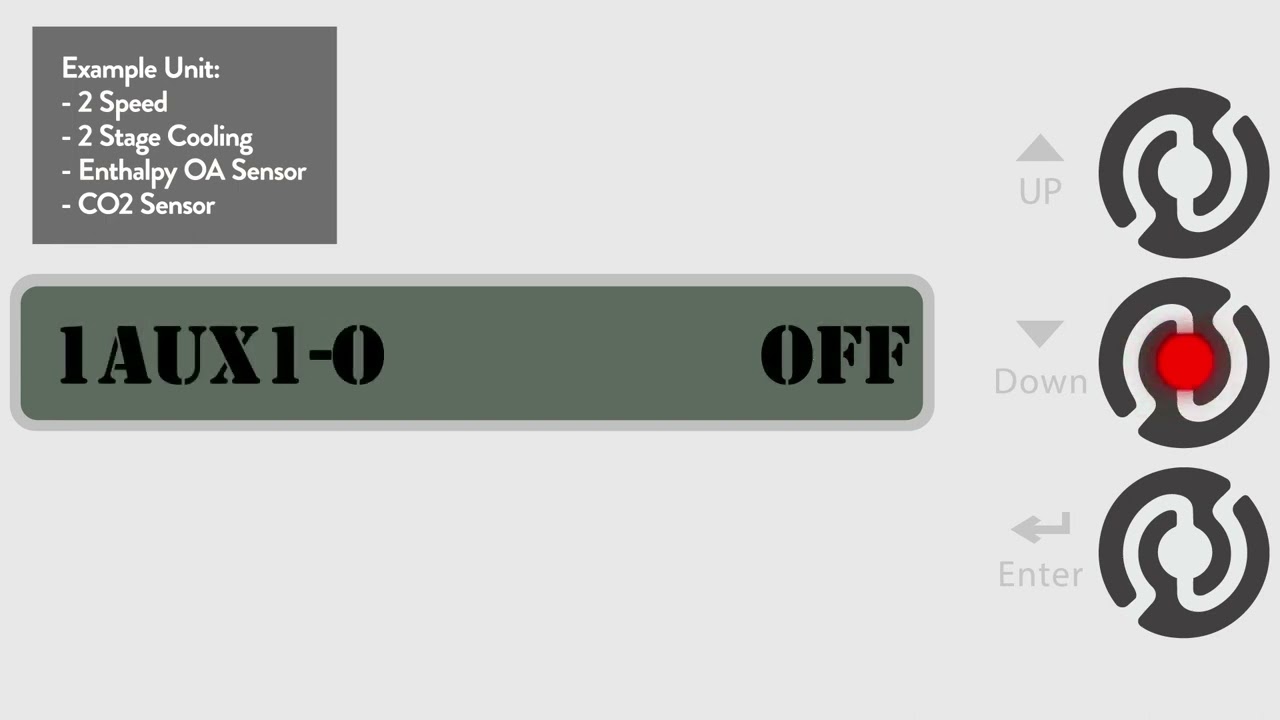
Navigating advanced features, auxiliary outputs, and BACnet integration
How to save and copy configurations for other units
This setup method gives HVAC contractors and facility managers faster setup, greater consistency, and easy configuration duplication.
✅ Supports energy-efficient economizer programming
✅ Enables custom setpoints for any climate zone (ASHRAE-compliant)
✅ Meets Title 24 and code requirements for DCV and alarms
✅ Saves labor time and reduces installation errors
✅ Mobile app flexibility for commissioning in the field
Whether you're managing large retail spaces, schools, or industrial HVAC systems, this method scales across applications.
⏱️ Timestamps:
0:00 – Intro & App Overview
0:50 – Download Climatix App & Setup LAN Stick
1:41 – Default Settings vs. Job-Specific Adjustments
2:00 – Thermostat & Economizer Configuration
3:00 – Sensor Setup (Enthalpy, CO₂, Dry Bulb)
4:00 – Fan Speeds, Damper Actuator & Feedback
5:00 – DCV Settings & Voltage Ranges
6:34 – Auxiliary Outputs (Alarm, Heat, Exhaust)
8:00 – Connectivity, BACnet, Modbus
9:00 – Final Programming, Testing, and Saving Profiles
12:07 – Controller Removal & Reuse Tips
🛠️ Step-by-Step Breakdown:
Step 1: Download & Connect the Climatix App
Download from the Google Play or Apple App Store
Use "Guest Access" and connect via the Siemens Wi-Fi Stick
Note: iOS 15+ is required for iPhone users
Step 2: Configure Economizer, Sensors & Fan Settings
Select 2-speed, 2-stage cooling mode
Set up enthalpy and CO₂ sensors (default or custom voltage ranges)
Use GPS or manual inputs to define climate-based temp/humidity setpoints
Step 3: Finalize DCV & Auxiliary Features
Activate DCV with voltage input ranges (e.g., 2–10V)
Configure power exhaust and remote alarms
Save configuration profiles to apply to other units
With the Climatix™ app and Siemens POL224 controller, HVAC setup becomes smarter, faster, and repeatable across multiple jobs.
📌 Save time. Avoid errors. Achieve full economizer control on-the-go.
💬 Drop your questions in the comments
👍 Like this video if you found it helpful
📺 Subscribe for more tech videos from MicroMetl
🌐 Visit www.micrometl.com for product manuals and tech support

Доступные форматы для скачивания:
Скачать видео mp4
-
Информация по загрузке: