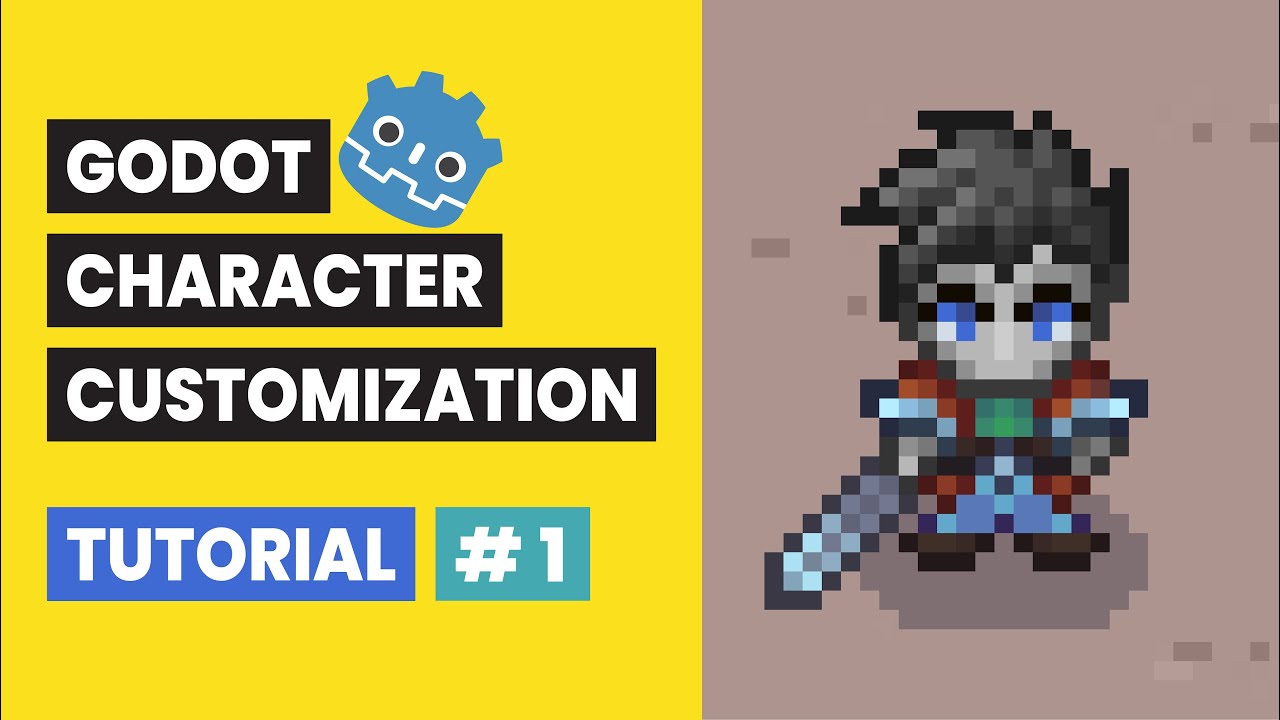
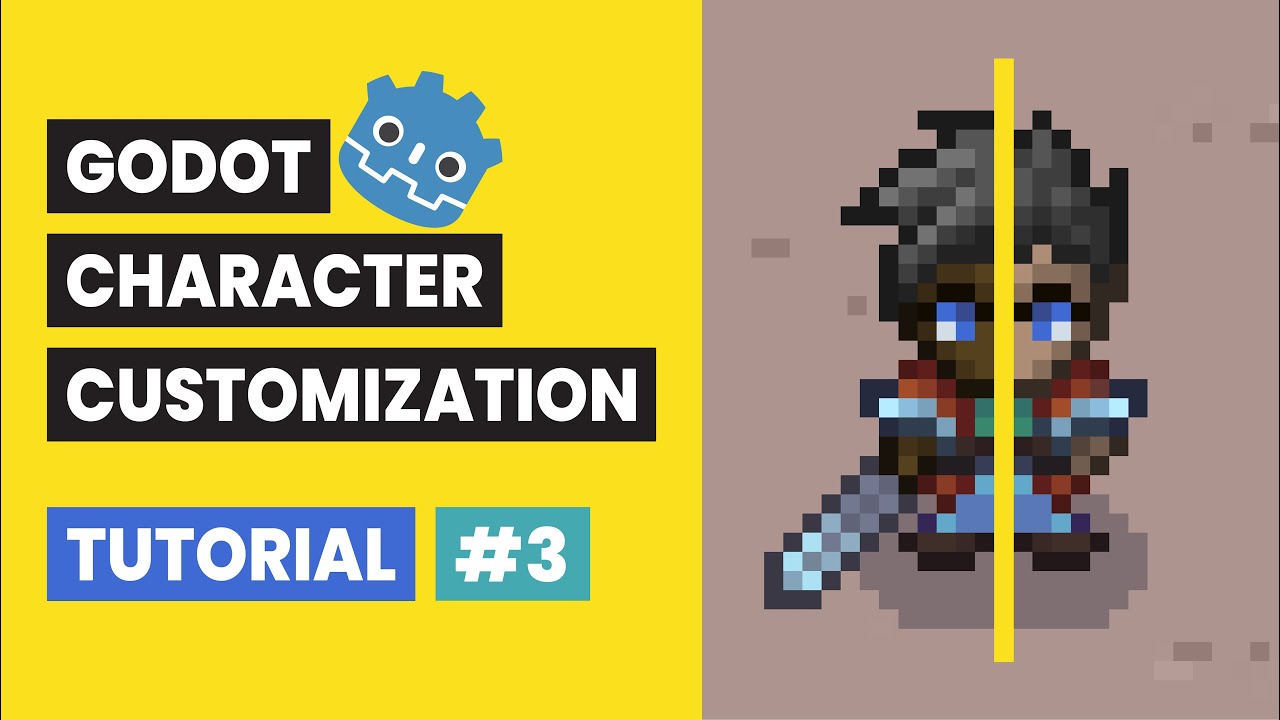
Godot Character Customization Tutorial #3: Change Skin Tone
Автор: Richard Gameworks
Загружено: 2025-11-24
Просмотров: 245
Godot Character Customization Tutorial #3: Change Skin Tone
🎨 Predefined Swatches, Global Script, and Dynamic Buttons (Godot 4.5.1)
In Video 2, we successfully built the hair color panel using signals and the ColorPicker node. Now, in Video 3, we focus on creating the Skin Tone Panel.
Instead of a free color picker, we'll set up a Global Script (AutoLoad) to hold a list of predefined color swatches. We then build custom buttons dynamically, allowing the player to select their skin tone from these curated options. This video focuses on building data-driven interfaces!
New to the series? Get caught up on the essential character setup, layered structure, and animation sync from Video 1 here: • Godot Character Customization Tutorial #1:...
We are using Godot Engine 4.5.1 for this entire series!
What You Will Learn:
⚙️ What You Will Learn in This Video:
AutoLoad Setup: Configuring a global script (global.gd) to house shared data (the SKIN_TONES dictionary) and making it accessible across the entire project.
Dynamic Buttons: Creating a reusable SkinToneButton node with logic to load and display a specific skin color using an internal ColorRect.
UI Design: Reusing the custom panel style (panel_style) to maintain visual consistency and structure the swatches in a GridContainer.
Panel Logic: Writing the SkinTonePanel script to dynamically instantiate buttons based on the keys in the Global Script's dictionary.
Signal Connection: Connecting the button's pressed signal, emitting a custom changed signal on the panel, and wiring it all up to the change_skin_tone function on the Player script.
Mouse Clicks Fix: Solving the common issue of the ColorRect intercepting the mouse click by changing its Mouse Filter property to Ignore.
⬇️ Download Project Resources Here:
https://bit.ly/4nwEzo9
🎬 Video Timestamps:
0:00 Intro and Video 2 Recap
0:09 Video 3 Goal
0:20 Setting Up the Global Script
0:42 Enabling global.gd with AutoLoad
1:07 Creating the SkinTonePanel and Reusing the panel_style
1:32 Structuring the Panel with VBoxContainer, Label, and GridContainer
2:08 Saving the Panel and Button as Reusable Scenes
2:21 Creating the SkinToneButton Scene (Custom Size and ColorRect)
3:11 Scripting the Button (SkinToneButton): Color Display in _ready
3:39 Scripting the Panel (SkinTonePanel): Custom Signal and References
4:40 Creating the Skin Tone Buttons dynamically
6:08 Creating the change_skin_tone Function on the Player
6:25 Connecting the Panel Signal to the Player Function in Main
6:57 Initial Test and Mouse Click Troubleshooting (Mouse Filter)
7:32 Final Test and Conclusion
7:42 What's Next
#godot #godot4 #charactercreator #godottutorial #gamedev #gdscript #customization
Доступные форматы для скачивания:
Скачать видео mp4
-
Информация по загрузке: