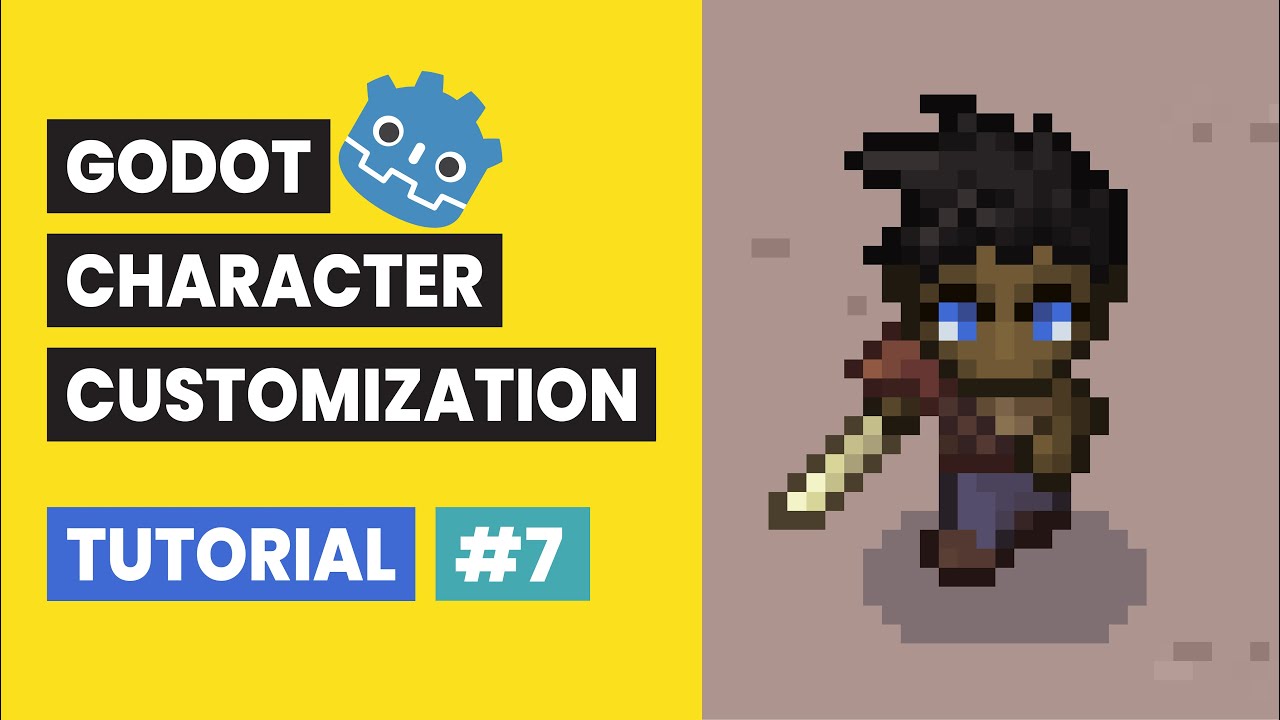
Godot Character Customization Tutorial #7: Player Movement
Автор: Richard Gameworks
Загружено: 2025-12-22
Просмотров: 149
Godot Character Customization Tutorial #7: Player Movement
🏃♂️ Top-Down Movement, Input Maps, and Animation States (Godot 4.5.1)
In Video 6, we gave our character an identity with a custom Name Label. Now, in Video 7, we are bringing them to life by adding Player Movement controls!
We will start by configuring the Input Map in Project Settings to support Arrow Keys (or WASD). Then, we will write a robust movement script to handle 8-directional input while snapping our animations to the 4 cardinal directions (Up, Down, Left, Right). We will also solve a common UI issue where moving the character accidentally highlights buttons by adjusting the Focus settings.
New to the series? Get caught up on the essential character setup, layered structure, and animation sync from Video 1 here:
• Godot Character Customization Tutorial #1:...
We are using Godot Engine 4.5.1 for this entire series!
⚙️ What You Will Learn in This Video:
Input Map Setup: How to assign keyboard keys to custom actions (move_up, move_down, etc.) in the Project Settings.
Vector Math: Using Input.get_vector() to calculate the exact direction the player wants to move.
Directional Logic: Writing a helper function to determine if the X or Y axis is dominant, ensuring the character faces the correct direction when moving diagonally.
Animation States: How to dynamically construct animation strings (e.g., "run_right" vs "idle_down") based on velocity and direction variables.
Physics Process: Implementing move_and_slide() inside _physics_process for smooth collision-based movement.
UI Focus Fix: Disabling "Recursive" focus on UI containers so that keyboard inputs control the character instead of navigating the menu buttons.
Here is the link to easily copy-paste the player animation logic we went over in the video:
https://bit.ly/4p7NvBa
🎬 Video Timestamps:
0:00 Intro and Goal
0:15 Setting up Input Map Actions
0:45 Defining Player Variables
1:09 The Physics Process Loop
1:27 Movement & Direction Helper Functions
1:38 Explaining the new helper functions
3:56 Testing
4:15 Adding a Background Sprite
4:48 Testing again
5:12 Fixing UI Focus Interference
5:41 Final Testing
5:55 Conclusion
#godot #godot4 #charactercreator #godottutorial #gamedev #gdscript #topdown #movement #inputmap #animation
Доступные форматы для скачивания:
Скачать видео mp4
-
Информация по загрузке: