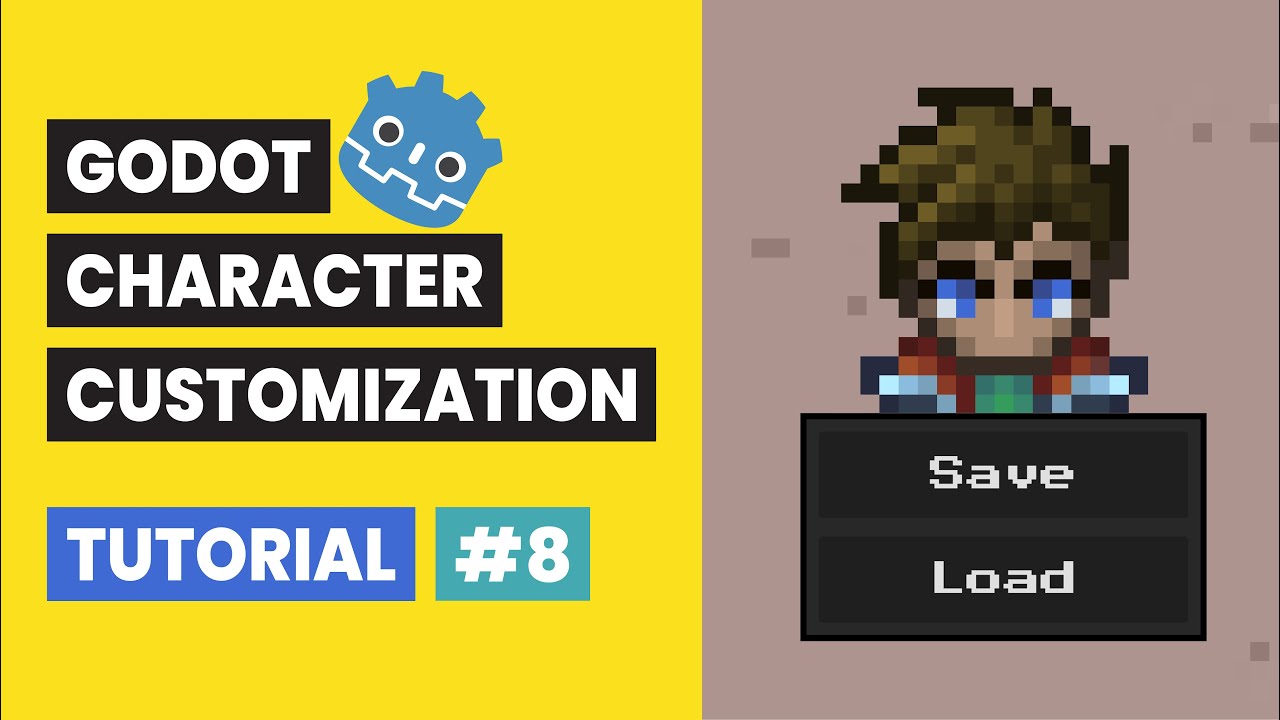
Godot Character Customization Tutorial #8: Save & Load Character
Автор: Richard Gameworks
Загружено: 2025-12-28
Просмотров: 167
Godot Character Customization Tutorial #8: Save & Load Character
💾 JSON Serialization, Persistent Data, and FileAccess (Godot 4.5.1)
In Video 7, we brought our character to life with top-down movement controls. Now, in Video 8, we are completing the series by adding the final essential feature: Save & Load functionality!
We will build a system to serialize our character's customization data (Name, Hair Color, Skin Tone, Equipment) into a JSON file using Godot's FileAccess class. We will also implement the logic to parse that JSON back into a Dictionary to restore the character's exact look when the game restarts.
New to the series? Get caught up on the essential character setup, layered structure, and animation sync from Video 1 here:
• Godot Character Customization Tutorial #1:...
We are using Godot Engine 4.5.1 for this entire series!
⚙️ What You Will Learn in This Video:
FileAccess API: How to open, write to, and read from files in the user's system using FileAccess.open() and store_string().
JSON Serialization: Using JSON.stringify() to convert our character Dictionary into text, and JSON.parse_string() to convert it back.
Data Architecture: Implementing get_ and set_ functions in every UI panel (Name, Color, Selection) to cleanly extract and inject data.
Color Conversion: How to convert Godot Color objects to HTML Hex strings (and back) so they can be saved in a JSON file.
Signals & UI: Creating a reusable "SaveLoadPanel" and connecting its signals to the Main script to trigger the save logic.
Persistence: Calling the load function inside _ready() to automatically restore the player's character every time the game launches.
🎬 Video Timestamps:
0:00 Intro and Goal
0:12 Creating the Save/Load UI Container
1:36 Scripting the Panel Signals
2:11 Writing the Save & Load Functions (Main Script)
4:09 Adding Getters & Setters to UI Panels
5:31 Handling Color Serialization (HTML Strings)
5:46 Final Testing
6:16 JSON File Inspection
6:23 Auto-Load on Startup
6:33 Conclusion
💻 Source Code
https://github.com/richardgameworks/g...
The character sprites used in this tutorial are a modified version of the free Swordsman 1–3 Level Pixel Top-Down Sprite Character Pack from CraftPix.Net. The original assets have been adapted and restructured to work with the modular character customization system demonstrated in this tutorial.
🔗 Download the original assets: https://craftpix.net/freebies/free-sw...
#godot #godot4 #savegame #json #serialization #gdscript #fileaccess #gamedev #tutorial #charactercreator
Доступные форматы для скачивания:
Скачать видео mp4
-
Информация по загрузке: