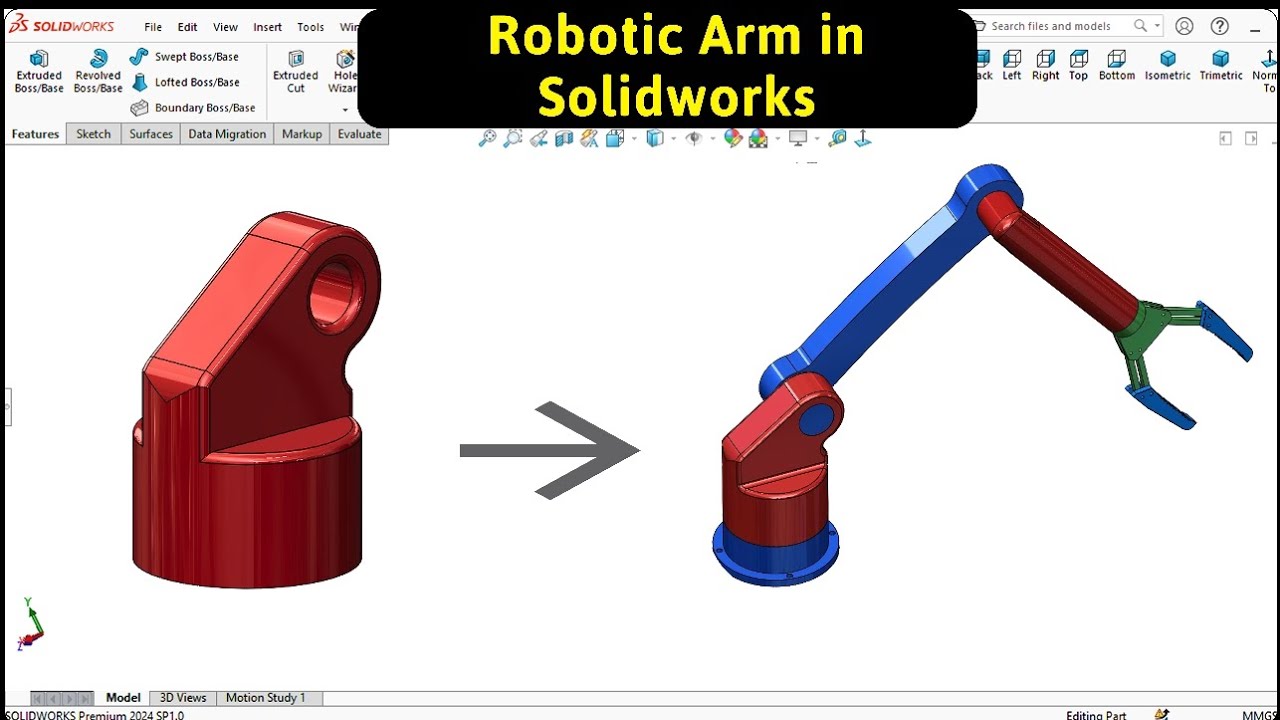
Robotic Arm Link 1 Modeling in SOLIDWORKS | Robo CAD
Автор: Robo CAD
Загружено: 2026-01-27
Просмотров: 17
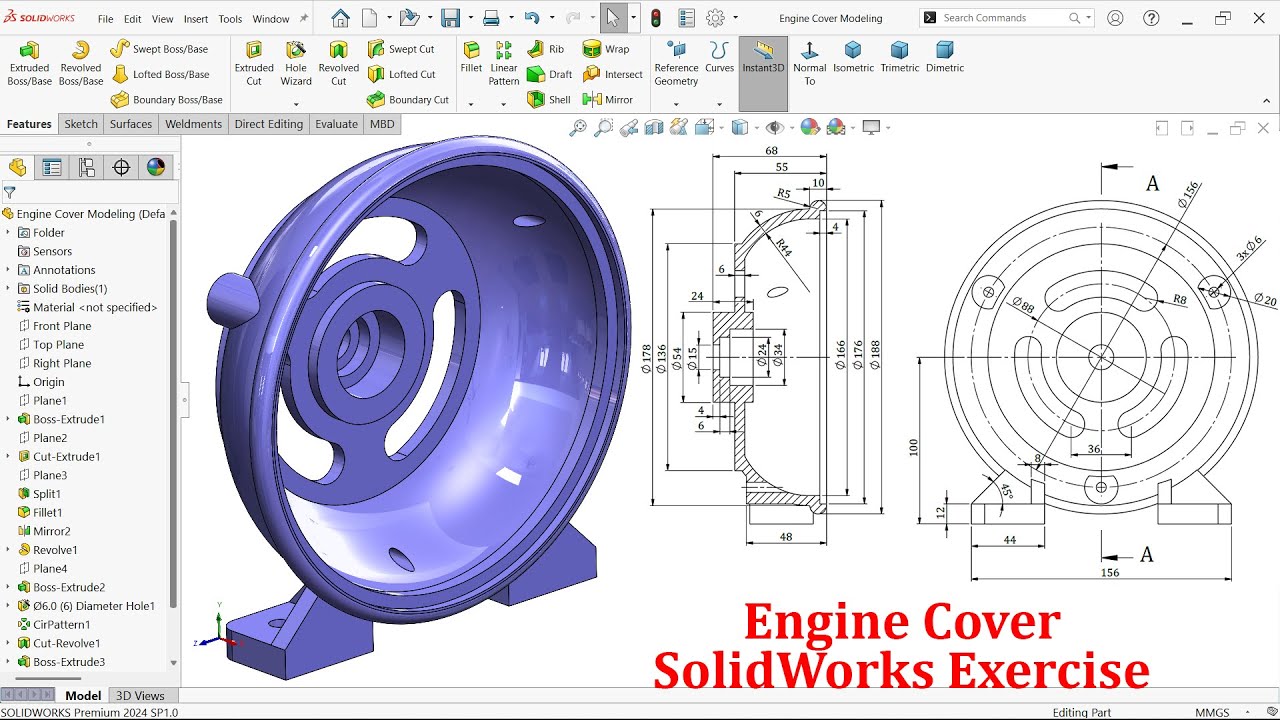
In this SOLIDWORKS 3D CAD tutorial, you will learn robotic arm part modeling step by step. This video is part of a complete robotic arm modeling series in SOLIDWORKS, where we design and assemble a full robotic arm using professional CAD techniques.
In this tutorial, we focus on modeling one complete robotic arm part in SOLIDWORKS using sketching tools and essential features. You will learn how to create accurate sketches using horizontal, vertical, and tangent relationships, and how to fully define your sketch for precise robotic arm part modeling.
We use Revolve Boss Base and Extruded Boss Base features to build the 3D geometry of the robotic arm part. You will also see how fillet features are applied to improve the design and make the robotic arm part more realistic and manufacturing-friendly.
This SOLIDWORKS robotic arm modeling tutorial is ideal for beginners and intermediate CAD learners who want to improve their 3D CAD skills while working on a real-world robotic arm design project.
Topics covered in this SOLIDWORKS 3D CAD tutorial:
Robotic arm part modeling
SOLIDWORKS sketch relationships
Horizontal vertical tangent relations in SOLIDWORKS
Revolve Boss Base in SOLIDWORKS
Extruded Boss Base in SOLIDWORKS
Fillet feature in SOLIDWORKS
Mechanical part modeling in SOLIDWORKS
Follow the full robotic arm modeling series to learn complete robotic arm design in SOLIDWORKS from scratch.
Доступные форматы для скачивания:
Скачать видео mp4
-
Информация по загрузке: