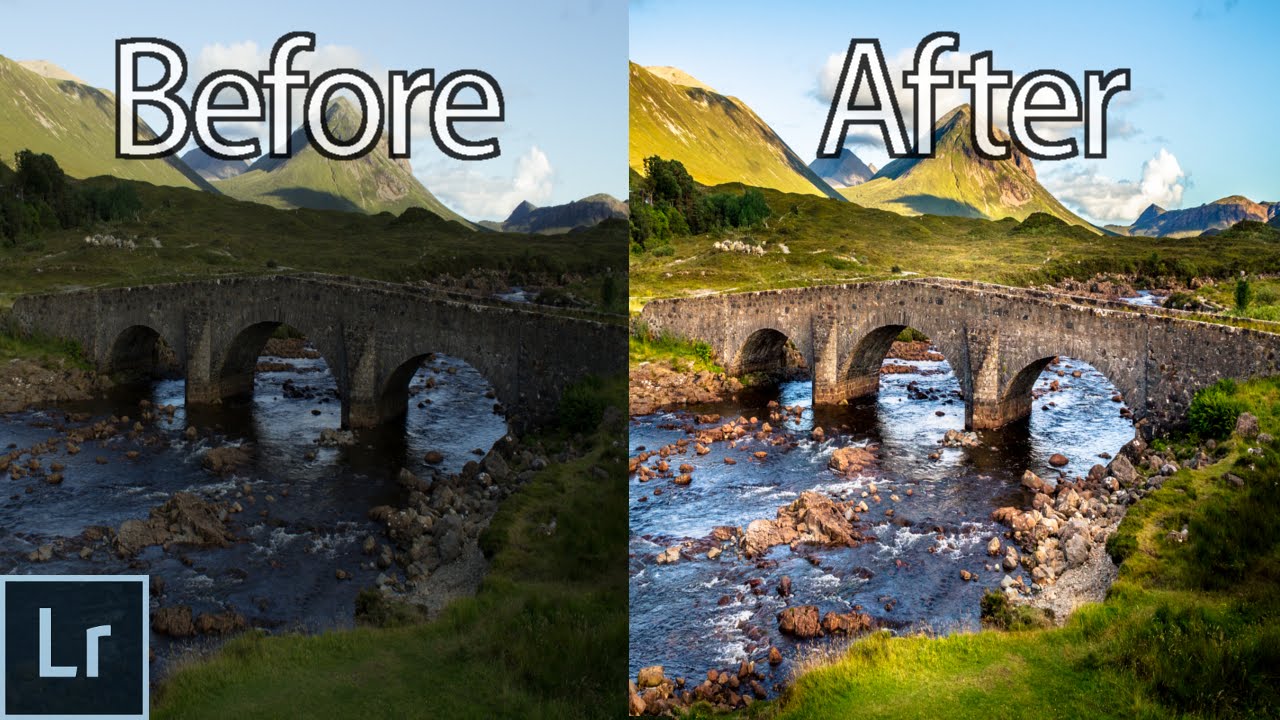
Landscape Photography Editing in Lightroom 5/6 - From The RAW File to the Finished Photo! - WME
Автор: YuriFineart
Загружено: 2015-07-20
Просмотров: 134059
My BRAND NEW Lightroom Presets: ► https://www.yurifineart.com/presets
Instagram: ► / yurifineart || Camera: ► https://amzn.to/2HxJB4y
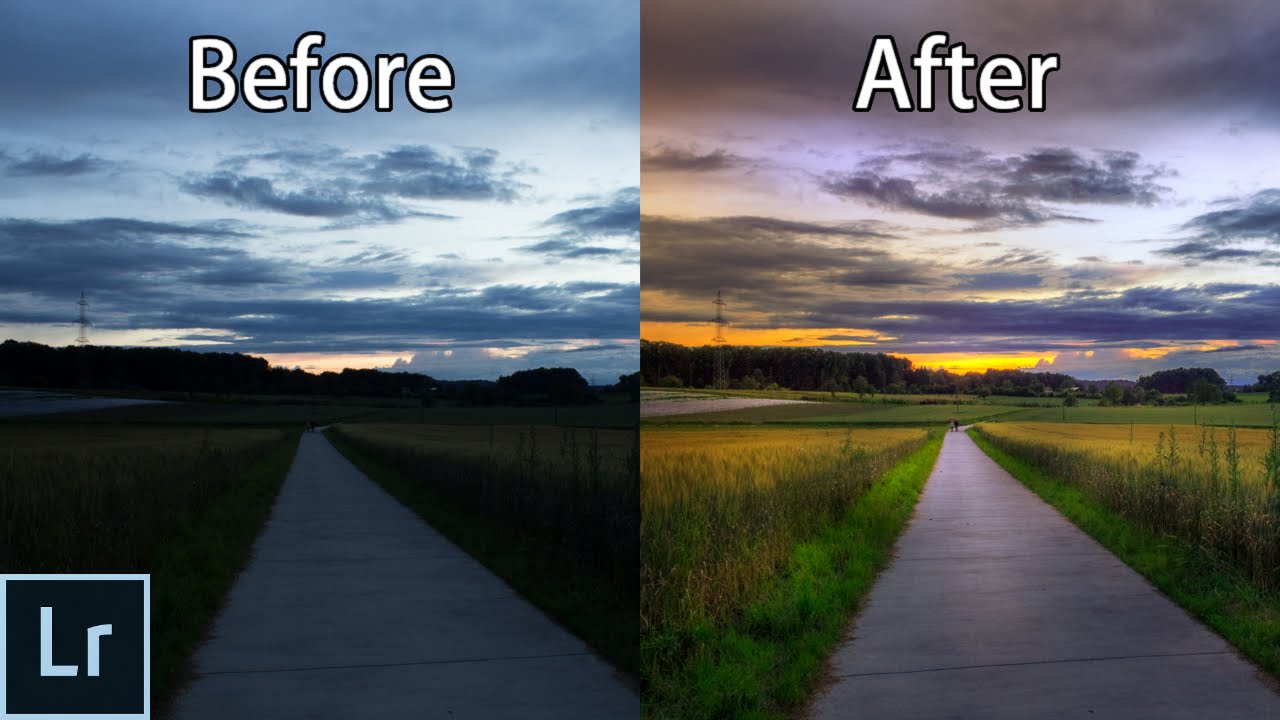
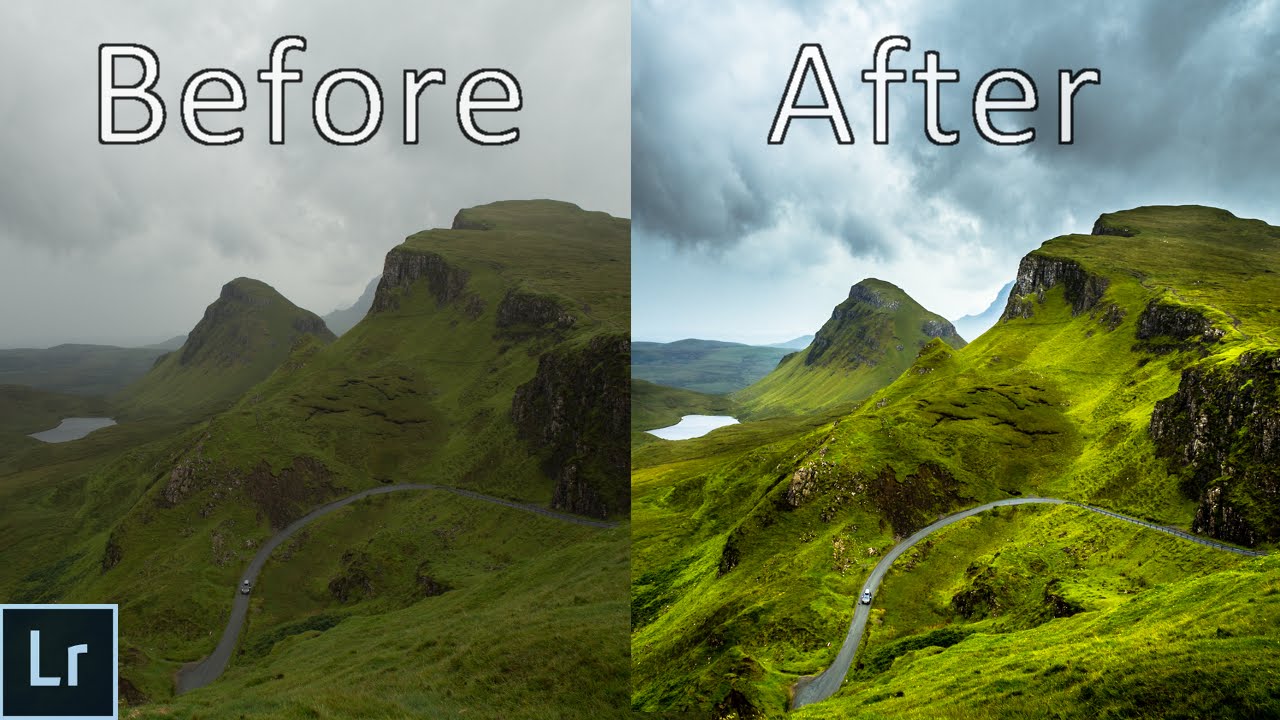
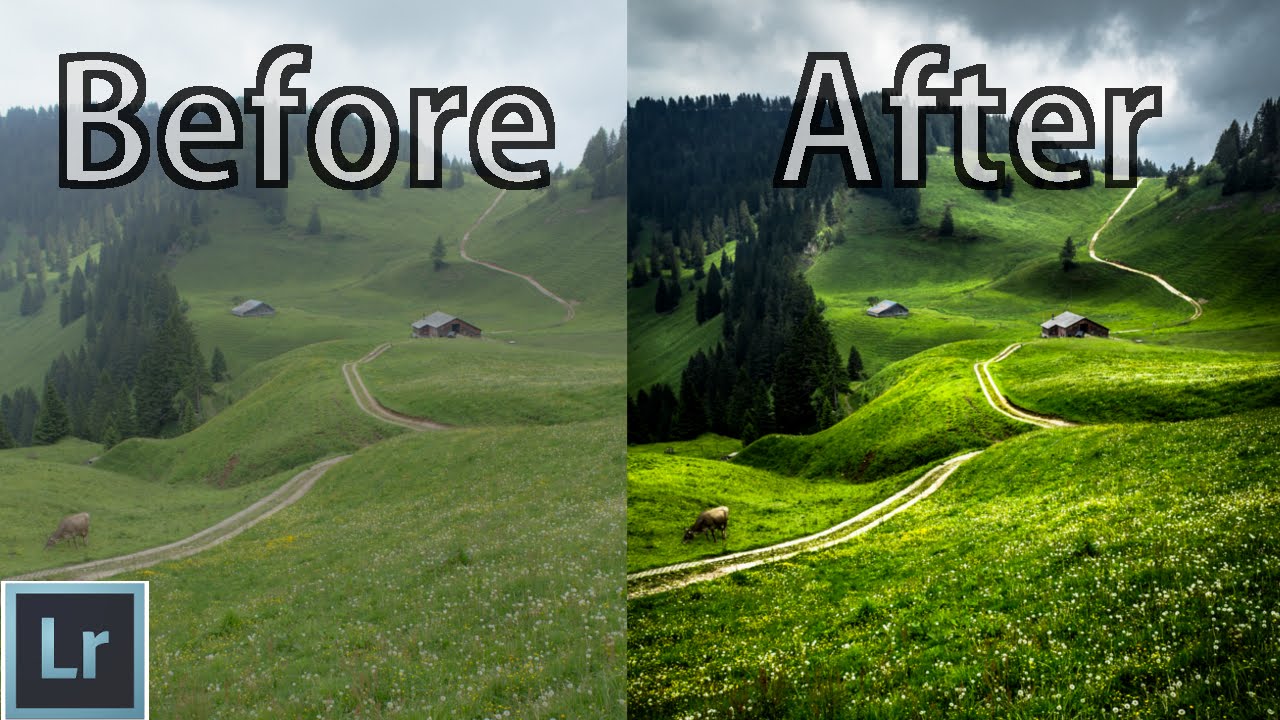
Today I show you how I Edit and Post Process this Landscape RAW file from the Swiss Mountains using Lightroom. I will show you my Workflow, what I do to the Photo and what Effect it has to the Picture!
---------------------------------
MY PHOTO GEAR:
► My Camera: https://amzn.to/2HxJB4y
► Newer Version Of My Camera: https://amzn.to/2Kl2g1f
► Super Sharp Sony 50mm F1.8 Lens: https://amzn.to/2HxBWDi
► Budget 35mm F1.8 Lens: https://amzn.to/2Km201S
► My Tripod: https://amzn.to/2HEoAB1
► 128GB SD Card: https://amzn.to/2KlDnCp
► Lavalier Microphone: https://amzn.to/2r6cWca
► Compact Rode Microphone: https://amzn.to/2jdf9hu
► Color Accurate Video Light: https://amzn.to/2r5EfCx
(These are amazon affiliate links, they give me a small commission if you buy something through the link at no extra cost to you - Thanks for supporting me and my channel :)
---------------------------------
FINE ART PRINTS:
► Prints: https://www.yurifineart.com/prints
You can purchase high quality prints of my very best photos from my website. When purchasing a print, you can expect great attention to detail, top sharpness and a print that looks just as vivid as you see it on the website. This helps me to make free educational videos in the future and is greatly appreciated!
___________________________________________________________
Small Text Guide to Edit Landscapes in Lightroom: (the video shows everything with way more details: • Landscape Photography Editing and Post Pro... ):
Text Guide (only 2 of 13 points mentioned)
I have been photographing for over 3 years now and because I started shooting RAW very early I needed a program to edit them, I looked into a lot of raw converters and at the end decided to go with Lightroom because it seemed like a very versatile, affordable and user friendly program.
Now I've been using Lightroom for almost 3 years have never felt the need to change to another software. I have edited hundreds and hundreds of images, my techniques and pictures continually developed and I was getting happier and happier with the result I was getting. Many People asked my how I edited this landscape, how did I do that etc.. So I figured I'd just make a guide and put it on YouTube and post a text / stills version here. I am sure I have still a lot to learn and there are many different ways and styles and ways to edit landscapes but here I'm just showing you my way, my workflow on how I edit most of my landscapes, keep in mind that what I'm going to show here is a very rough version of my workflow, it would be impossible to to list all detailed adjustments and how I mix different settings together for 1 setting, many thought only 1 slider was for etc.. But still, if you like my style of editing I do to my images this might give you some inspiration, ideas or help you out for your editing :)
here the 2 basic steps:
(1.) Basic retouching:
1- Bringing down the Highlights, usually quite far, sometimes up to -100
2- Bring up the shadows, usually +100, sometimes a bit less however
3- Bring up the whites until they almost clip (hold down the ALT key while moving the slider to see when they clip
4- Bring down the blacks, I always clip the blacks a bit, I'm not too worried if I lose some detail there (hold down the alt key to see when the blacks clip
5- Play around with contrast, usually I add a bit of contrast, +10 or 20, sometimes more, sometimes i go -20 or even more, just play around with it
6- I usually take back the clarity a bit because the editing above adds a lot of contrast and clarity, this helps to give back some of the softness
7- Playing around with the Vibrance / Saturation, I prefer the vibrance tool because it adds color more subtle
8- Adjust the global exposure if needed
9- Play around with the white balance and chose whatever you like best
10- Play around with the Tint, I add magenta to most of my images, especially sunsets, I very rarely add any green tint there
Alright, that is pretty much it! keep in mind that this is a very very basic guide and should mostly give you ideas and explain some of the lightroom features, at the end everyone has a different style, take this as an ''idea'' and less as a ''this is how i'll edit my pictures from now on''
.
Ignore-
adobe lightroom 6, adobe lightroom 5, adobe lightroom 6 tutorial, adobe lightroom cc tutorial, adobe lightroom 5 tutorial, adobe lightroom advanced, lightroom 6, lightroom 5, lightroom cc, lightroom 6 tutorial, lightroom 5 tutorial, lightroom adjustment brush tutorial, lightroom advanced tutorial, lightroom advanced editing, lightroom adjustment brush, lightroom 6 tutorial, lightroom 5 tips and tricks, lightroom 5 editing, lightroom 5.7 tutorial, lightroom 5 adjustment brush, lightroom radial filter, radial filter tutorial, dodge and burn
Доступные форматы для скачивания:
Скачать видео mp4
-
Информация по загрузке: