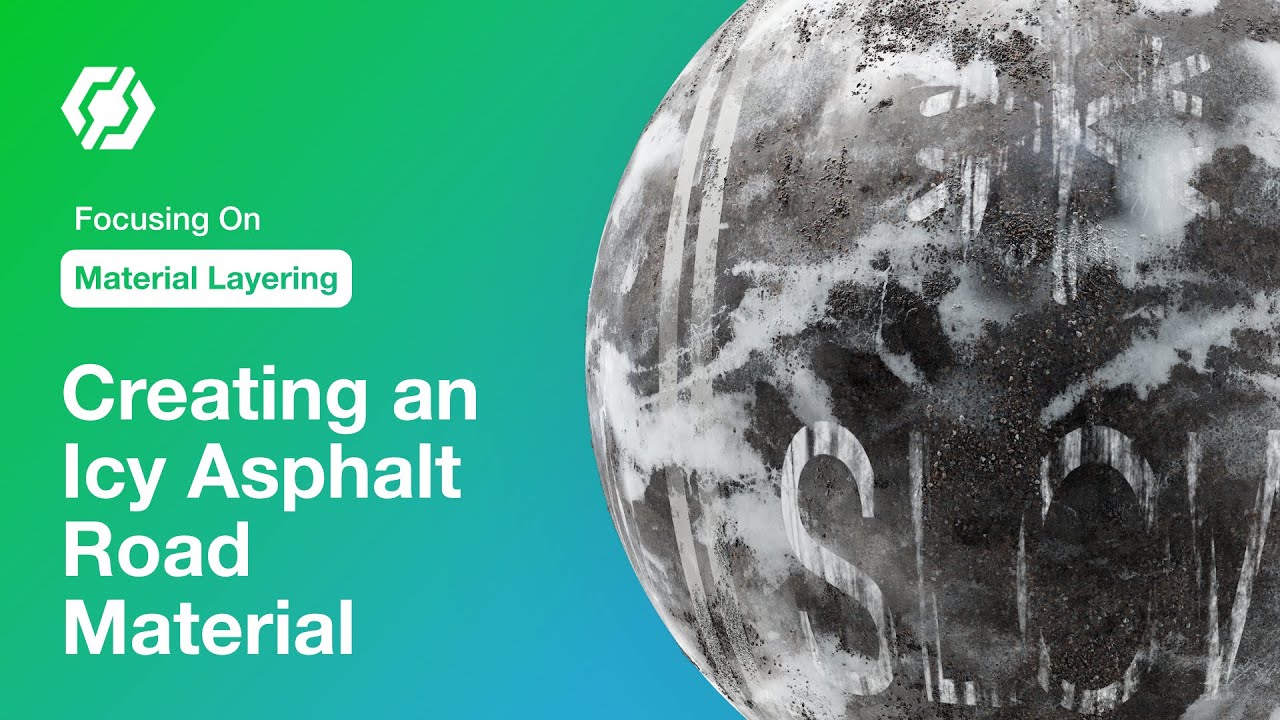
Focusing On Material Layering: Creating an Icy Asphalt Road Material in InstaMAT Studio
Автор: Abstract 3D
Загружено: 2024-05-01
Просмотров: 2120
Learn how to create a procedural icy asphalt road material using InstaMAT Studio’s Material Layering project type. Material Layering makes it possible to create complex, procedural materials using a creative layer-based approach. In this video, we focus on using Generators to add additional details to our layers and materials. Generators can affect multiple layer channels at once with adjustable intensities and blend modes. We also take a peek at how we can use InstaMAT’s GPU-accelerated painting engine to make manual adjustments using brushes.
Download the project file here: https://community.theabstract.co/t/fo...
Learn how to create a muddy wood planks material with Material Layering in InstaMAT Studio: • Getting Started with Material Layering: Cr...
Discover how to add custom materials and assets to your User Library: https://docs.instamat.io/en/Products/...
Chapters
00:00 - Introduction
00:57 - The base asphalt material
07:26 - Street lines
12:45 - Blending in fractured asphalt
15:24 - Text and decals
26:04 - Snow
31:05 - Painting Snow
33:09 - Ice
36:30 - Exposing dynamic parameters
Subscribe to our YouTube channel → / @abstract-official
To receive the latest updates on everything Abstract, visit our website → https://www.Abstract3D.com
Follow us on social media for breaking news:
X → https://www.x.com/Abstract3D
LinkedIn → / abstract3d
Доступные форматы для скачивания:
Скачать видео mp4
-
Информация по загрузке: