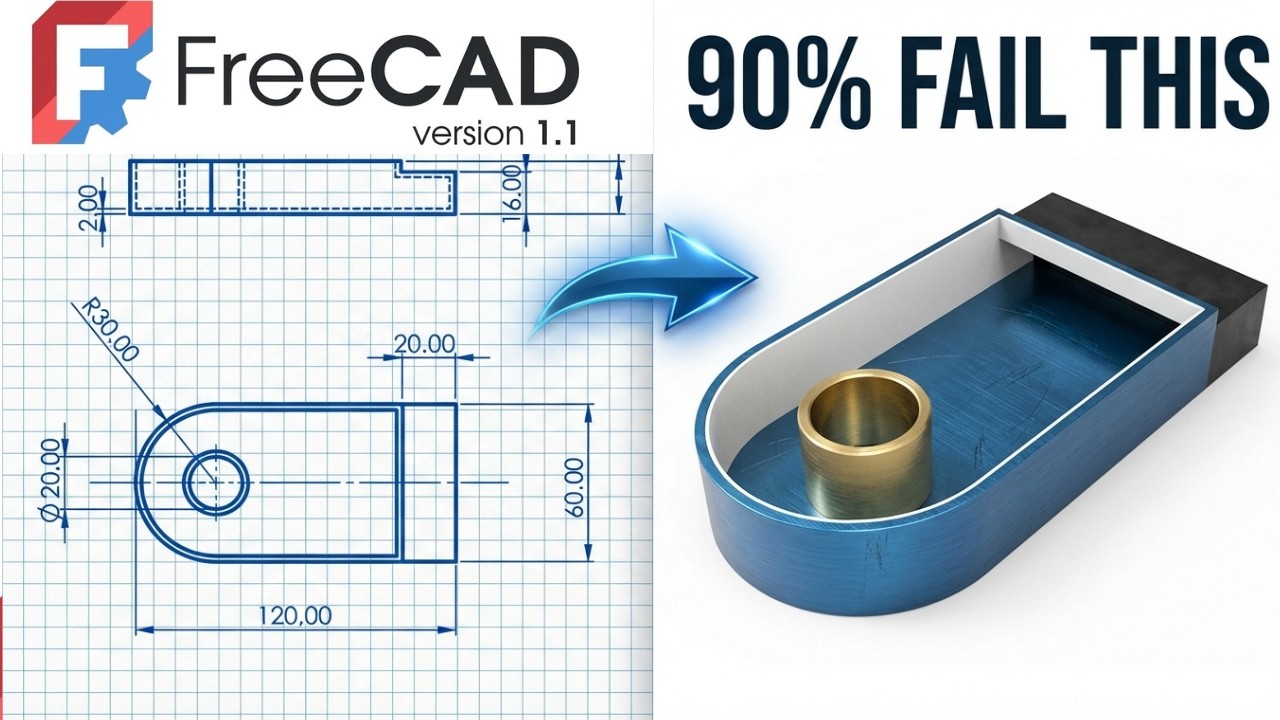
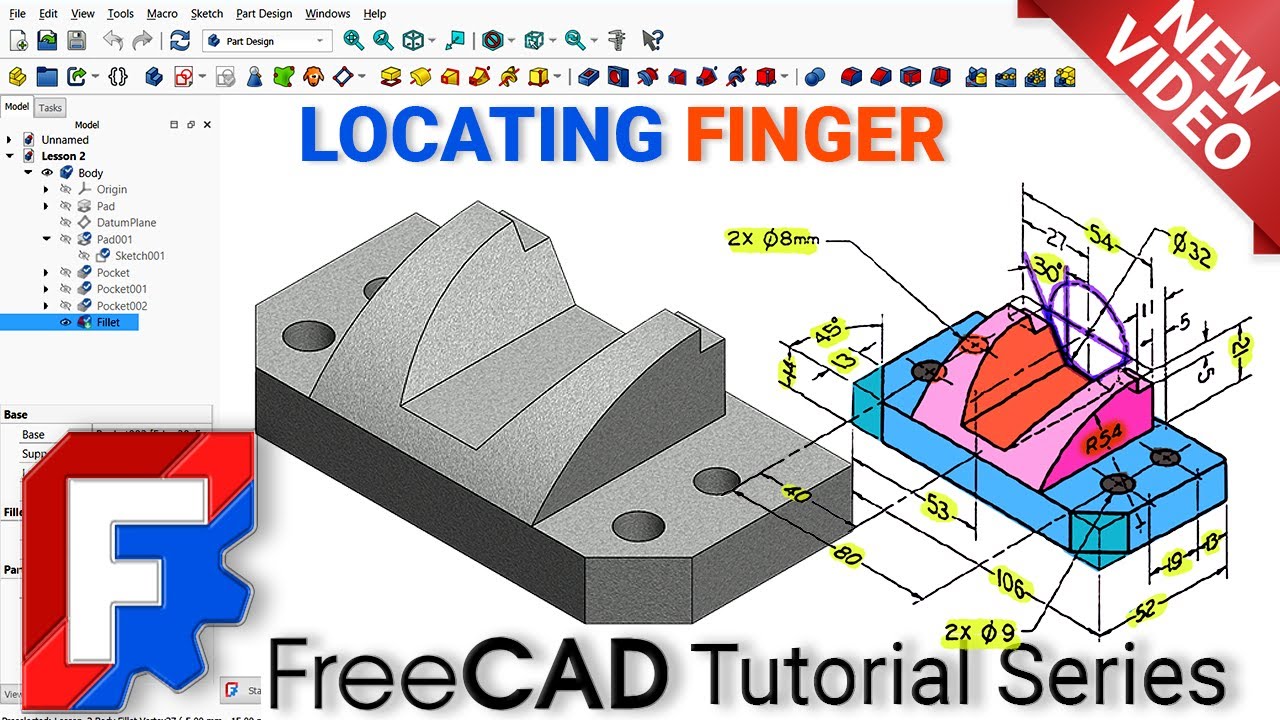
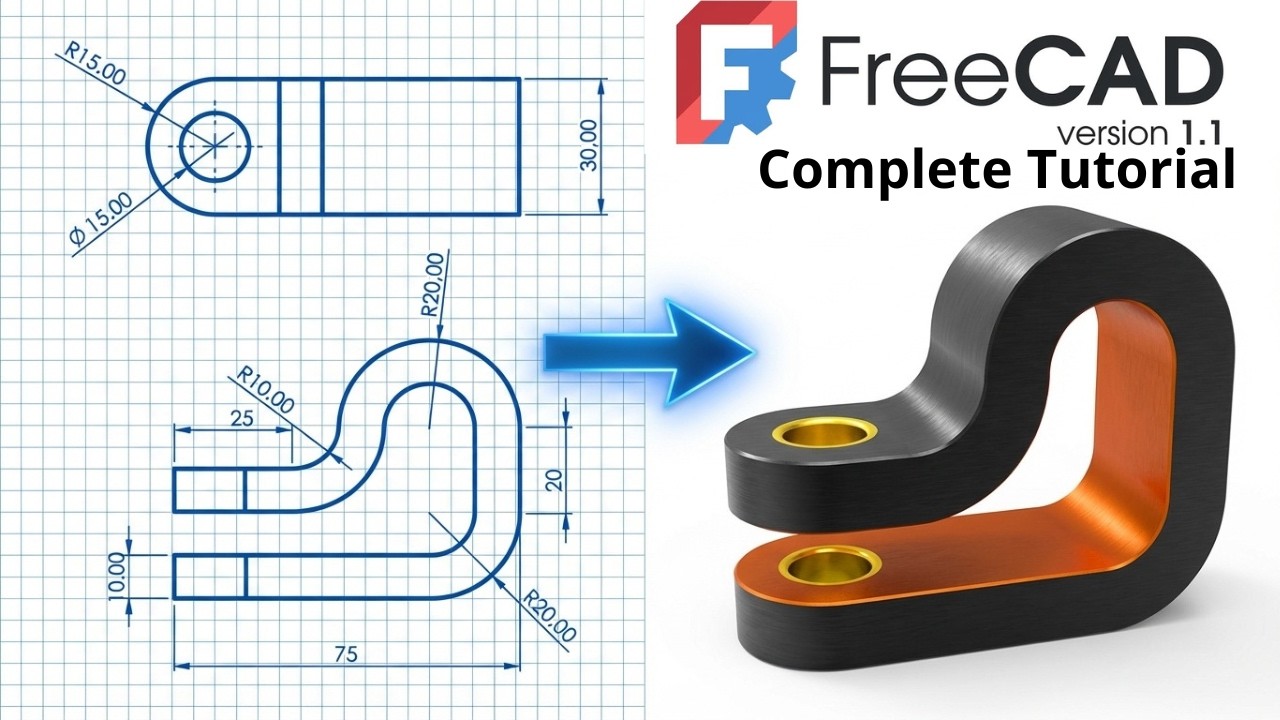
FreeCAD 1.1 Tutorial for Beginner - Boolean Operation
Загружено: 2026-01-21
Просмотров: 429
3D Sketch : https://www.3dmechanism.com/post/3d-e...
Donate PayPal: https://www.paypal.com/donate/?hosted...
Start your 3D modeling journey with FreeCAD! This tutorial is specially designed for beginners. You'll discover the essential features of the software and create your first project in no time.
1. Pad
The Pad command is the primary tool for creating a solid body from a sketch.
What it does: It extrudes (pulls) a 2D sketch into the third dimension to create volume.
How it works: You select a closed profile (like a circle) and define a length (height).
Analogy: Think of squeezing toothpaste out of a tube; the shape of the opening determines the shape of the "pad."
2. Boolean
Boolean operations allow you to combine, subtract, or intersect two separate solid objects.
What it does: It modifies shapes by interacting them with each other.
Common Operations:
Fuse (Union): Joins two objects into one single object.
Cut (Difference): Subtracts one object from another (like using a cylinder to cut a hole in a cube).
Common (Intersection): Keeps only the volume where the two objects overlap.
Workbench Note: While "Pad" is a Part Design tool, Boolean operations are most commonly found in the Part workbench. In Part Design, tools like "Pocket" are essentially automated Boolean cuts.
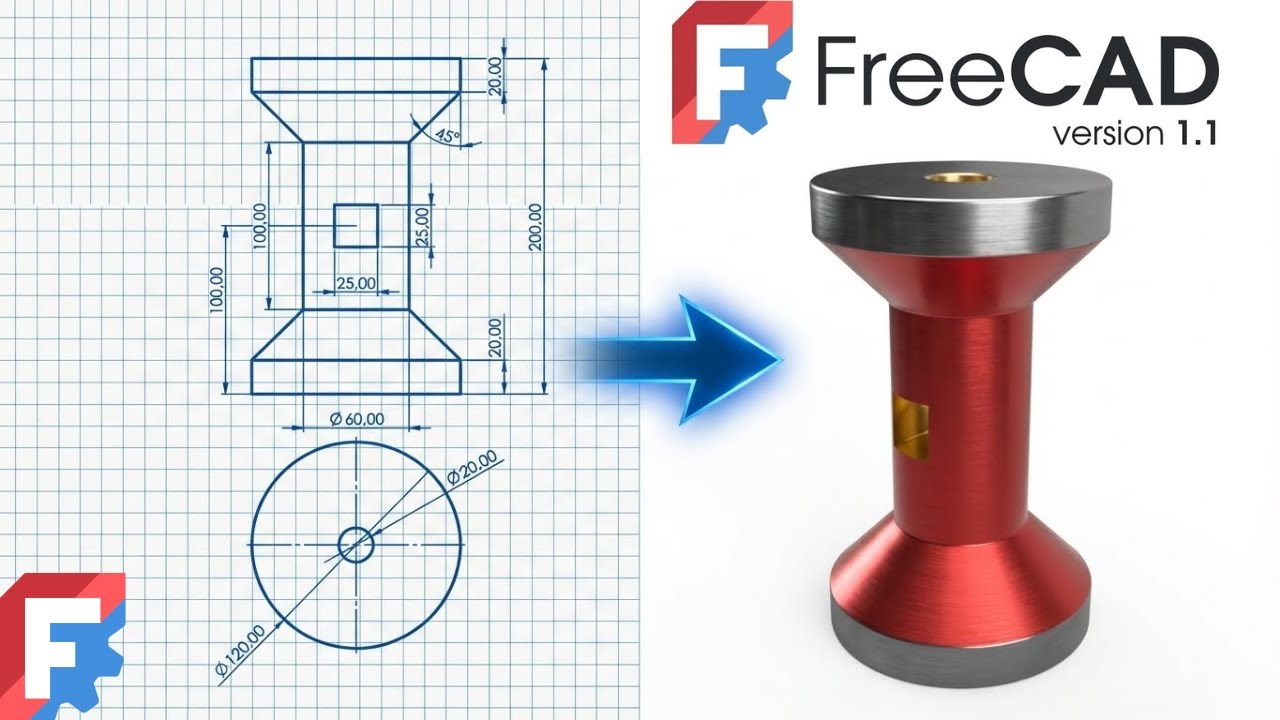
Common Use: Creating shafts, wheels, spheres, cones, or any "turned" part (lathe work).
Доступные форматы для скачивания:
Скачать видео mp4
-
Информация по загрузке: