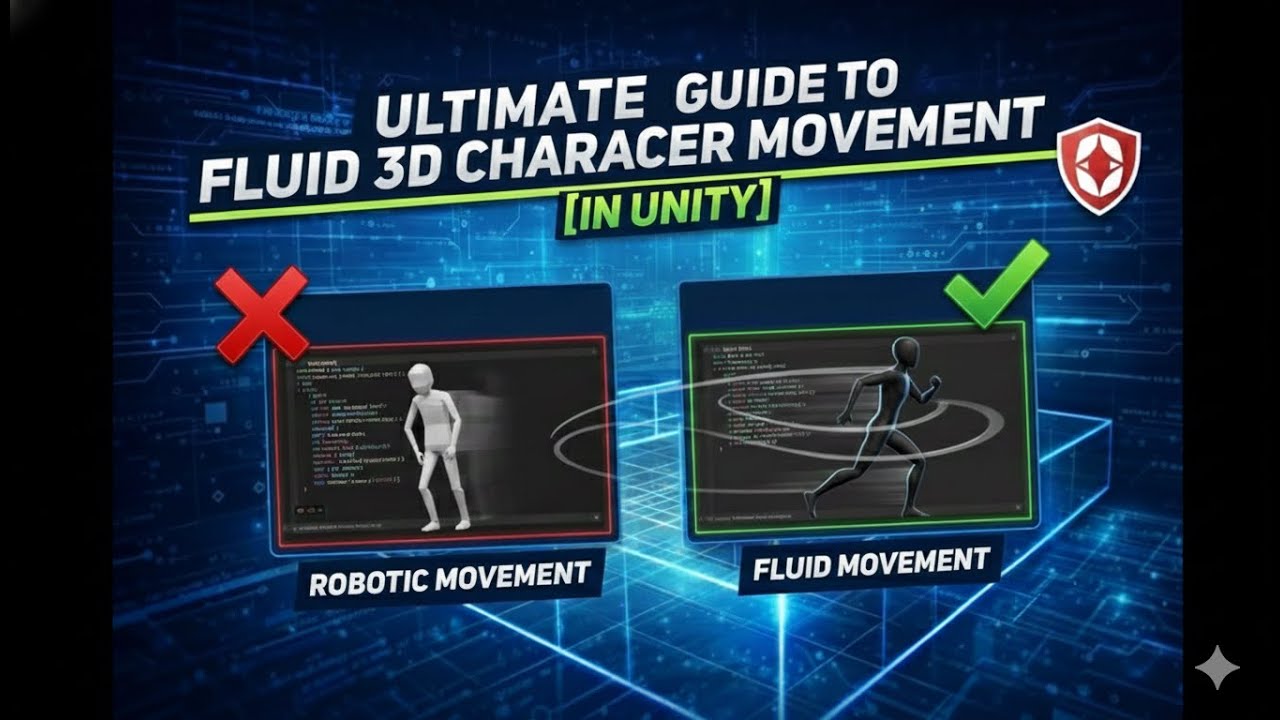
The Ultimate Guide to Fluid 3D Character Movement in Unity
Автор: Coding With Checker
Загружено: 2026-01-04
Просмотров: 31
Today I’m going to show you how to make your 3D character move smoothly in Unity — even if you’re brand new to game development.
Most beginners make their character move instantly the moment they press a key, and it feels stiff or robotic. In this video, I’m going to teach you how to make movement feel smooth, natural, and more like a real game.
We’re going to use something called a Character Controller, which is Unity’s built‑in way to move a player without using complicated physics. Then we’ll add acceleration, which means the character slowly speeds up instead of snapping to full speed. We’ll also add damping, which means the character slows down smoothly when you stop moving.
And to make things feel even better, we’ll add friction that changes based on gravity. That means if your game has stronger gravity, your character will feel heavier and harder to move — just like you’d expect.
By the end of this video, you’ll understand:
How to read player input
How to move a character in 3D
How to make movement feel smooth and polished
How gravity and friction can change the feel of your game
You don’t need to know any advanced coding. I’ll walk you through everything step by step, and you can copy the script I use. By the end, you’ll have a clean, professional‑feeling movement system you can use in any project.”
Доступные форматы для скачивания:
Скачать видео mp4
-
Информация по загрузке: