How to Trigger Maschine 2 from Logic Pro 10
Автор: AMP! Antonio Media Production
Загружено: 2022-08-24
Просмотров: 419
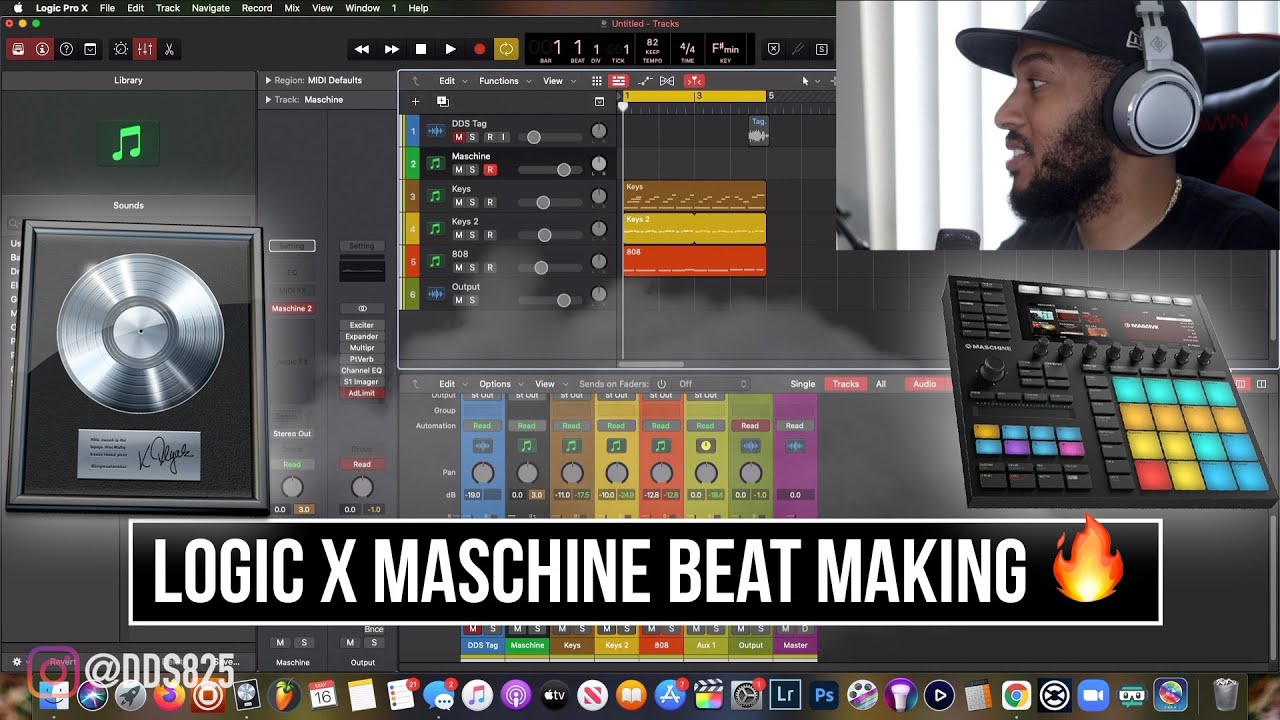
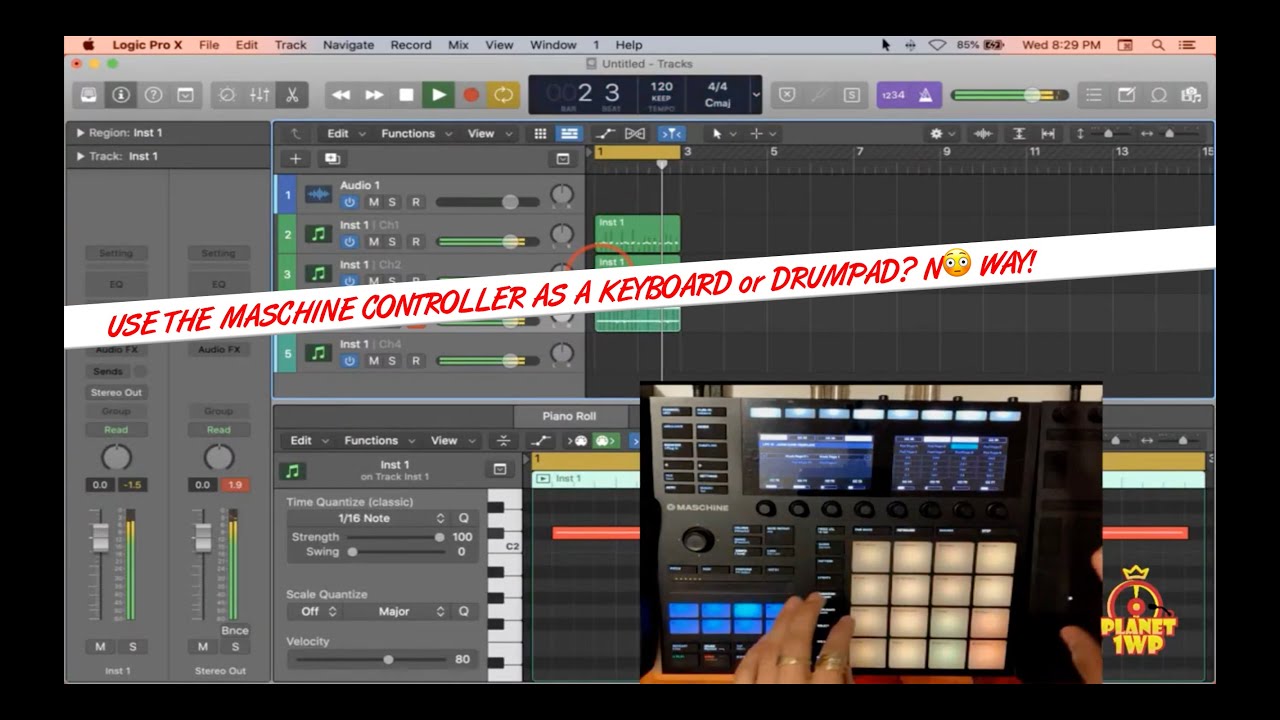
Maschine 2 by Native Instruments is available both as stand-alone app and as VST plug-in, to be used, for example from within Logic Pro. As a Logic Pro 10 plug-in, it provides editing, sequencing and sampling capabilities. The two play nice together, the setup however involves clicking on small icons, which as such will be described further. What we want to achieve is to use Maschine as a sampler, and trigger and route the midi events from Logic.
1st and foremost we want to route midi events from logic towards Maschine in "Keyboard" mode. This is accomplished by means of going to master/input/midi option tab and changing midi mode accordingly. This ensures that single notes in the piano editor, or in general in one regular midi channel, trigger each one of the Maschine samples
2nd we want to build a pattern in Maschine, by clicking play anywhere in Logic timeline and continuing editing in Maschine
3rd once we are done editing we drag the built pattern to Logic. We have two modes of dragging, midi and audio. With midi dragging mode, midi events are copied to a midi track, so that samples still play from Maschine. With sound dragging mode, the pattern is rendered and copied to an audio track
4th and last, we disable pattern playback from Maschine by clicking on the pattern (not on the group, group would disable playback of midi events routed in step 3)
Recorded in August 2022
Screencast from Logic/Maschine/MacOS
Sony Alpha 7III with Sigma 16-28mm DG DN Contemporary
Audio from Soundflower/Røde VideoMicro
(C) 2022 by AMP! Antonio Media Productions

Доступные форматы для скачивания:
Скачать видео mp4
-
Информация по загрузке: