Create Spreadsheet in FreeCAD and Place It on a Page | Spreadsheet Workbench Tutorial for Beginners
Автор: FCB Lounge
Загружено: 2024-11-14
Просмотров: 4834
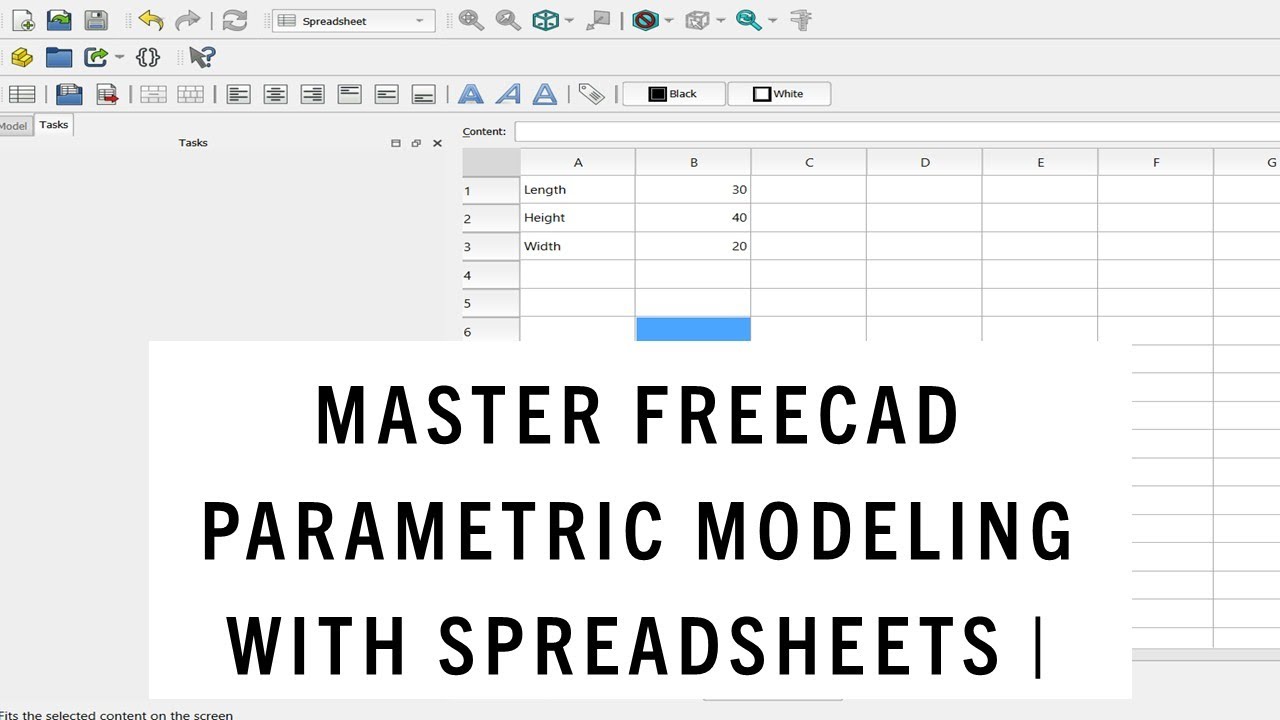
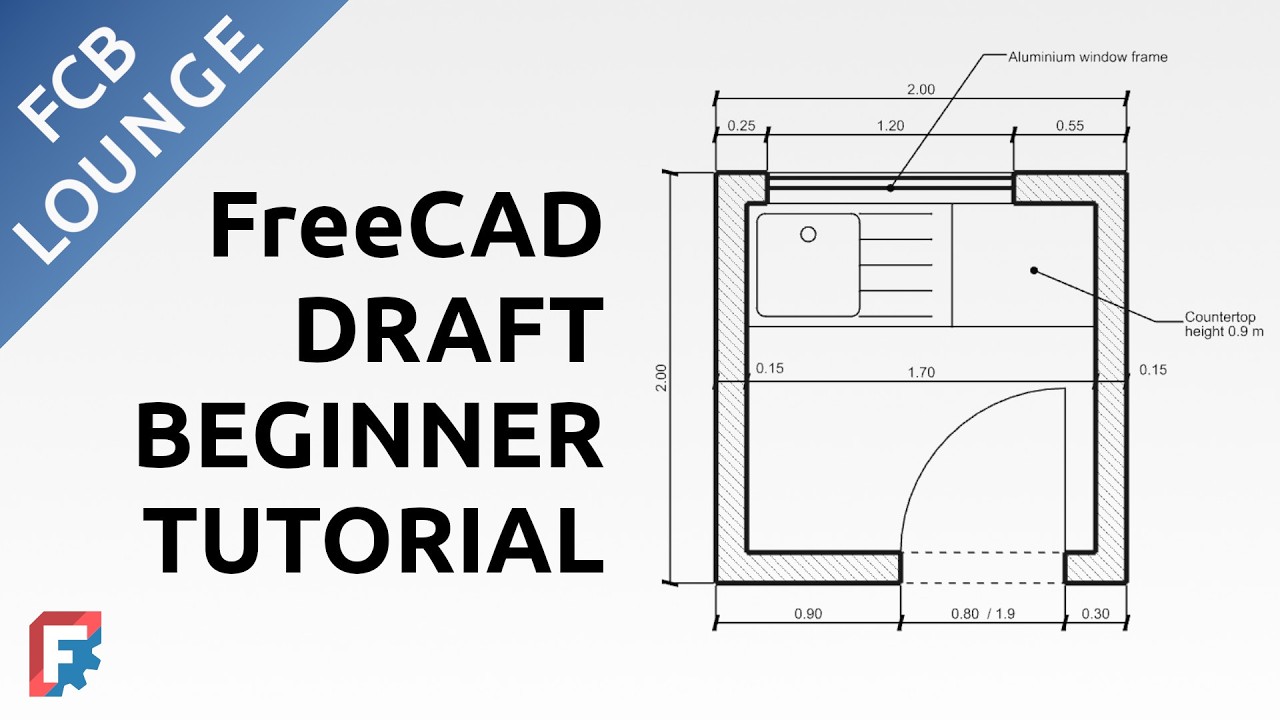
In this tutorial for FreeCAD beginners, creation of room schedule in the Spreadsheet workbench is demonstrated. Users will learn how to create spreadsheet, how to insert values in cells, how to format cells and how to place the spreadsheet on a page/sheet (created in the Tech Draw workbench) to represent room schedule. Basics of inserting data from the model is also demonstrated – the room area is calculated automatically in the schedule. Users in the AEC field will find this tutorial helpful.
FreeCAD version used in the video: 1.0RC2
Donate to the FreeCAD project: https://wiki.freecad.org/Donate
Content:
00:00 Intorduction
00:31 Creation of sheet with the Spreadsheet workbench
01:14 Filling in and formatting spreadsheet cells
04:48 Placing the spreadsheet on a page and changing the appearance
09:31 Creating connection to the model to calculate the cell values from the model properties
Follow on LinkedIn: / fcblounge
Follow on BlueSky: https://bsky.app/profile/tomaspolak.b...
Check out FreeCAD here:
https://www.freecad.org/
This video was created with the help of OBS:
https://obsproject.com/
This video was created with the help of GIMP:
https://www.gimp.org/
This video was created with the help of KDEnlive:
https://kdenlive.org/
#FreeCAD #foss #osarch #aec #opensource #spreadsheet

Доступные форматы для скачивания:
Скачать видео mp4
-
Информация по загрузке: