Small CNC, Huge Parts? Use This Autodesk Fusion 360 Workflow!
Автор: JIT CAD CAM
Загружено: 2026-01-24
Просмотров: 669
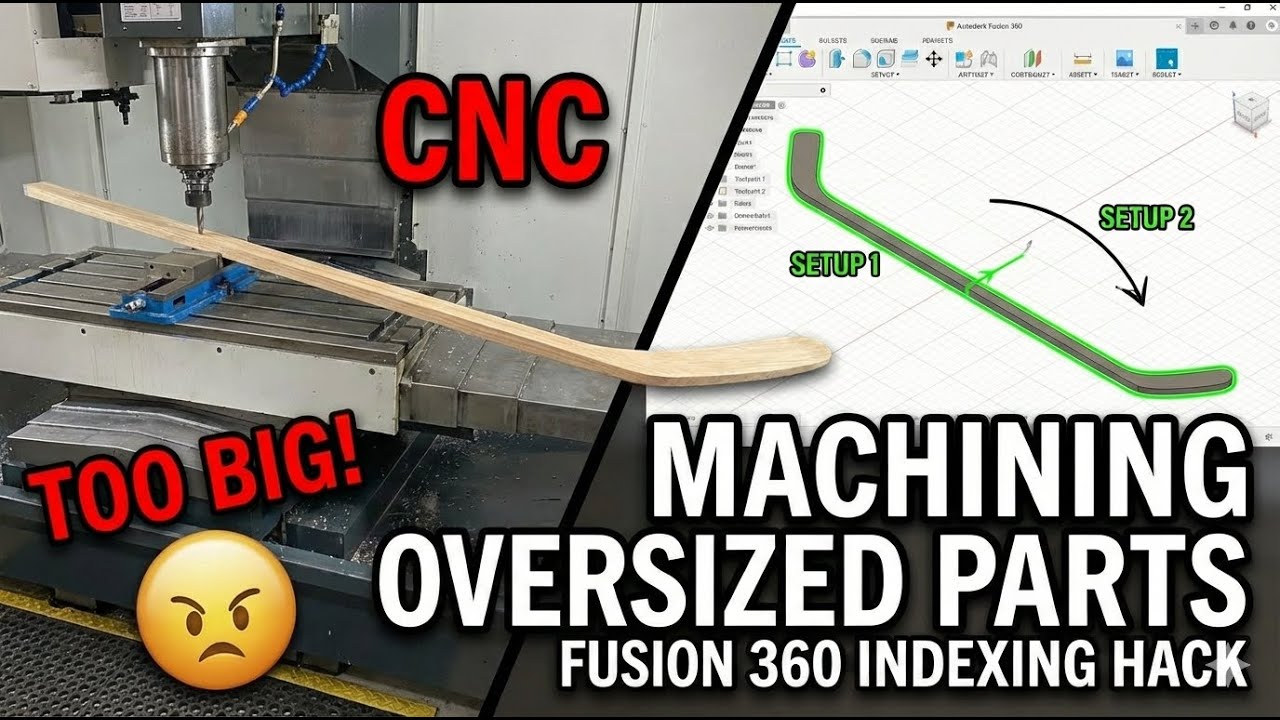
Is your part too big for your machine? No problem. In this tutorial, we’re breaking down the "Indexing" workflow in Autodesk Fusion. We’ll show you exactly how to machine parts that exceed your CNC’s physical travel by splitting the project into manageable stages using multiple setups and toolpath boundaries.
Size shouldn't be the thing holding your projects back. Whether you’re making a long sign, a table leg, or a structural component, this "slide-and-lock" method is a game changer for small-shop productivity.
🛠️ What We’re Covering:
The Strategy: Understanding the "overlap" and why registration points (pins) are your best friends.
Boundary Control: How to use Silhouette and Selection boundaries to trim toolpaths so they don’t "air cut" or crash into your clamps.
Multiple Setups: Setting up Work Coordinate Systems (WCS) for Setup 1, Setup 2, and beyond.
The Shift: Tips for physically moving your part with precision so your seams are invisible.
Join this channel to get access to perks:
/ @jitcadcam
In this video Fusion Phil shows you how to use Fusion 360
Buy me a beer
https://www.jitcadcam.com/products/bu...
Website
www.jitcadcam.com
Email
Info@jitcadcam.com
Phone Number
1-833-869-3328
Support Email
support@jitcadcam.zohodesk.com
Discord Server
/ discord
LinkTree
linktr.ee/jitcadcam
Доступные форматы для скачивания:
Скачать видео mp4
-
Информация по загрузке: