Tiling & Preprocessing Large-Scale Sentinel-2 Imagery for Deep Learning | Advanced Geospatial AI
Автор: Dr. Azad Rasul
Загружено: 2025-09-15
Просмотров: 134
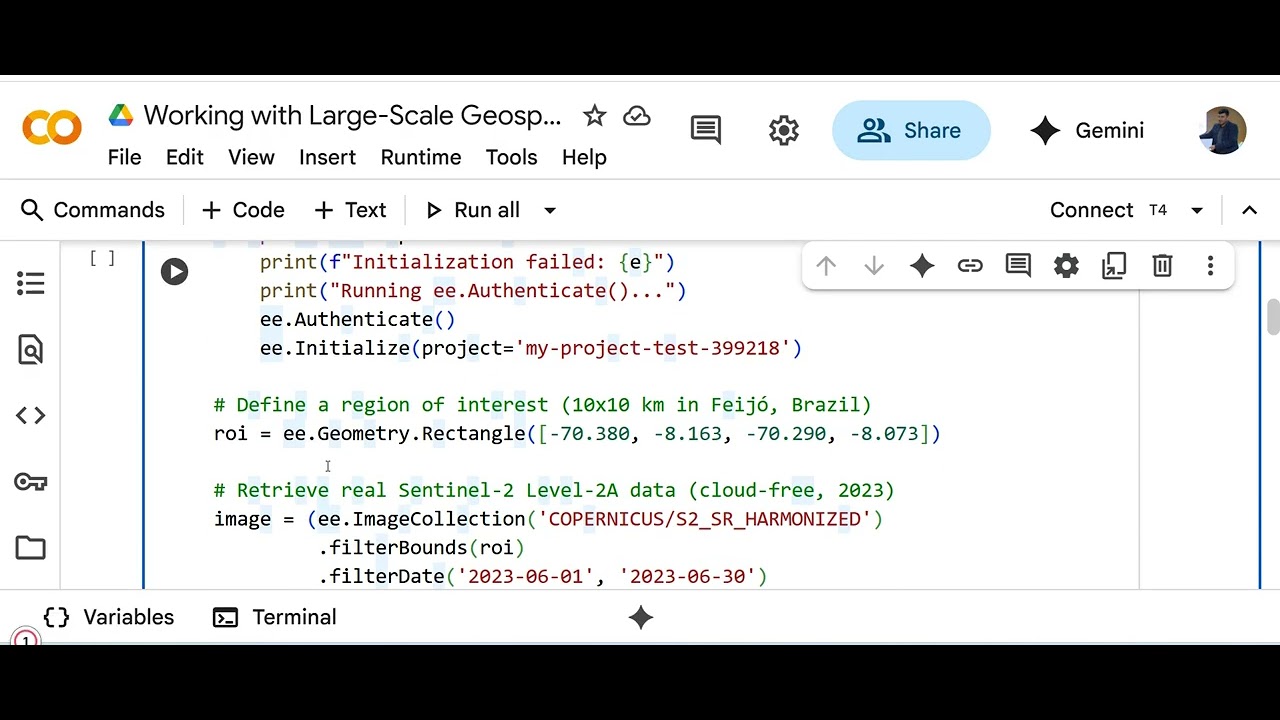
Welcome to this new lecture of Advanced Geospatial AI: Deep Learning for Satellite Imagery Analysis! In this hands-on tutorial, we dive into managing large-scale geospatial data by tiling a 10x10 km Sentinel-2 image into 16 patches (256x256 pixels), normalizing them, and applying augmentation for CNN training. Building on Lecture 7’s single-patch preprocessing, we scale up to process all tiles in Google Colab, preparing them for models like ResNet-18 (from Lecture 4). What You’ll Learn: How to tile a large Sentinel-2 image using Google Earth Engine and NumPy.
Normalizing 16 tiles to stabilize CNN training.
Applying minimal augmentation (horizontal flip) to boost data diversity.
Overcoming memory constraints for large-scale geospatial data.
Demo Highlights:
We use a Sentinel-2 Level-2A image from Feijó, Brazil (June 2023), tiling it into 16 patches, normalizing to 0–1, and augmenting with albumentations. Check out the output: Image ID: COPERNICUS/S2_SR_HARMONIZED/20230618T145729_20230618T145819_T19MCM
Tile Shape: (4, 256, 256) for 16 tiles
Sample Values: First tile [0.0265, 0.0444, 0.0265, 0.3413], Last tile [0.0174, 0.0296, 0.018, 0.2646]
Next Steps: Run the notebook in Colab to tile and preprocess your own Sentinel-2 image.
Complete the assignment: Extract 16 tiles from a new ROI and share your results in the comments!
Let’s Connect:
What land cover patterns did you find in your tiles? Drop your normalized pixel values or questions below! Don’t forget to like, subscribe, and hit the bell for more geospatial AI tutorials. #GeospatialAI #DeepLearning #Sentinel2 #SatelliteImagery #CNN #GoogleEarthEngine #DataScience #RemoteSensing
Доступные форматы для скачивания:
Скачать видео mp4
-
Информация по загрузке: