Curve to Mesh in Reverse - Blender Geometry Nodes
Автор: LooseEdges
Загружено: 2025-05-20
Просмотров: 820
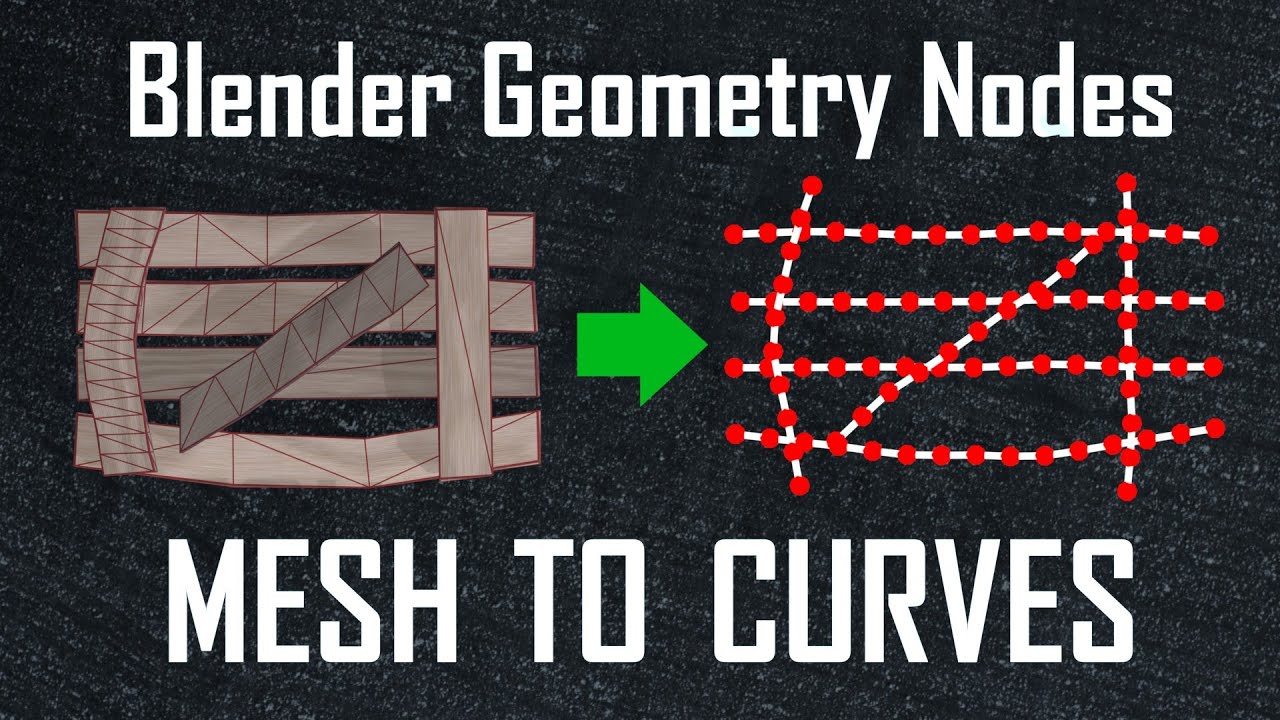
You've likely seen or used the Curve to Mesh node to create everything from pipes and ropes to beams and planks in geometry nodes. But have you seen it done in reverse?
For more about me, check out my website:
https://danielhickox.com
Join the LooseEdges Discord Server:
/ discord
My tools can be purchased from these links:
https://superhivemarket.com/creators/...
https://danielhickox.gumroad.com/
============CHAPTERS=============
0:00 intro
1:38 node overview
2:33 steps overview
4:54 create random edges
7:18 filter out short edges
9:05 filter reversed edges
12:50 calculate avg direction
15:10 fit curve to mesh
21:15 final thoughts
====================================
I have made a number of tools for Blender:
DJH Geometry Node Assets
Since their addition to Blender I have been gradually making and incorporating procedural tools into my workflows. With the addition of the Asset Browser and Geometry Node Assets, --and mostly to end the endless pain of browsing and appending--I began organizing my best nodes into an asset collection. This project is the result of that effort and currently contains 65 modifiers/nodes that are generally aimed at reusability and versatility.
TerraNode - Node-Based Terrain Modifiers
When making terrain, I often want to place details where I find them important, but I usually do not want to take the time to sculpt every little mound and rivulet . . . To marry those two contradictory facts, I made the TerraNode modifiers.
Strands: A GeoNodes Library
Do you ever add ropes, chains, wires, or other long thin and flexible objects to your scenes? Strands is a GeoNode Asset Library, containing a set of modular modifiers to help you do exactly that. The modifiers assist with placing curves in your scene, appending additional details to them, and meshing those curves into ropes, braids, or chains.
Petrify: A GeoNodes Library
Petrify is a library of tools designed to help you make rocks. Whether you want a bunch of small rocks to scatter across your scene, a few large rocks to feature in a landscape, or one 'hero' rock to sculpt on, the Petrify library should have some tools that will help you.
Bake Batcher - Collection Based Baking
Because I got fed up with manually setting up each bake, editing dozens of settings, painstakingly selecting objects, baking each map separately, saving each image, and fifty other frustrations, I made DJH Bake Batcher. An addon that makes baking standard PBR assets feel more like pressing F12 to render a scene, and less like a marathon of details. Bake Batcher removes headaches by sacrificing the flexibility of customizing a ton of settings, for the speed and convenience of baking in a single click.
Доступные форматы для скачивания:
Скачать видео mp4
-
Информация по загрузке: