Z Axis Dual Synchronous Belt Upgrade Installation Guide
Автор: TBSTRON3D
Загружено: 2024-04-30
Просмотров: 3180
You professional Upgrade Supplier.
Product link:
Neptune 3 Plus :https://strong3d.myshopify.com/produc...
Neptune 3 MAX : https://strong3d.myshopify.com/produc...
Neptune 4 Plus :https://strong3d.myshopify.com/produc...
Neptune 4 MAX : https://strong3d.myshopify.com/produc...
Download link for the STL files used in the video : https://www.thingiverse.com/thing:663...
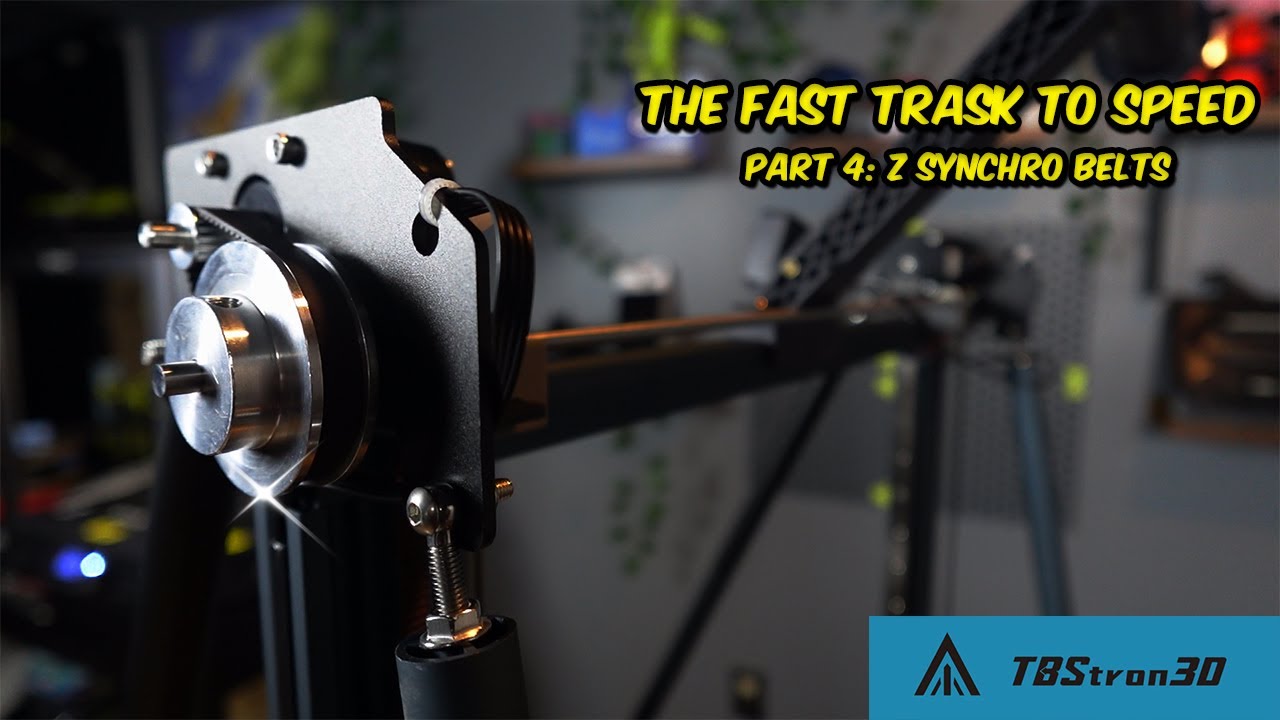
Z-Axis Dual Synchronous Belt Upgrade Installation Guide
Note: This upgrade kit is intended for installation after the Z-axis linear rail kit has been installed on the machine and is not directly applicable to the original equipment. The installation method applies to machines such as Neptune 3 Plus, Neptune 3 MAX, Neptune 4 Plus, and Neptune 4 MAX that have been upgraded with our designed Z-axis linear rail kit. This video omits some simple steps, such as removing the material rack and material break detection switch, and disconnecting the LED wires. If the operations on the left and right sides are the same, only one side is filmed. During actual installation, please operate after shutting down and disconnecting the power cord, and pay attention to the above matters.
1.Remove the upper and lower screws of the diagonal brace and remove the diagonal brace.
2.Remove the fixing screws on the gantry and remove the fixed plate on the lead screw.
3.Take off the profile on the Z-axis.
4.Loosen the machine screws of the synchronous pulley and remove the synchronous pulley and synchronous belt.
5.Remove the screws fixing the cable.
6.Carefully disconnect the nozzle connection wire, X-axis limit switch wire, and X-axis motor wire.
7.Place an appropriate item under the X-axis profile.
8.Remove the screws of the lead screw fixing seat.
9.Carefully disconnect the cables of the Z-axis motor. Remove the screws fixing the cable holder on the motor.
10.Remove the motor mounting bracket from the profile.
11.Loosen the T-shaped nut and handwheel nut on the synchronous belt adjustment seat.
12.Fix the synchronous belt adjustment seat on the profile with M4*16 screws. Tighten the two screws below.
13.Install the upper bracket and upper profile on the Z-axis profile with original screws, but do not fully tighten the screws yet.
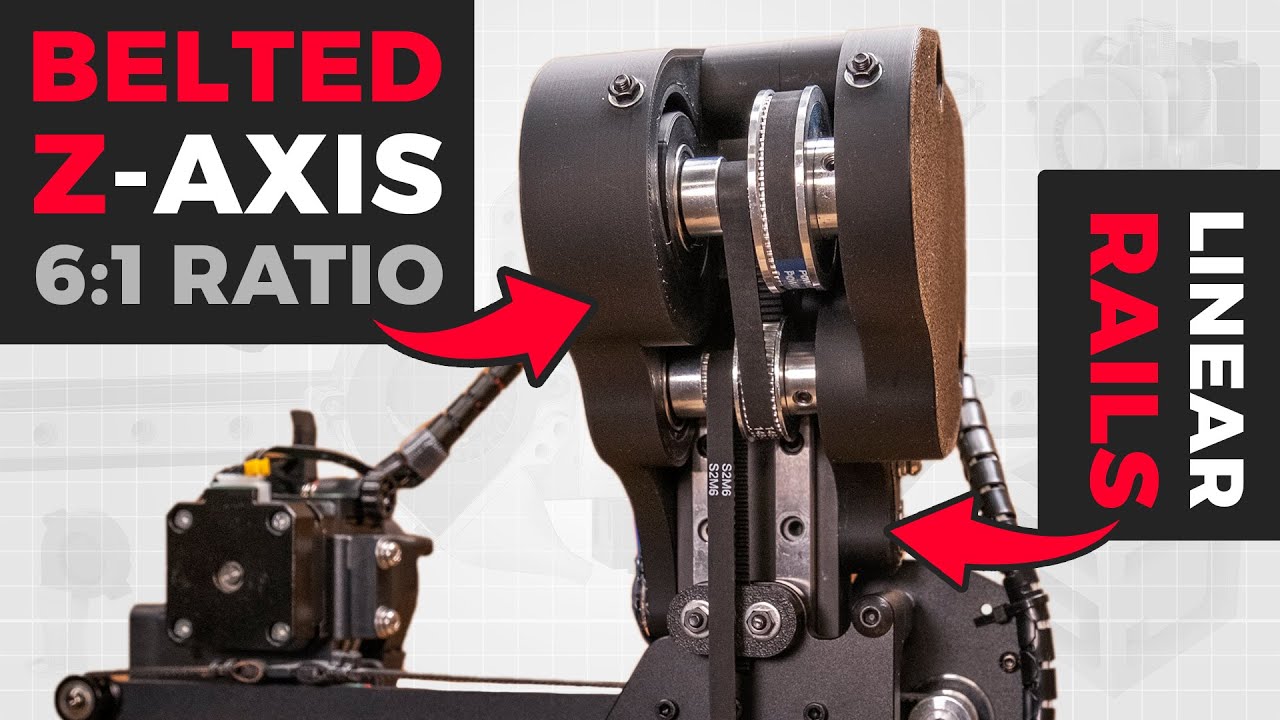
14.Pass the optical axis through the bearing of the upper bracket, then pass the isolating column, synchronous pulley, and bearing onto the optical axis in order. Leave a similar distance on both sides of the optical axis.
15.Tighten the screws fixing the upper bracket.
16.Loosen the screws of the coupling on the Z-axis motor and remove it.
17.Remove the plastic seat from the motor.
18.Fix the Z-axis motor on the upper bracket with M3*6 screws.
19.Place a short isolating column inside the optical axis. Fit the large and small synchronous pulleys and synchronous belt on the optical axis and motor.
20.Adjust the synchronous belt to the middle of the synchronous pulley and then tighten the machine screws on the synchronous pulley.
21.Tighten the screws fixing the motor.
22. Route the synchronous belt around the upper synchronous pulley through the hole in the upper bracket.
23. Route the synchronous belt around the lower synchronous pulley.
24. Secure both ends of the synchronous belt to the back plate.
25. Support the printed part with bearings and wedge it into the upper bracket.
26. Adjust the Z-axis synchronous belt to the appropriate tension.
27. The side with the screen is on the right. Plug the motor extension cable into the machine's motor cable.
28. Move the Z-axis up and down. Then tighten the machine screws on the upper synchronous pulley.
29. Tuck the motor extension cable into the profile slot and clamp the sealing strip on the profile.
30. Use tape to secure the cables.
31. Plug the other end of the motor extension cable into the motor.
32. Fix the original diagonal brace on the upper bracket with M4*16 screws and M4 nuts.
33. Fix the other end of the diagonal brace to the profile with original screws.
34. Connect the X-axis limit switch wire, X-axis motor wire, and nozzle wire.
35. Secure the printed part (STL file may be modified later) to the back plate. Hang the cables on the printed part.

Доступные форматы для скачивания:
Скачать видео mp4
-
Информация по загрузке: