Astrophotography Back Focus Aid Tool (Office 365 Required!)
Автор: Michael Benn
Загружено: 2021-07-07
Просмотров: 454
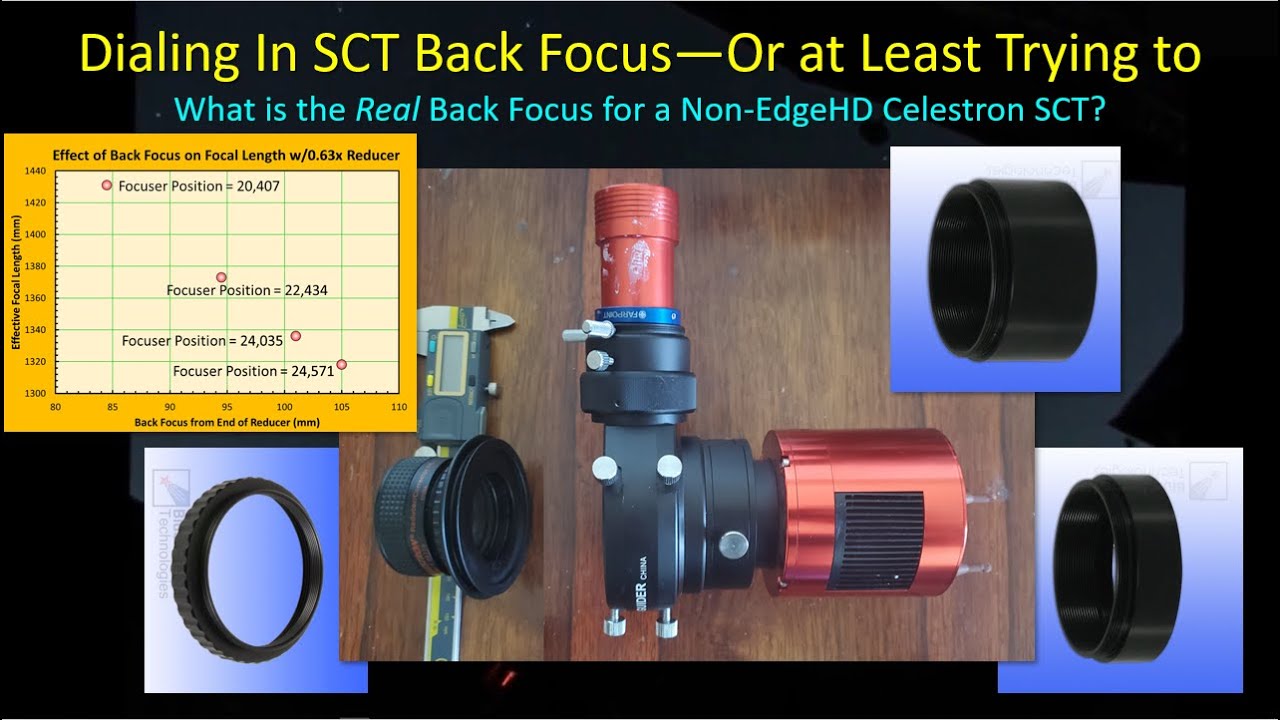
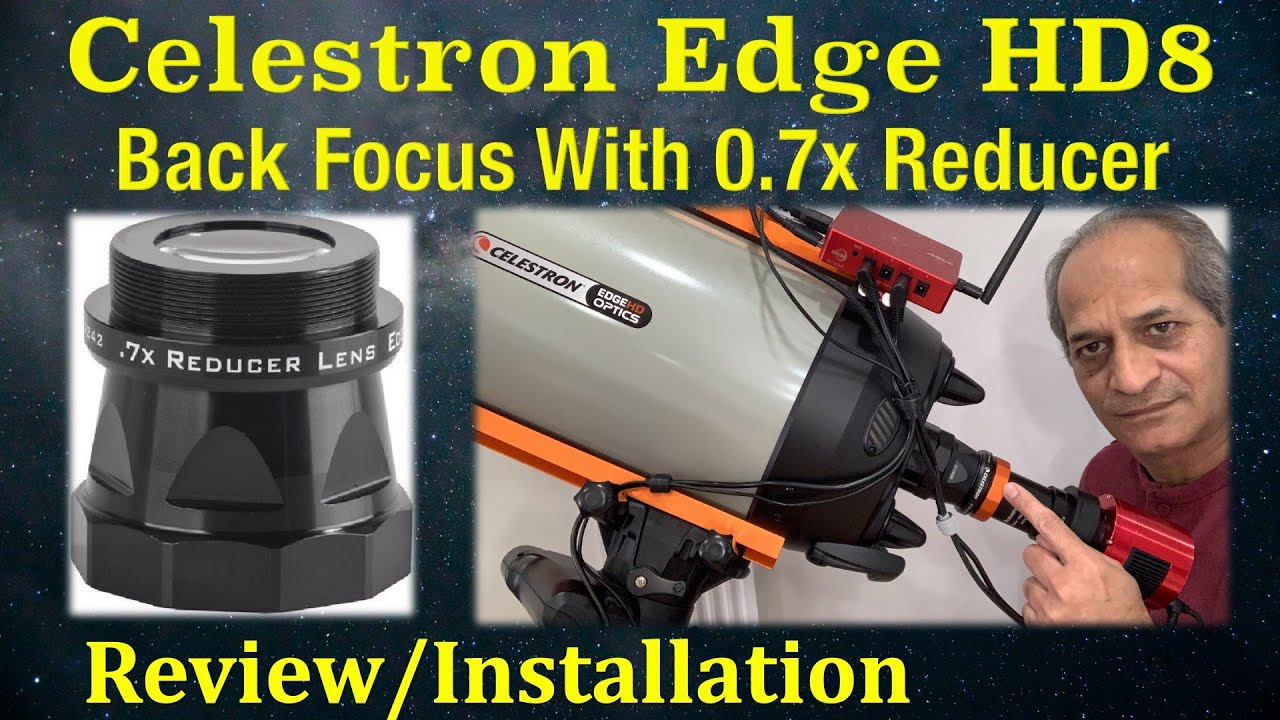
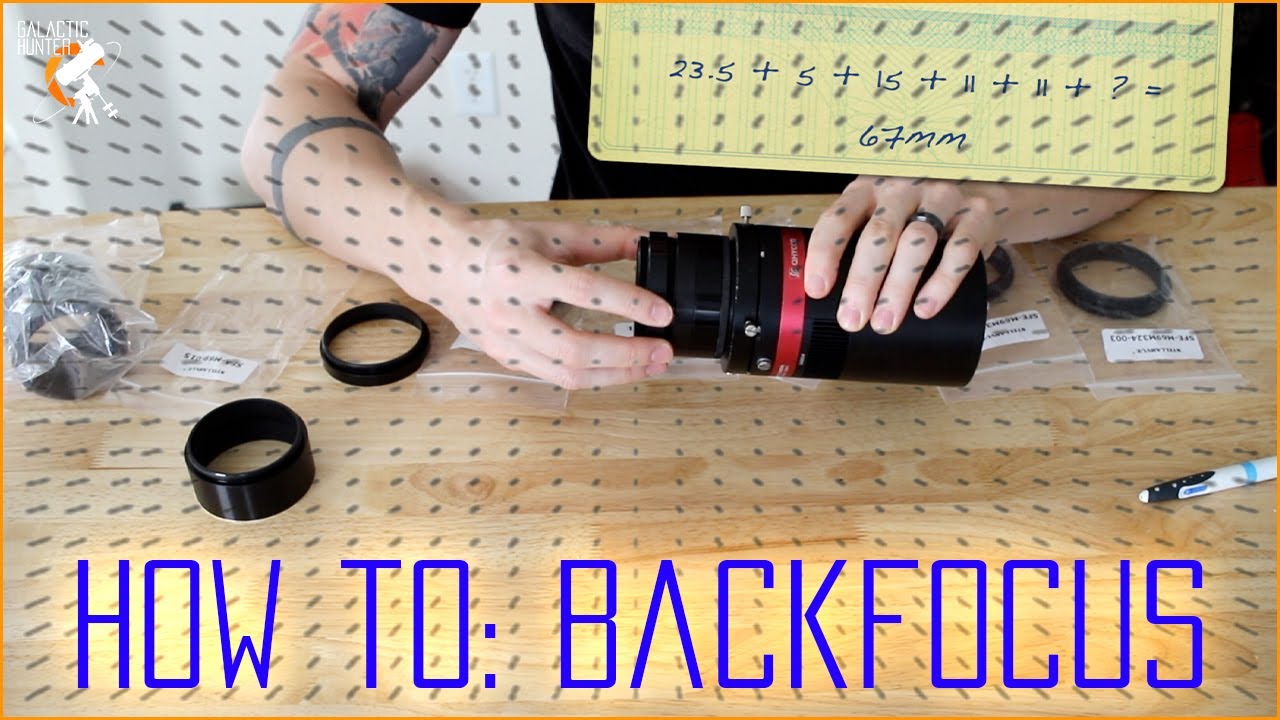
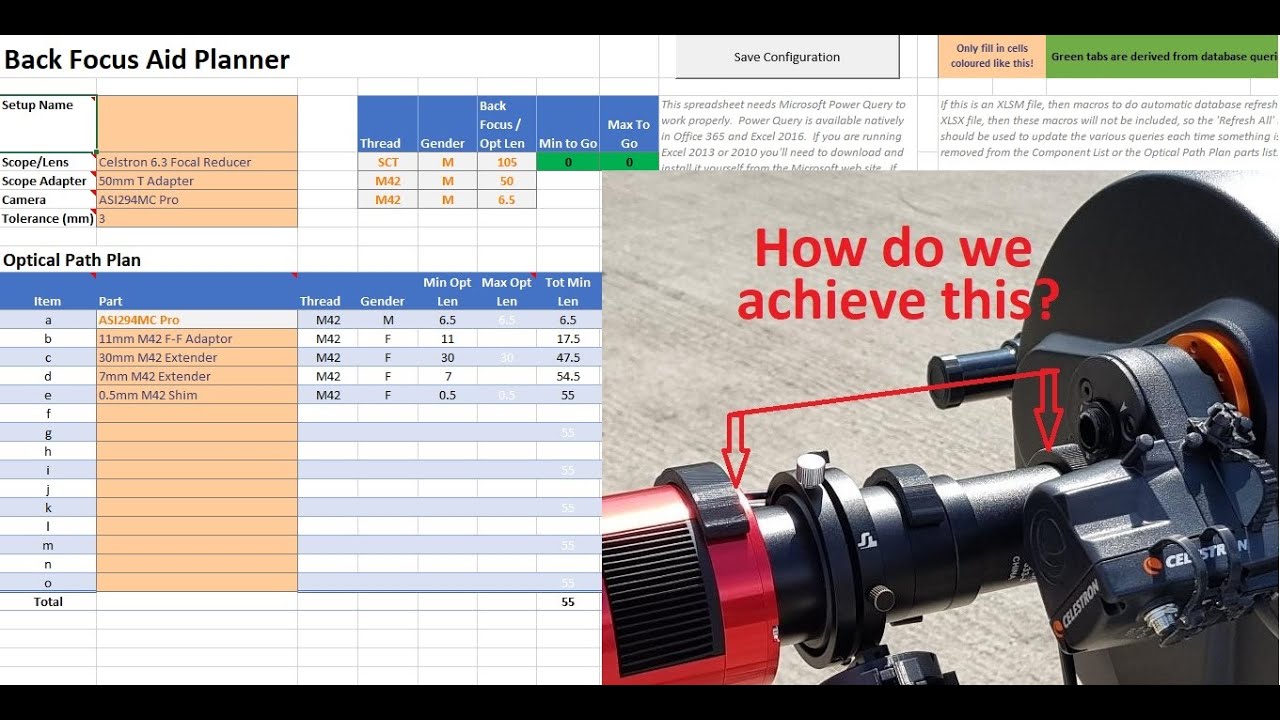
Getting the correct back focus is vital to getting the best out of your astrophotography sessions, but trying to work out which of the tens (or hundreds?) of extenders, gender changes and thread size adapters you possess that you need to use in order to achieve this can be a challenge, then you have to remember or write down each configuration so that you can easily assemble things before or during an astro session.
I've created a spreadsheet (which utiliss the the Excel FILTER function), in which you can catalogue your various 'scopes, cameras, extenders, adapters, etc., which then allows you to build a configuration out to get the exact (or closest to) back focus, helping out by only letting you choose the next item in the configuration that has an appropriate thread size and gender to connect to the previous one, but that also only shows you things that won't extend your back focus beyond what is needed for the 'scope or focal reducer you're using (within a user-defined tolerance). Sorry, but if you don't have Office 365 this spreadsheet won't work for you :-(
Unfortunately I found a couple of fairly major issues with the Excel workbook, so I've taken it off -line for the time being while I fix them. It'll be back soon and I'll do another video showing the updates. Sorry :-S
If you were able to download it, the following would be true:
You can follow the link to view the spreadsheet online, but it won't work, as the online view doesn't have the capabilites required. So, just go into the 'File' menu, click the 'Save As' option, then click the 'Download a Copy' option to download a copy to your PC, where you can play with to your heart's content. I have protected all of the cells that it's not sensible for people to fiddle with, but also provided the protection password (focusaid) so that people can unprotect everything and do what they wish with the spreadsheet. If you break your copy, please don't ask me to help you to fix it, just download a new copy and start bashing your components and configurations back in :-) I've included a list of all of my own components and a couple of sample configurations just to get you started.
Once you've developed a configuration, you can save it away to a seperate Excel sheet, then you can print it out, email it to yourself, or put in OneNote (which is what I do) so that you can easily set things up when you need to.
To work at its best the tool uses Excel macros, but I have only made it available as a straight Excel XLSX file (no macros enabled), but have included the macro code in text form if people want to use it and know how to convert the XLSX file into an XLSM one, and then know how to add the provided VBA to the appropriate places.
Feedback will be much appreciated :-)
Доступные форматы для скачивания:
Скачать видео mp4
-
Информация по загрузке: