Популярное

Музыка Кино и Анимация Автомобили Животные Спорт Путешествия Игры Юмор

Интересные видео

2025 Сериалы Трейлеры Новости Как сделать Видеоуроки Diy своими руками

Топ запросов

смотреть а4 schoolboy runaway турецкий сериал смотреть мультфильмы эдисон
dTub
Скачать

SITECH Siteworks Recording House Layout Points For Relayout

Автор: SITECH Intermountain

Загружено: 2023-05-19

Просмотров: 1979

Описание:

In this video, SITECH Intermountain will show you how to use SITECH Siteworks to record house layout points for relayout. This is a great way to save time and ensure that your layouts are accurate.


To get started, open SITECH Siteworks and create a new project. Then, select the "Layout" tool and click on the "Add Point" button.


Next, use the cursor to position the point where you want to create a layout point. Once you are happy with the location, click on the left mouse button to create the point.


Repeat these steps to create as many layout points as you need. Once you are finished, select the "Relayout" tool and click on the "Start Relayout" button.


SITECH Siteworks will now automatically generate a new layout based on the points that you have created. You can then review the layout and make any necessary adjustments.


Once you are happy with the layout, click on the "Finish Relayout" button. Your new layout will now be saved.


We hope this video was helpful. Please let us know if you have any questions.


Here are some additional tips for using SITECH Siteworks to record house layout points for relayout:


Use a laser level to ensure that your points are accurately placed.
Create a point for each corner of the house, as well as for any other important features, such as doors and windows.
Label each point with its corresponding location.
Save your layout points in a safe location so that you can access them later.


By following these tips, you can ensure that your house layouts are accurate and efficient.

SITECH Siteworks Recording House Layout Points For Relayout

Поделиться в:

Доступные форматы для скачивания:

Скачать видео mp4

  • Информация по загрузке:

Скачать аудио mp3

Похожие видео

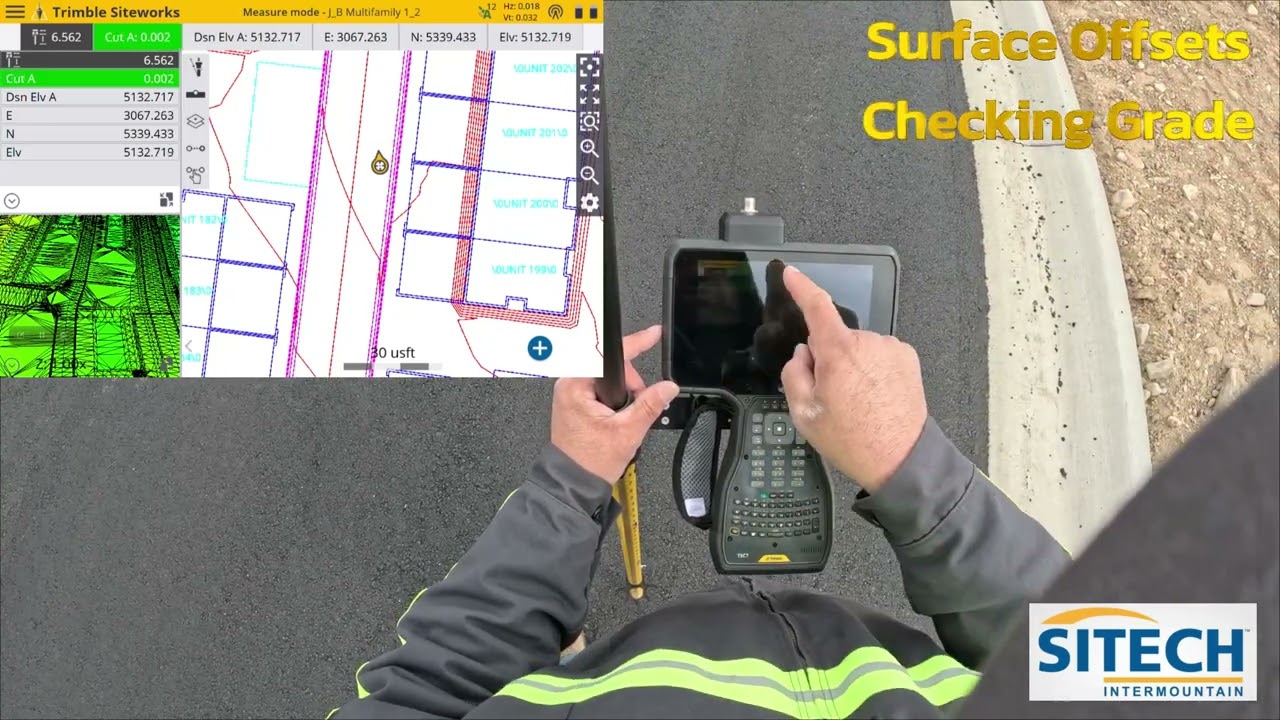
SITECH Siteworks Surface Offsets Checking Grade

SITECH Siteworks Surface Offsets Checking Grade

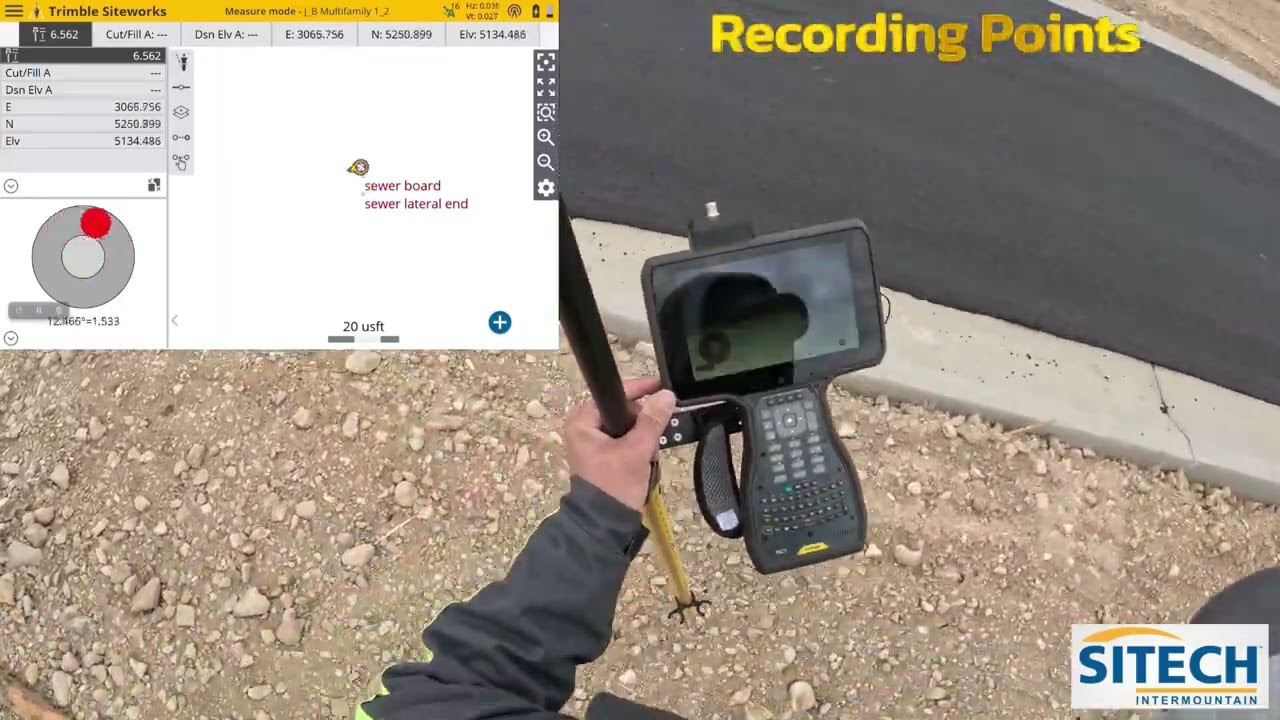
SITECH Siteworks Recording a Single Point

SITECH Siteworks Recording a Single Point

House design created on Trimble Siteworks

House design created on Trimble Siteworks

Использование лазера для установки труб ПНД.

Использование лазера для установки труб ПНД.

PPE & Basic Tools

PPE & Basic Tools

Siteworks Infield Design   UTS   Exported to Earthworks

Siteworks Infield Design UTS Exported to Earthworks

SITECH Anwendungsvideo: Trimble Siteworks Machine Guidance

SITECH Anwendungsvideo: Trimble Siteworks Machine Guidance

Парадокс ригеля и стропил

Парадокс ригеля и стропил

Survey Stakes and Markers

Survey Stakes and Markers

Siteworks House Layout and Model off a PDF Plan Set No Linework

Siteworks House Layout and Model off a PDF Plan Set No Linework

Installing a Manhole - Nicollet County Ravine Stabilization Project

Installing a Manhole - Nicollet County Ravine Stabilization Project

GPS Site Setup Basics 2022

GPS Site Setup Basics 2022

Siteworks Resectioning Arbitrary   SPS930

Siteworks Resectioning Arbitrary SPS930

Как геодезист определяет границы вашего участка

Как геодезист определяет границы вашего участка

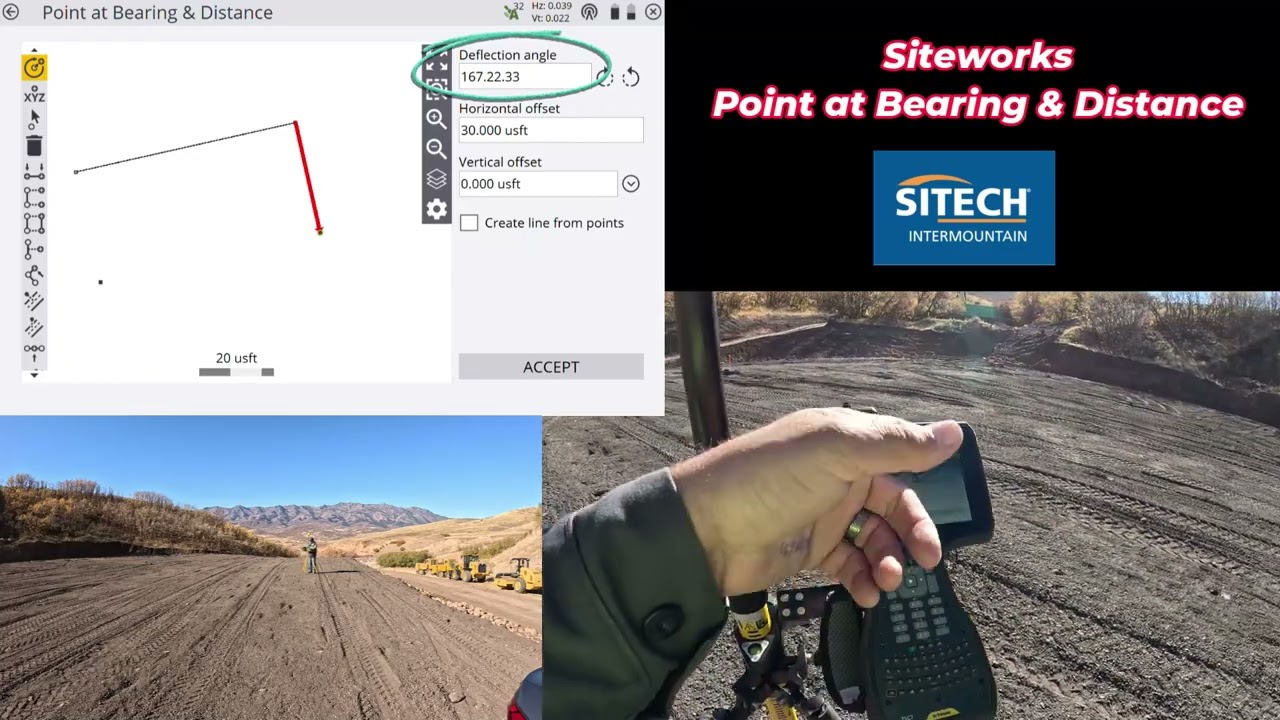
Siteworks - Point at Bearing & Distance - Manual Building Layout 1.73 Update.

Siteworks - Point at Bearing & Distance - Manual Building Layout 1.73 Update.

Почему железным дорогам не нужны деформационные швы

Почему железным дорогам не нужны деформационные швы

Выставка Роботов в США CES 2026: Новейшие роботы и Технологии Будущего

Выставка Роботов в США CES 2026: Новейшие роботы и Технологии Будущего

Почему опреснение воды так сложно?

Почему опреснение воды так сложно?

SITEWORKS FAQ:  Stake a Line

SITEWORKS FAQ: Stake a Line

Освоение As-Builts в строительстве

Освоение As-Builts в строительстве

© 2025 dtub. Все права защищены.


  • Контакты
  • О нас
  • Политика конфиденциальности


Контакты для правообладателей: infodtube@gmail.com